Give team leads a live view of agents and calls, with listen and barge, without handing them the admin login.
A supervisor is a login account with the Supervisor role. It gets one page, the supervisor panel. That page lists the agents of its client and the calls they're on, and it lets the supervisor listen to or barge into a call and force an agent out. It's meant for a team lead who shouldn't be able to edit campaigns, see billing or pull reports.
Prefer to watch? Tutorial 2: Agents, extensions and the agent panel. The screens show the ICTContact name because ICTCRM runs on it.
Create a supervisor account
Log in as admin (or as the client whose agents the supervisor will watch) and open Administration > User Management.
Click New User.
Fill in User Name. As admin, pick Owned By: the client whose agents this supervisor should see. The panel is scoped to that client, and a supervisor never sees another client's agents.
Set Status to Active and User Role to supervisor.
Enter Password and Retype Password. Pin Code is optional.
Under Personal Contact Info fill in Email (required), First Name, Last Name, Phone, Mobile, Street Address, Country. Under Locale Settings pick Timezone offset, Language and Theme.
Click Save. The user list shows Username, First Name, Last Name, Email, Company, Owner, Role and Status. The new row should say supervisor.
Rate Plan and Max Allowed Channels only appear on the form when billing is licensed, and only for a brand new user. They belong to the client, not the supervisor, so leave them as they are.
Log in
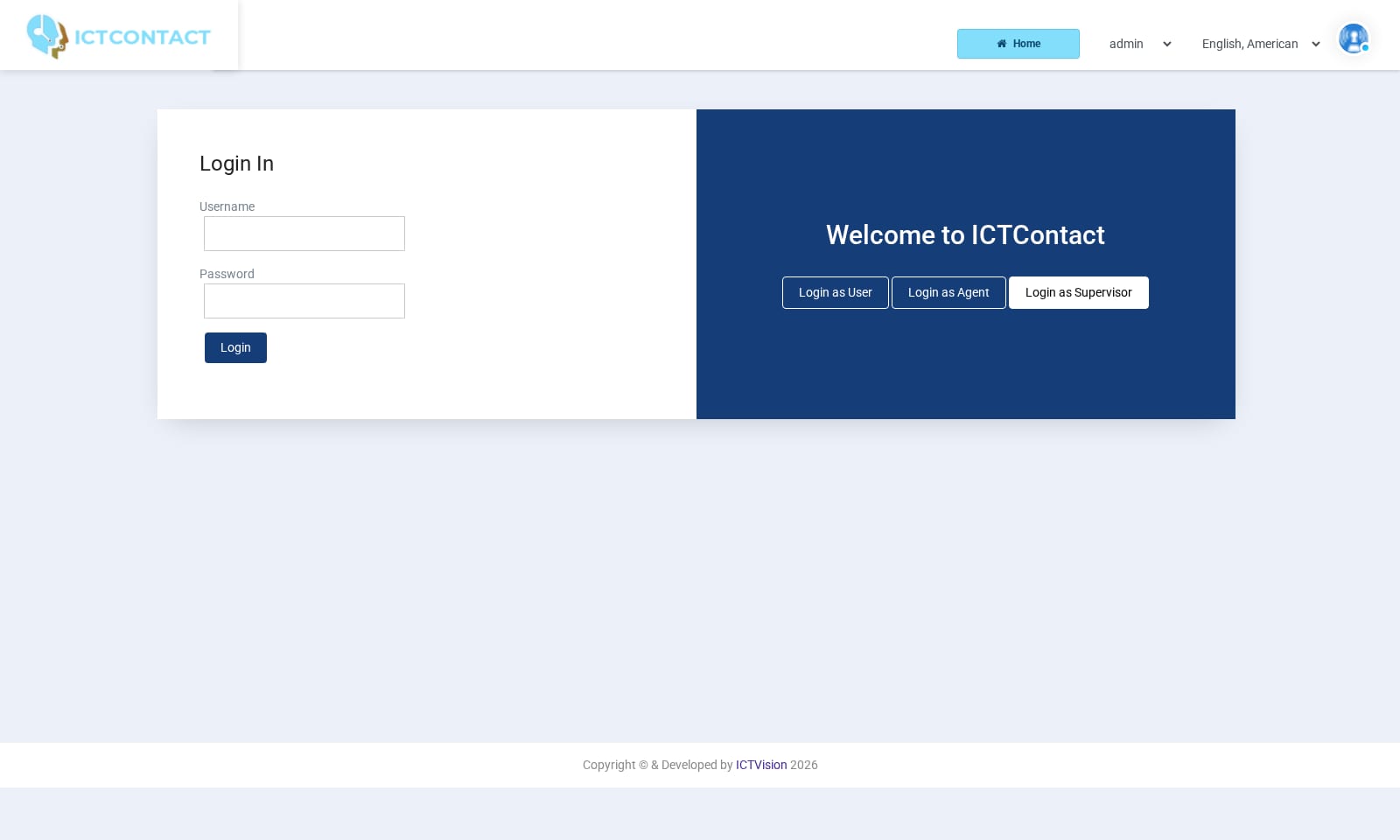
On the login page click Login as Supervisor. Enter the Username and Password you just created and click Login. You'll land on superpanel.php.The same username also works with Login as User, but then the account gets the normal portal with only the Dashboard entry in the menu. So always use the supervisor button.
What the panel shows
The page reloads itself every 5 seconds (the report refresh rate setting, 5000 ms by default). If you don't want to wait, use the Refresh button in the top bar. The header links to Profile and Logout.Agents table. There's one row per agent of the client who's logged in to the agent panel. Columns: Campaign (the campaign the agent has joined, blank if none), Agent, Extension, Status (Ready, or Not Ready with the break reason in brackets, for example Not Ready (lunch)), Duration (how long they've been in that status), Logged At, Login Age, Operations.Active Calls table. There's one row per call in progress for this client's campaigns. Columns: Contact Name, Agent Name, Phone, Status, Ring Time, Answer Time, Operations.
What a supervisor can do
Listen: on an answered call, click [Listen] to hear both sides without being heard. This needs the call listen permission, which the stock supervisor role has.
Barge: click [Barge] to join the call so both the agent and the customer hear you. It needs the call barge permission, which the role has.
End Monitoring: click [End Monitoring] to drop out of a call you're listening to or have barged into.
Force Logout: in the Agents table, click [Force Logout] to log an agent out of the queue. Use it when, say, their browser crashed and the queue still thinks they're available. It needs the extension update permission, which the role has.
See the Dashboard entry in the menu. It points back to this panel.
Listening and barging use the browser phone built into the page, so allow the browser to use audio when it asks. The stock role also carries the call whisper permission, but there's no whisper link on the panel on this build. The links are Listen, Barge and End Monitoring.
What a supervisor cannot do
Tell your team leads this up front so they don't go looking for it:
No [Hangup] link. The hangup action needs the campaign update permission. The supervisor role doesn't have it, so the link isn't shown.
No campaign editing. The role carries campaign list, start, stop, resume and status permissions, but the panel has no campaign controls and the menu has no Campaigns Management entry. In practice, supervisors don't start or stop campaigns.
No reports. No CDR, Overview, Disposition Report, Call Recording, Live Statistics or Agent Statistics.
No contact groups, leads, deals, quotes or invoices, no IVR or recordings, no billing, no gateways, no user or client management, no extension creation.
No view of other clients. The panel filters on the client the supervisor is owned by.
If a supervisor needs any of that, give them a second login with the user role, or ask the admin to extend the supervisor role's permissions.