
ICTCRM Screenshots
Every main screen, captured on the current build. ICTCRM runs on ICTContact, so that's the logo you'll see. Click any image for the full size.
The CRM
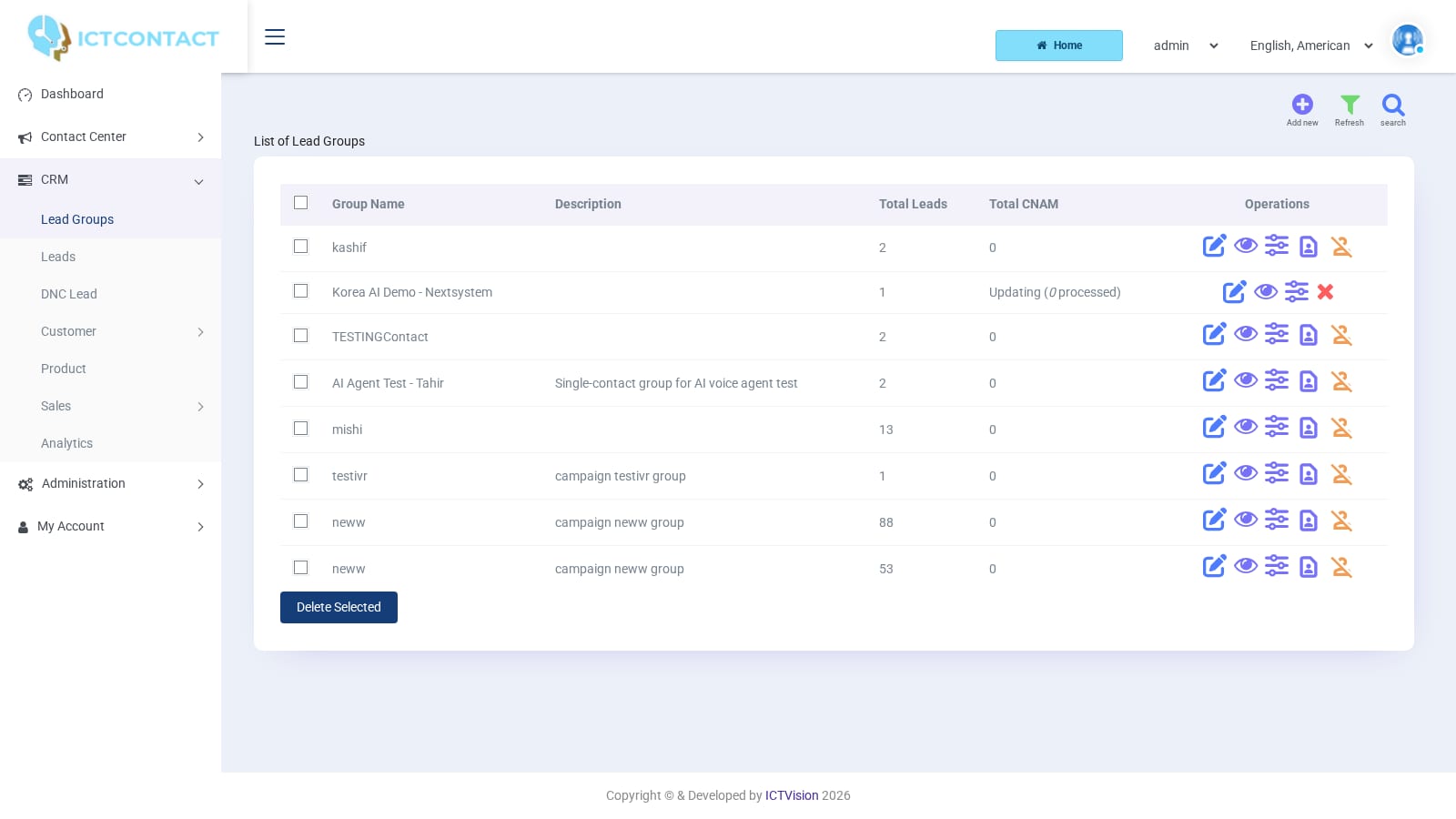 Lead Groups
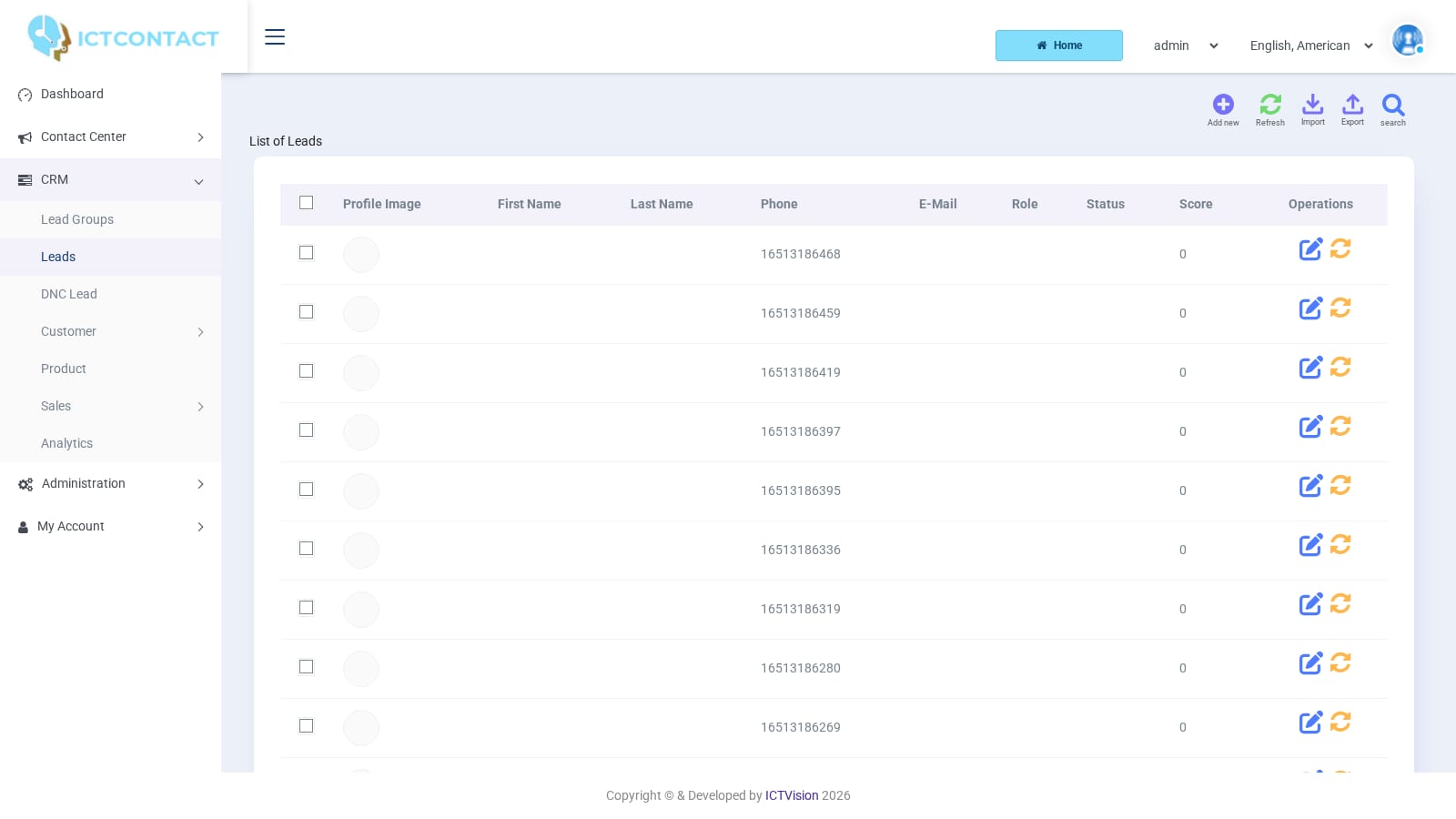 Leads with the score column
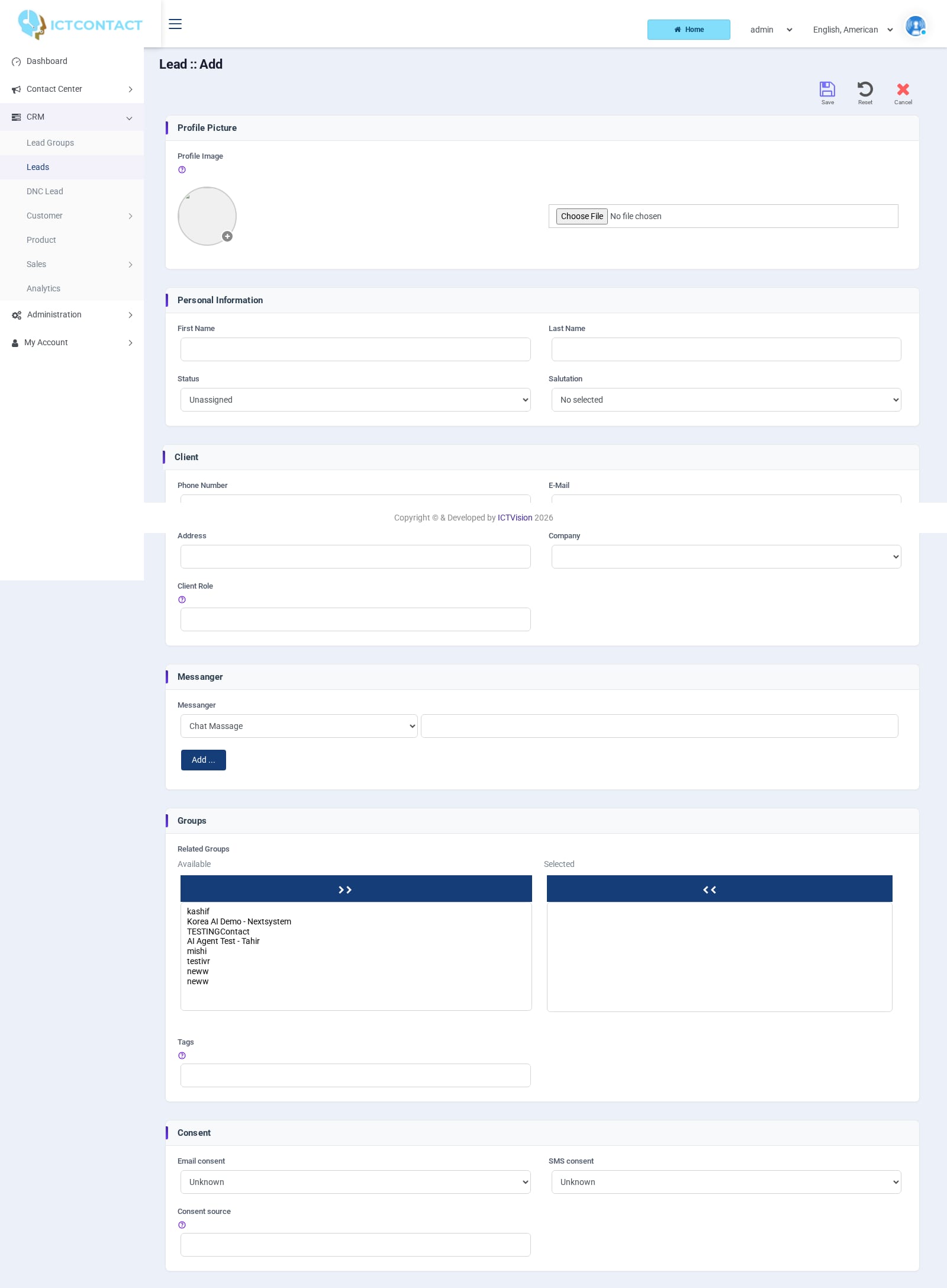 Adding a lead
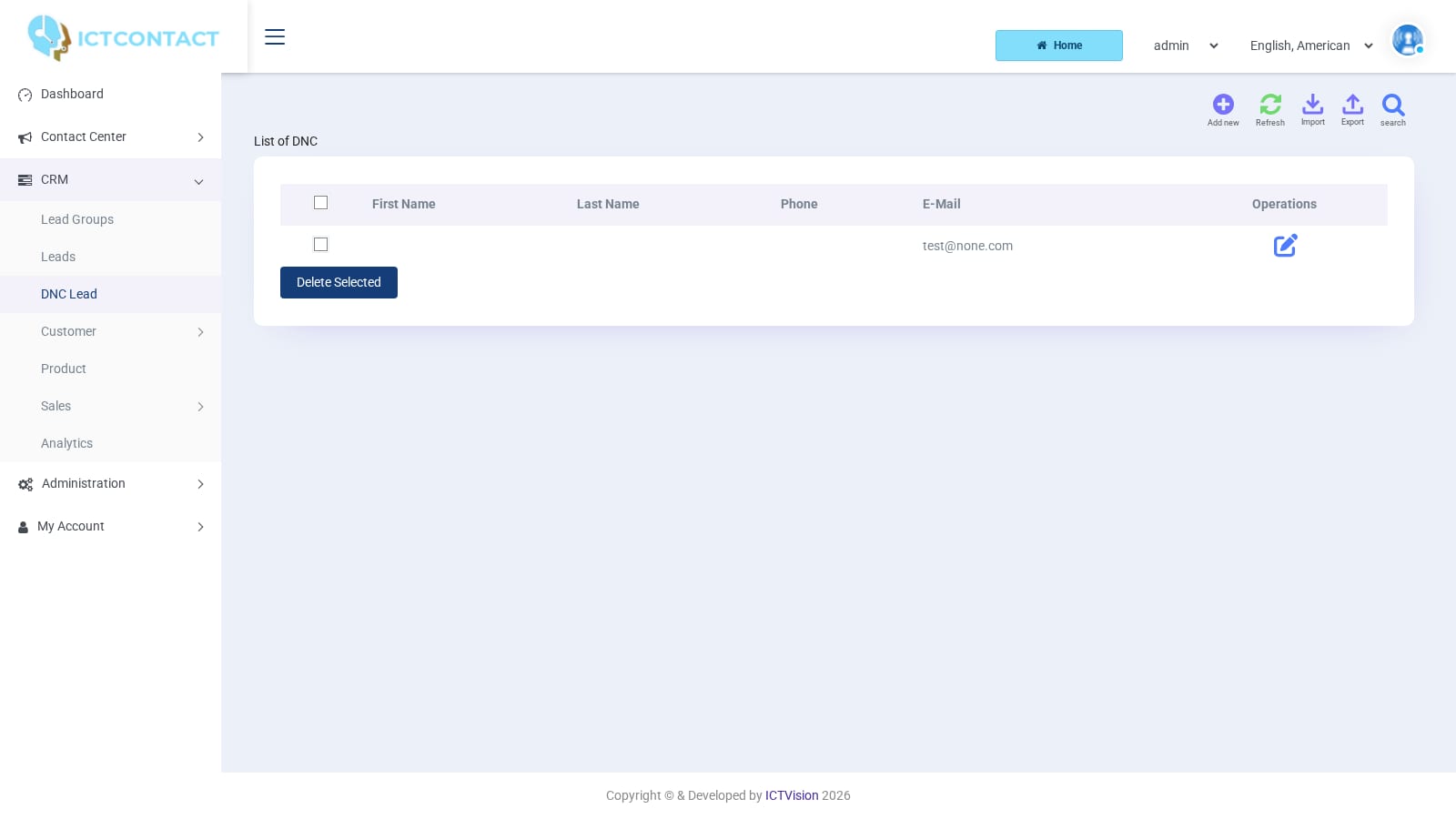 DNC Lead list
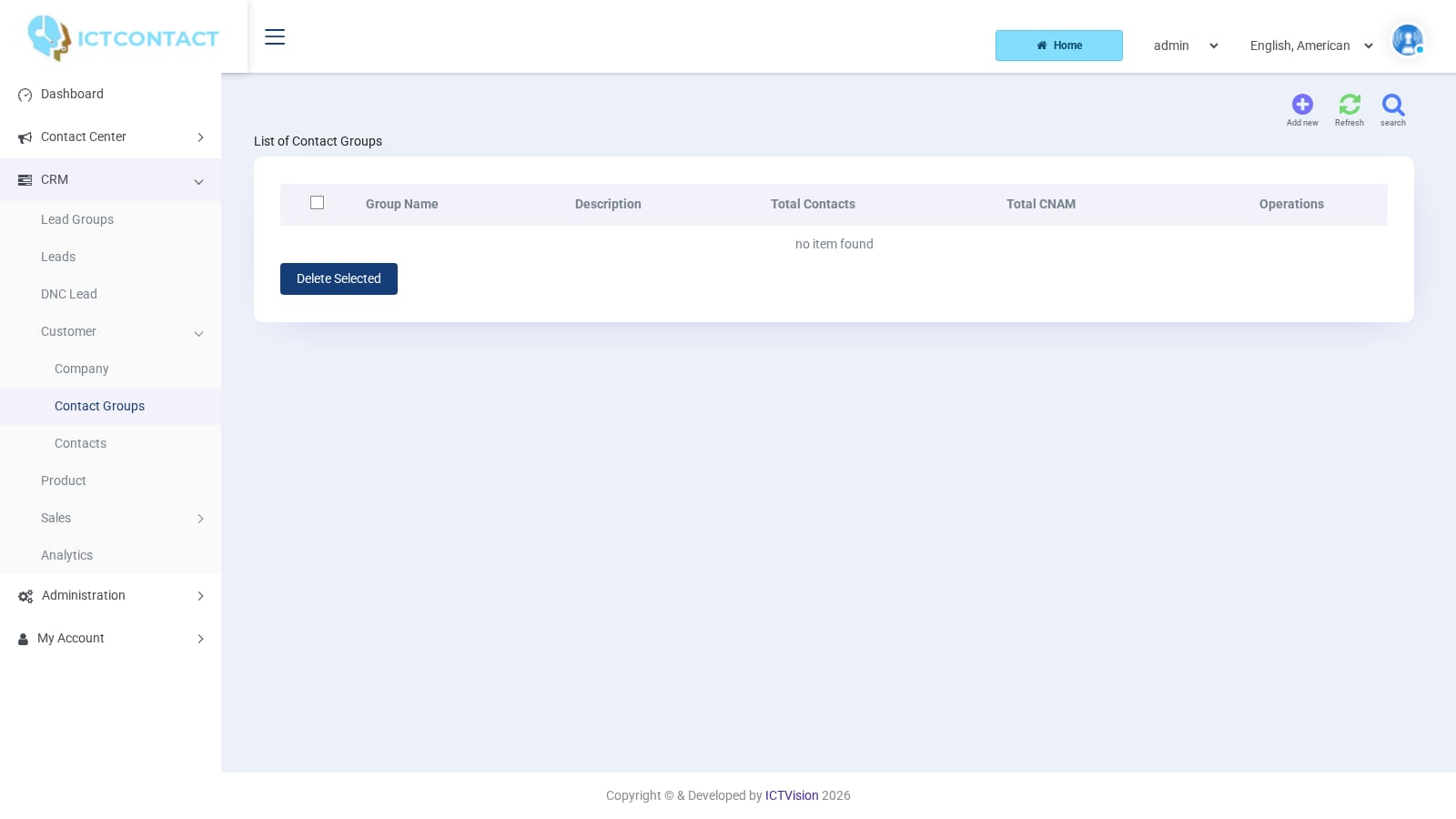 Contact Groups
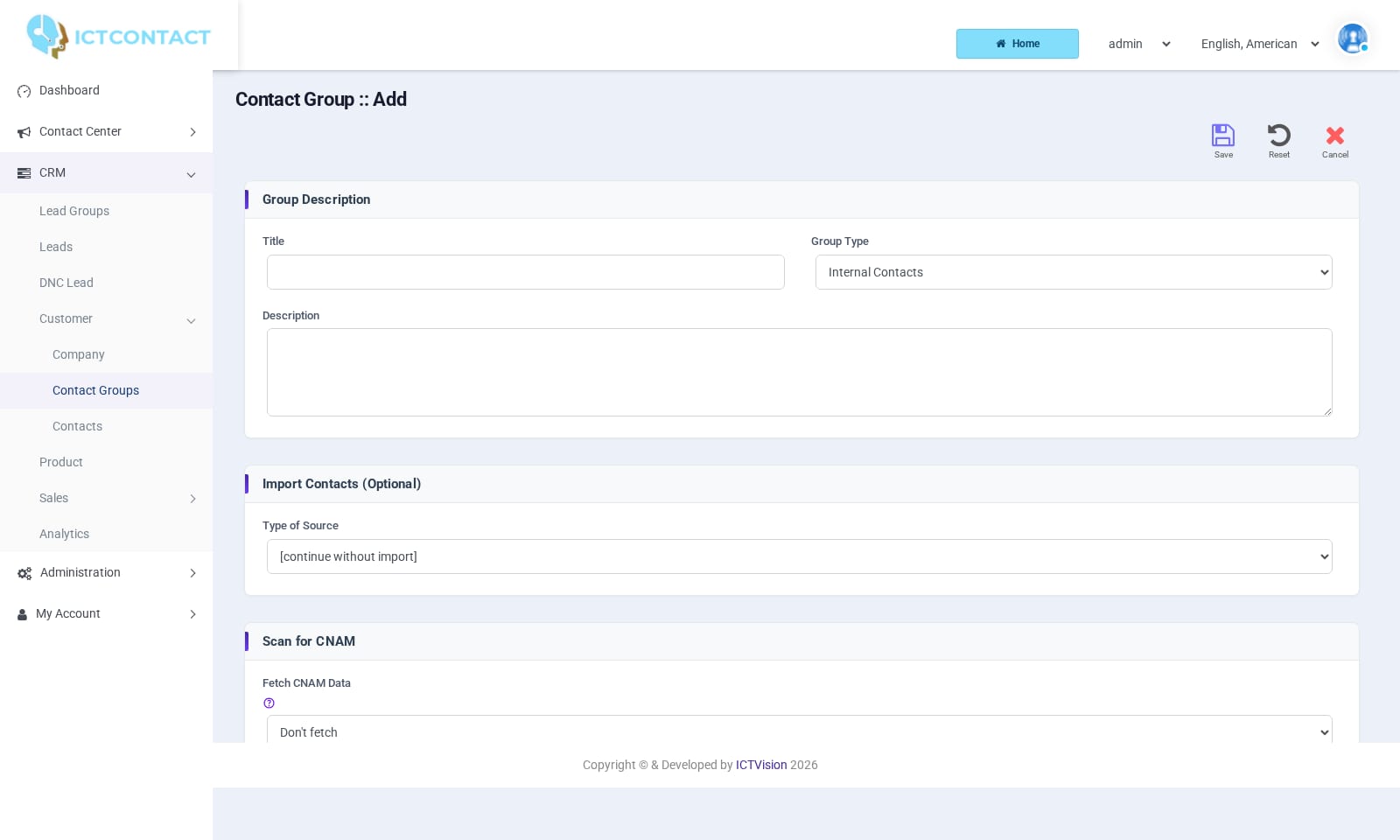 Adding a contact group
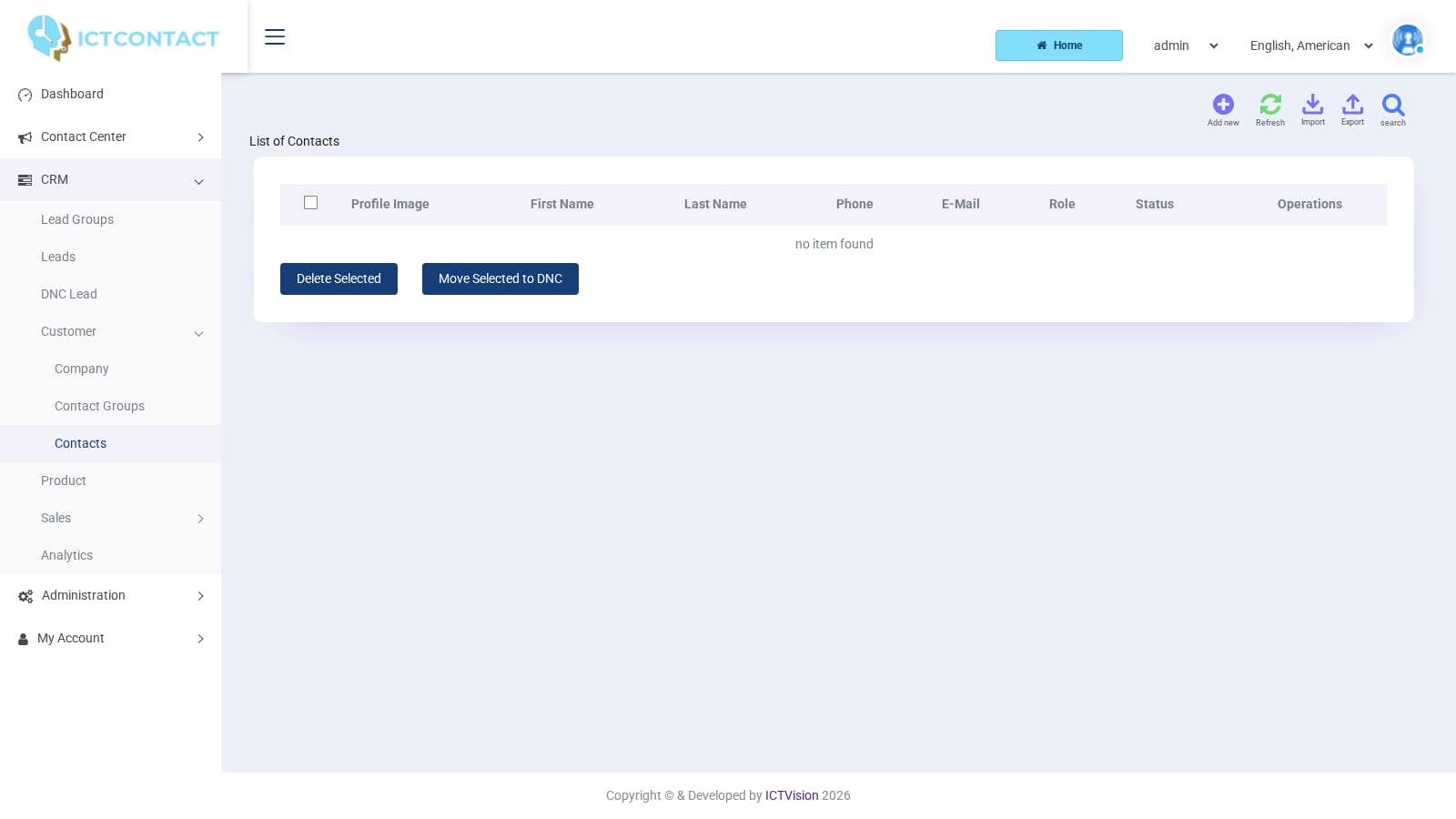 Contacts
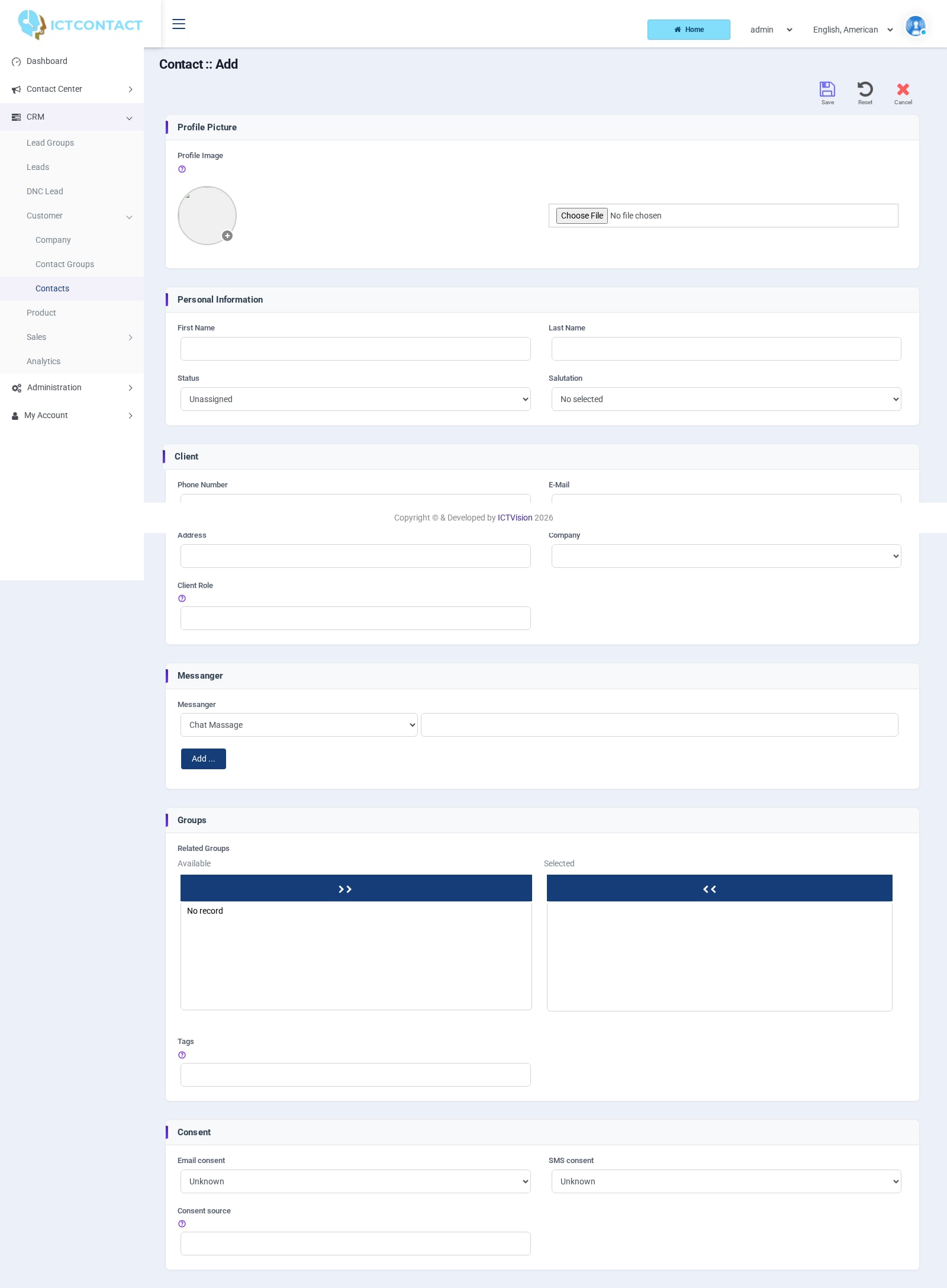 Adding a contact
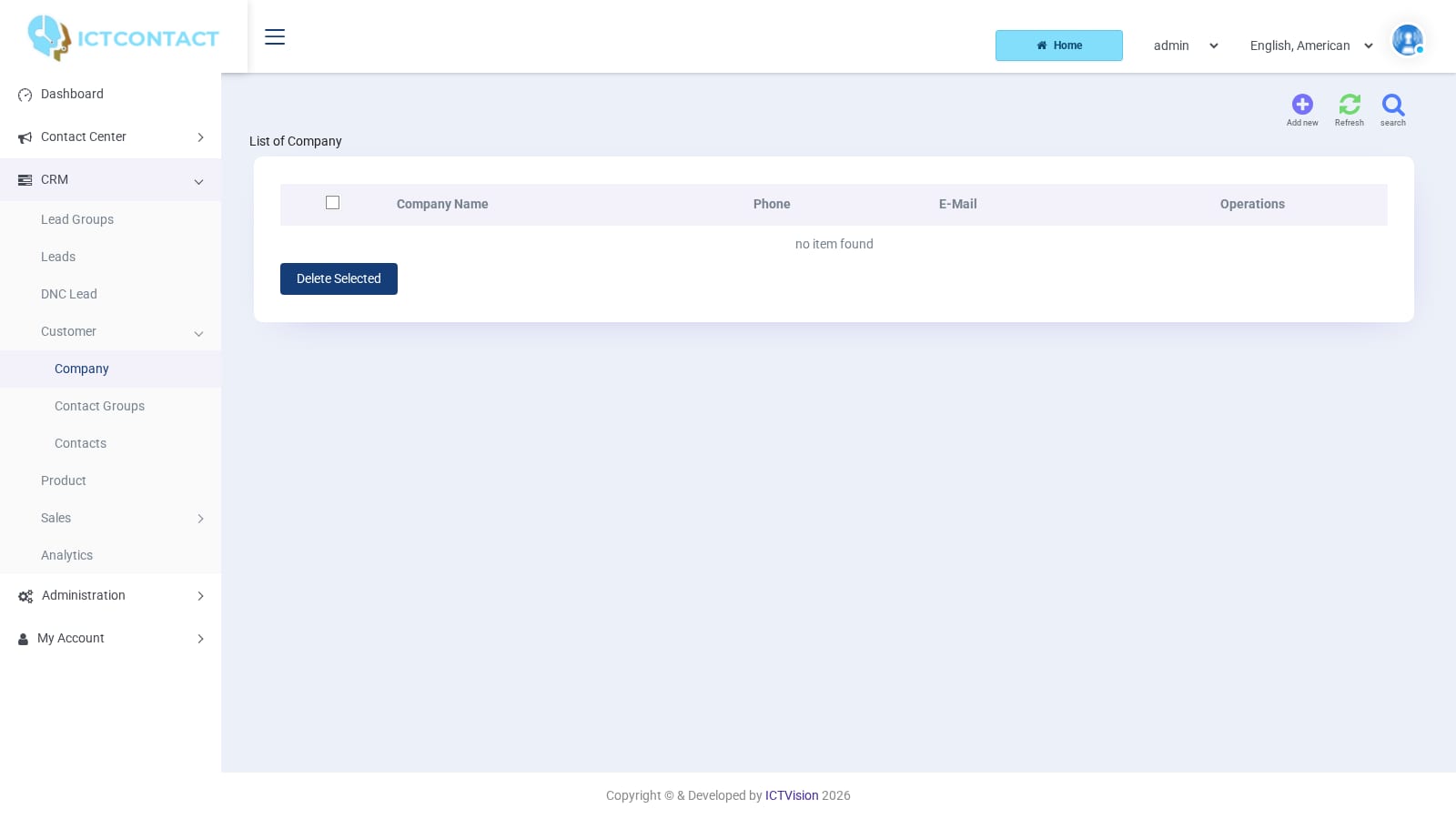 Companies
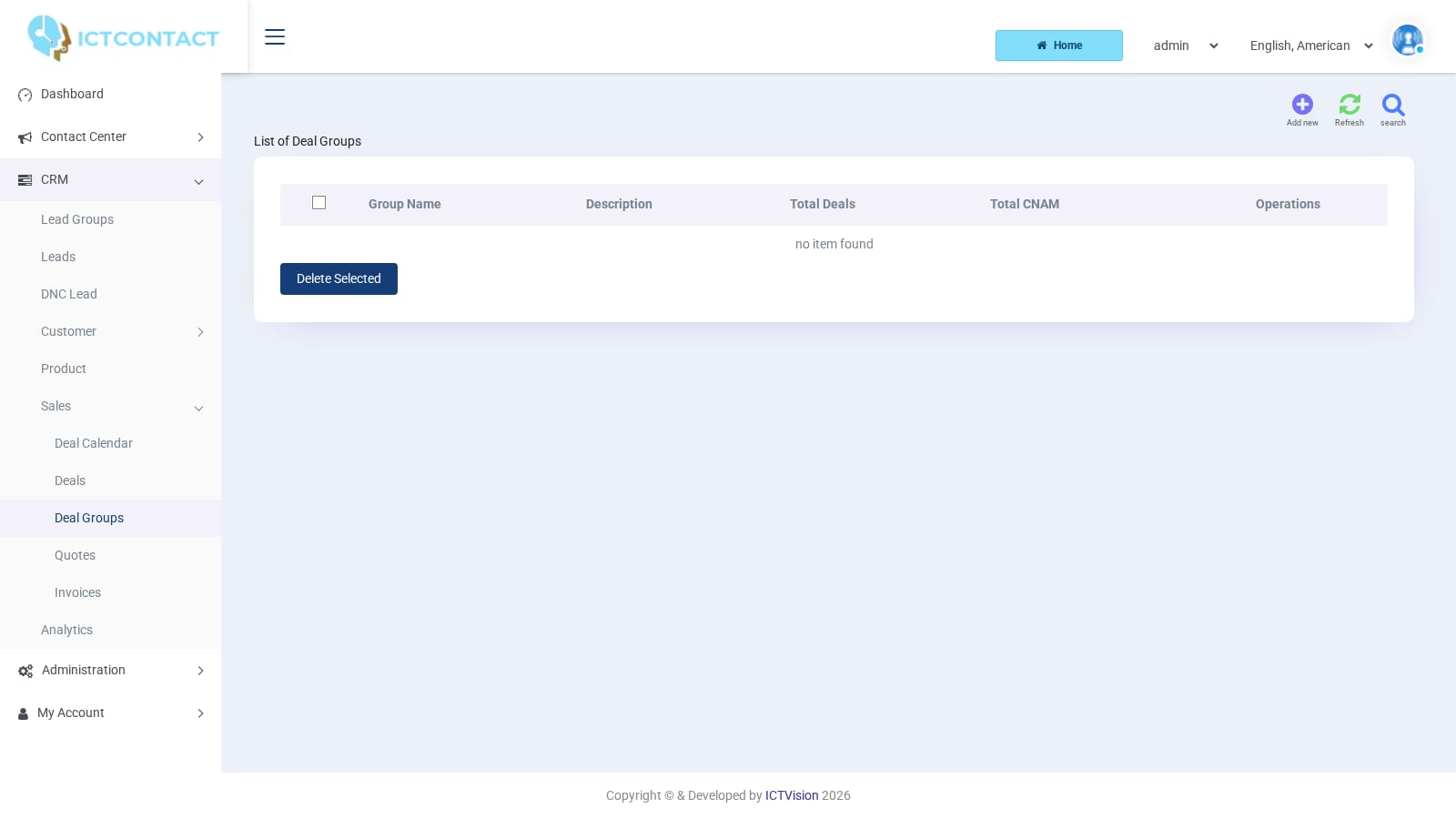 Deal Groups
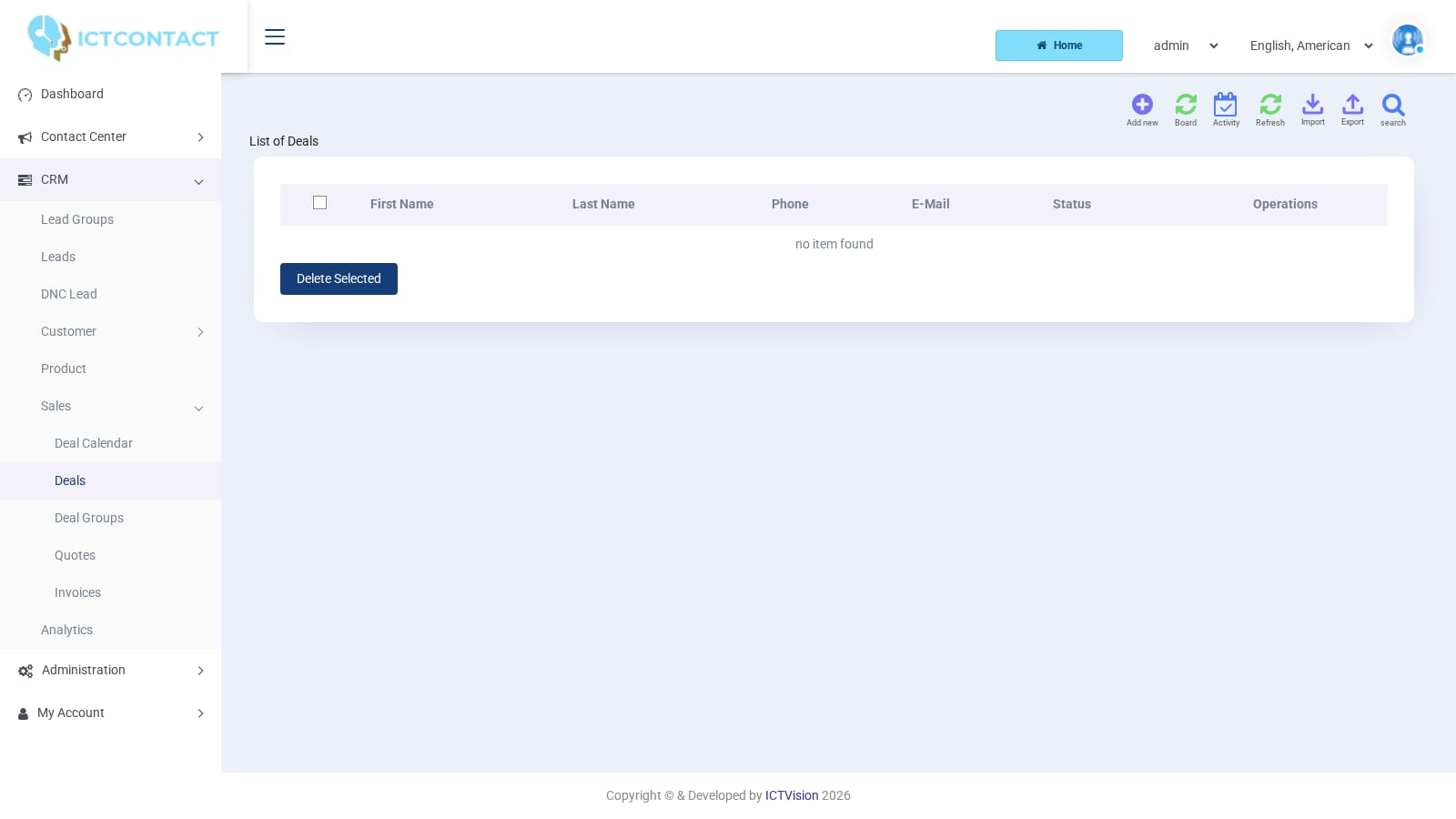 Deals
Deals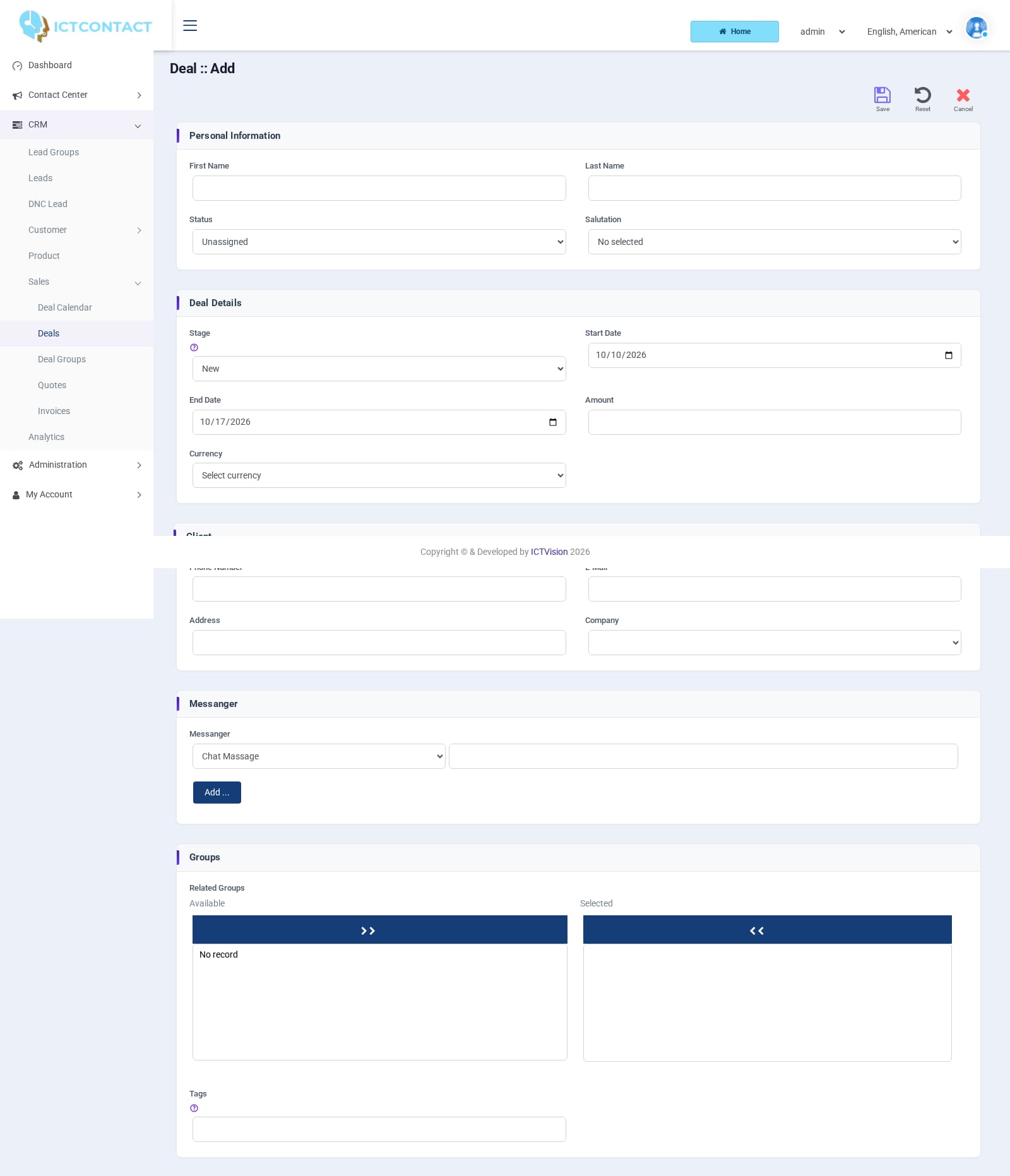 Adding a deal
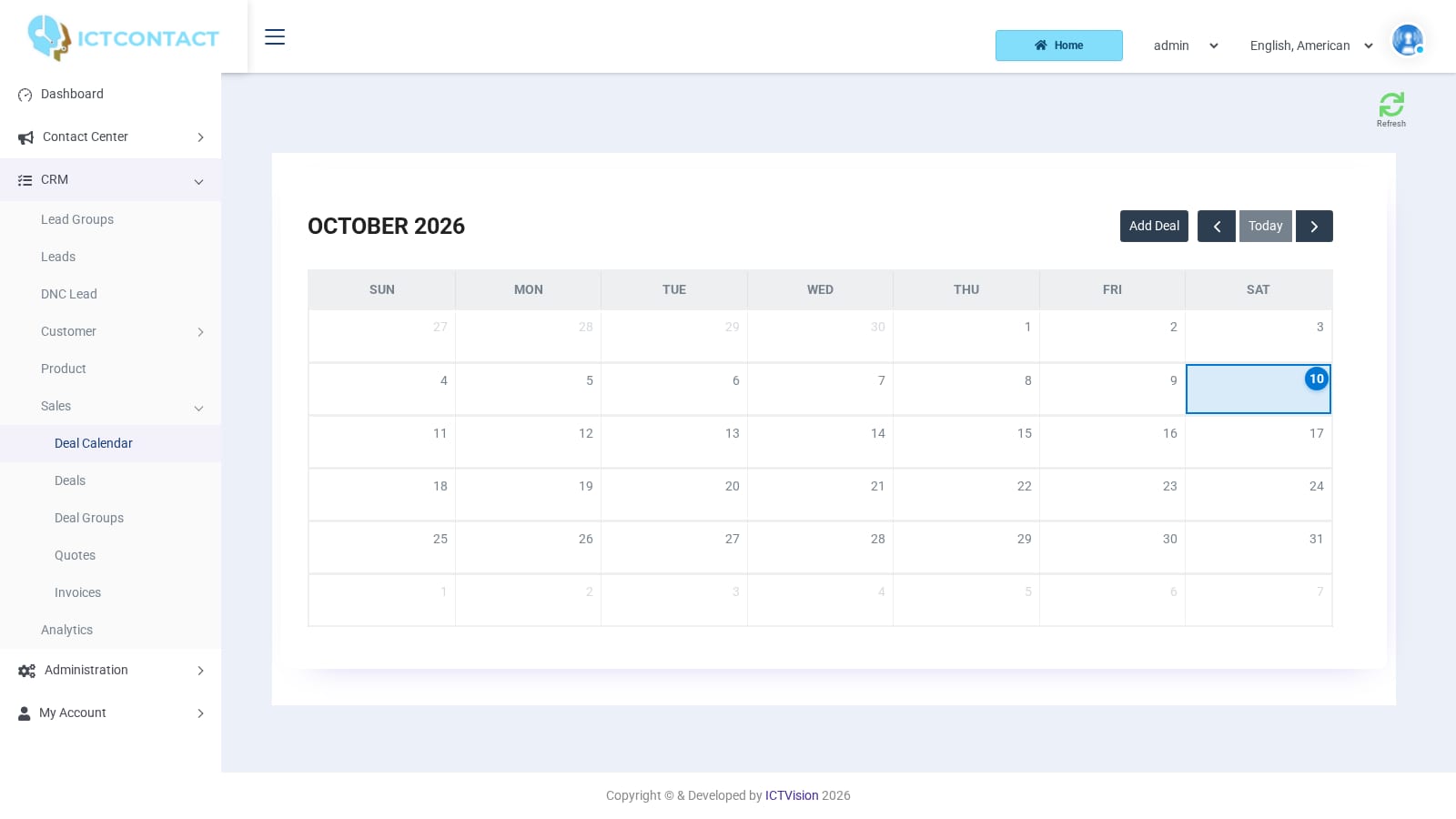 Deal calendar
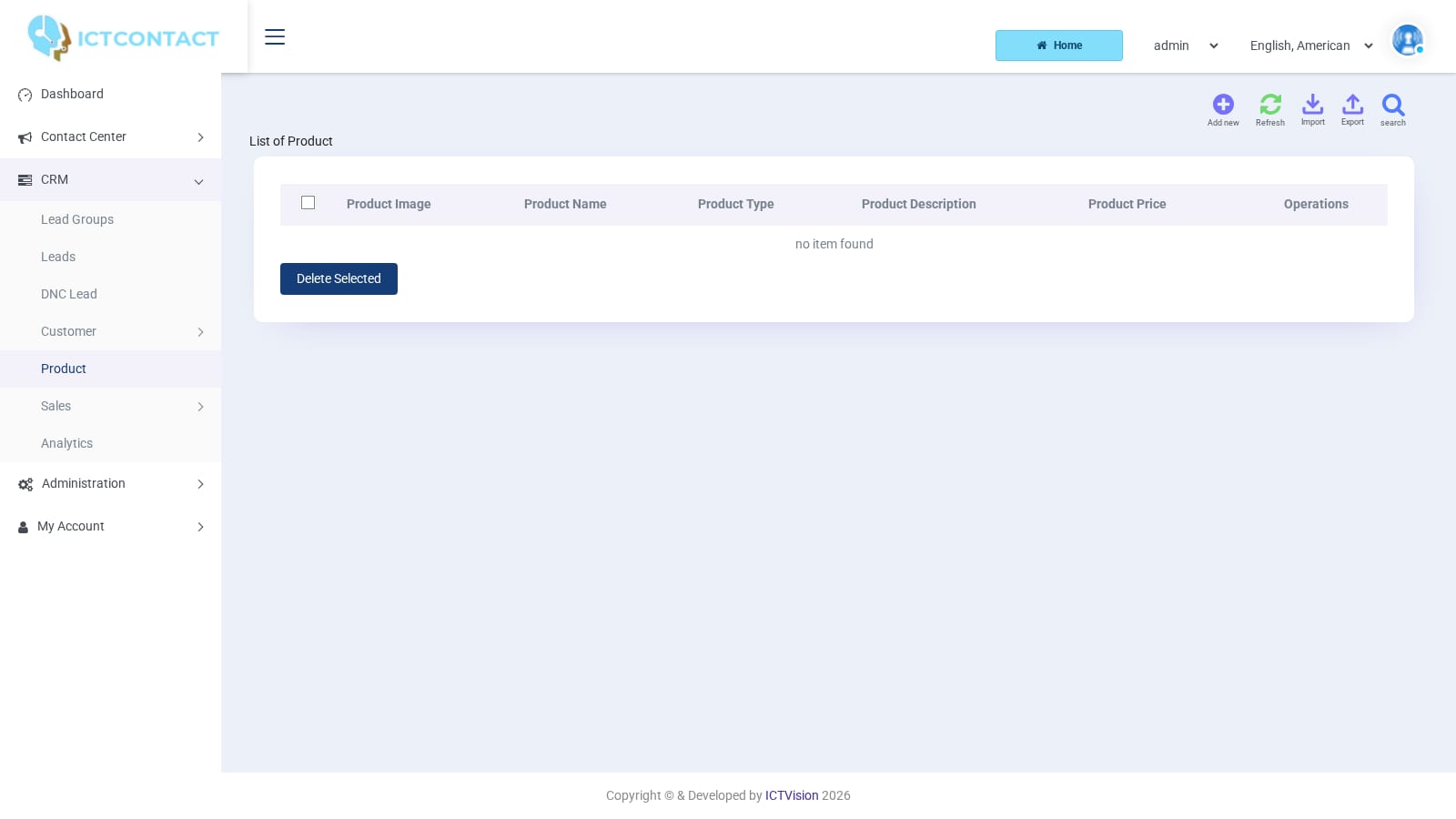 Product catalogue
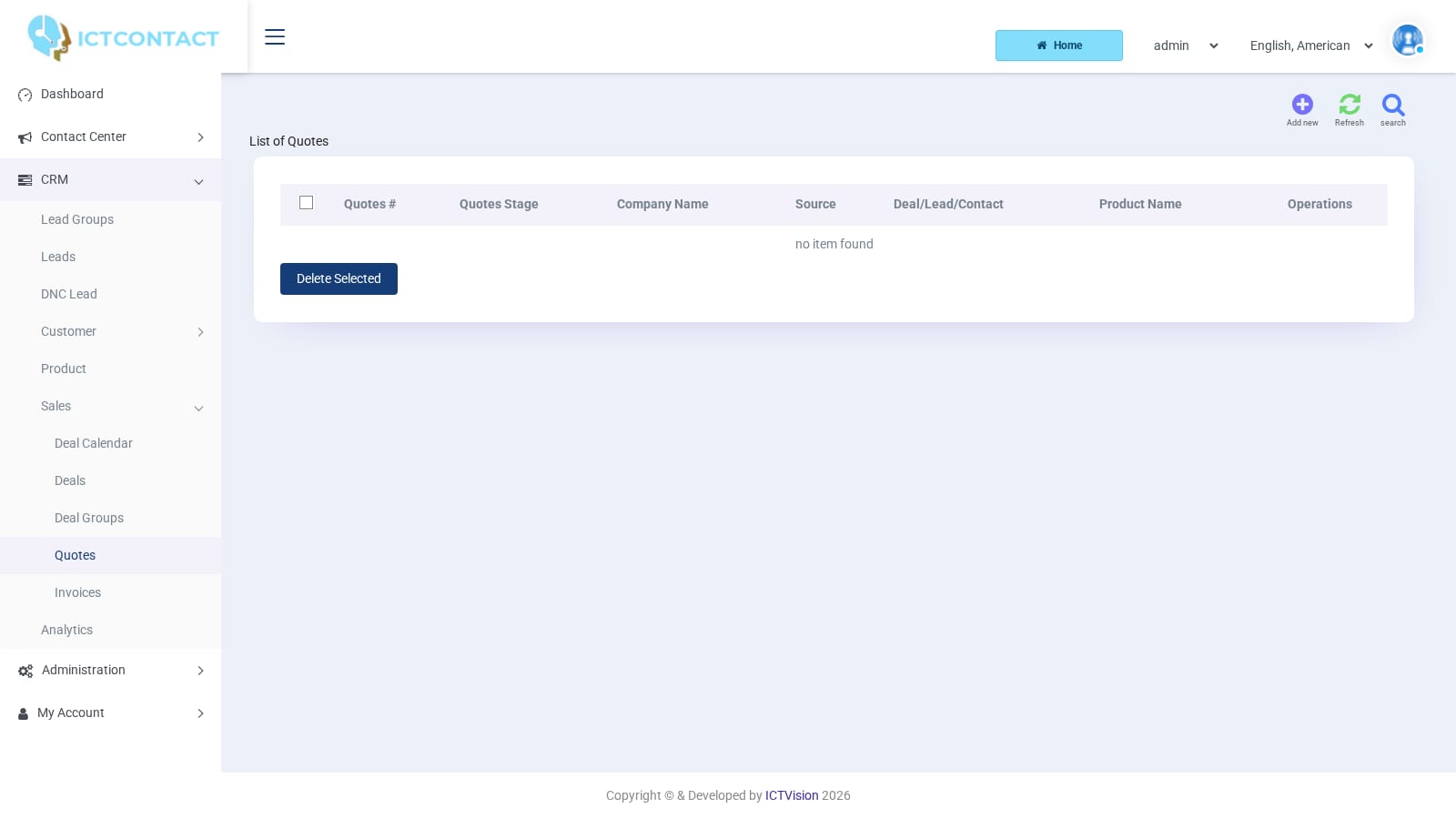 Quotes
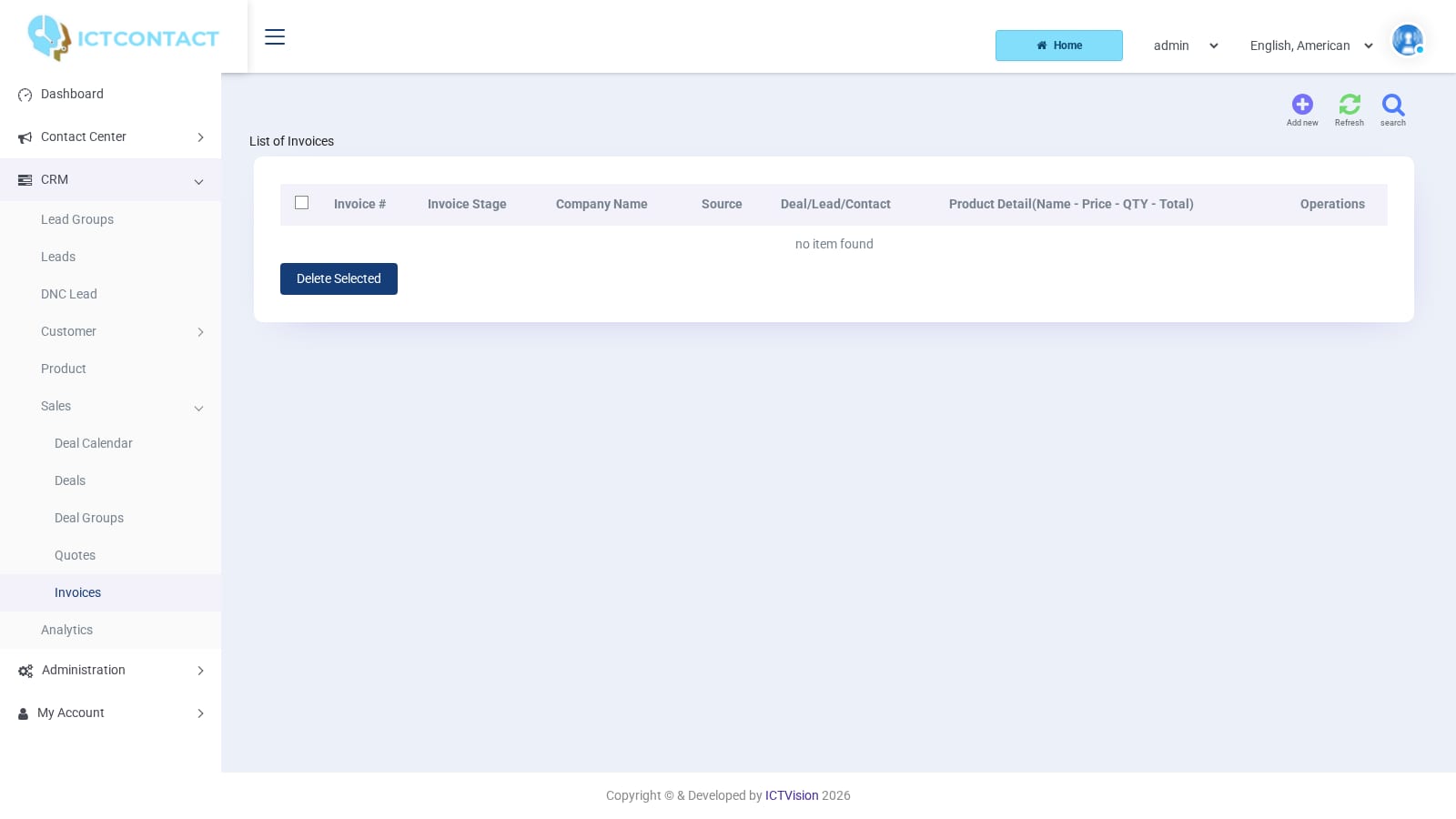 Invoices
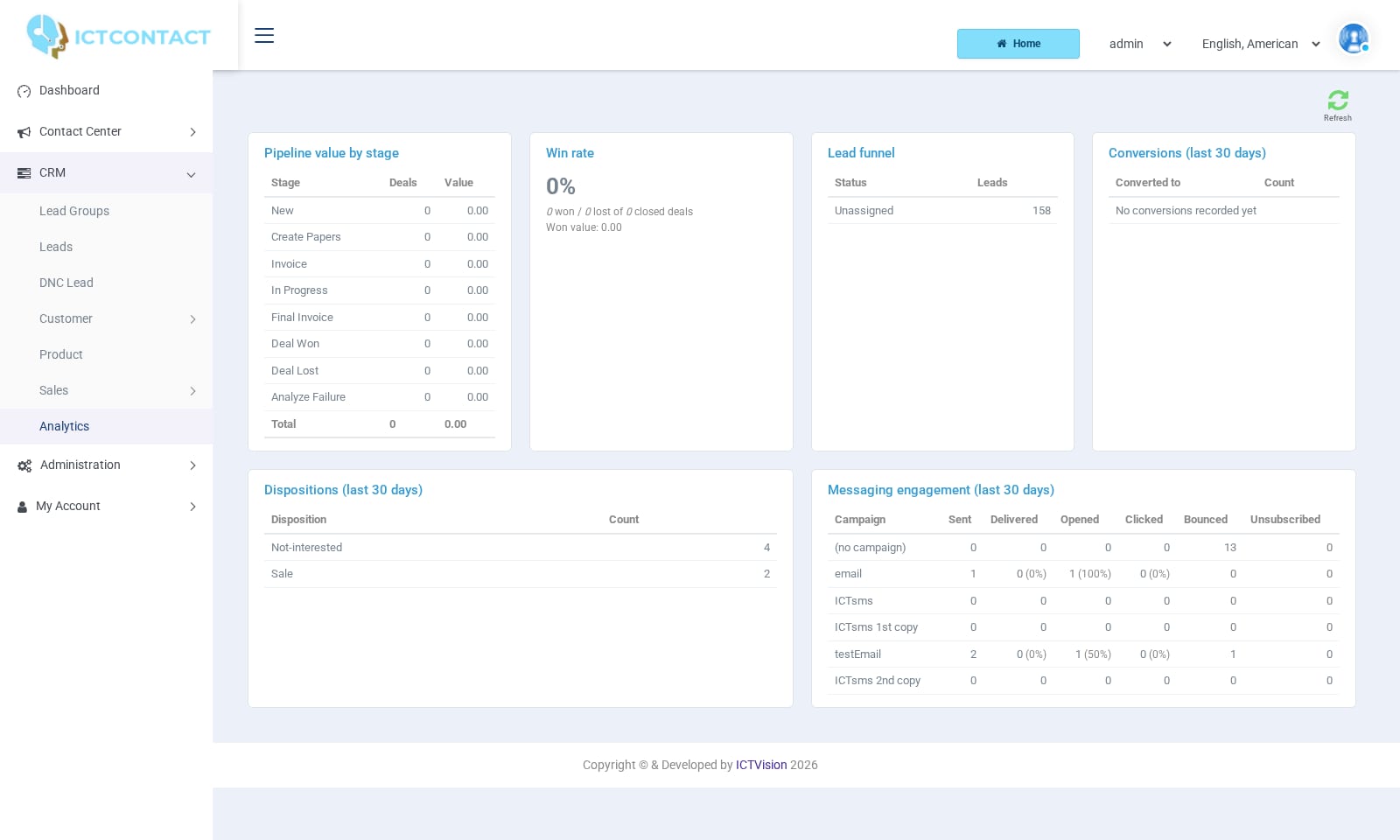 CRM Analytics
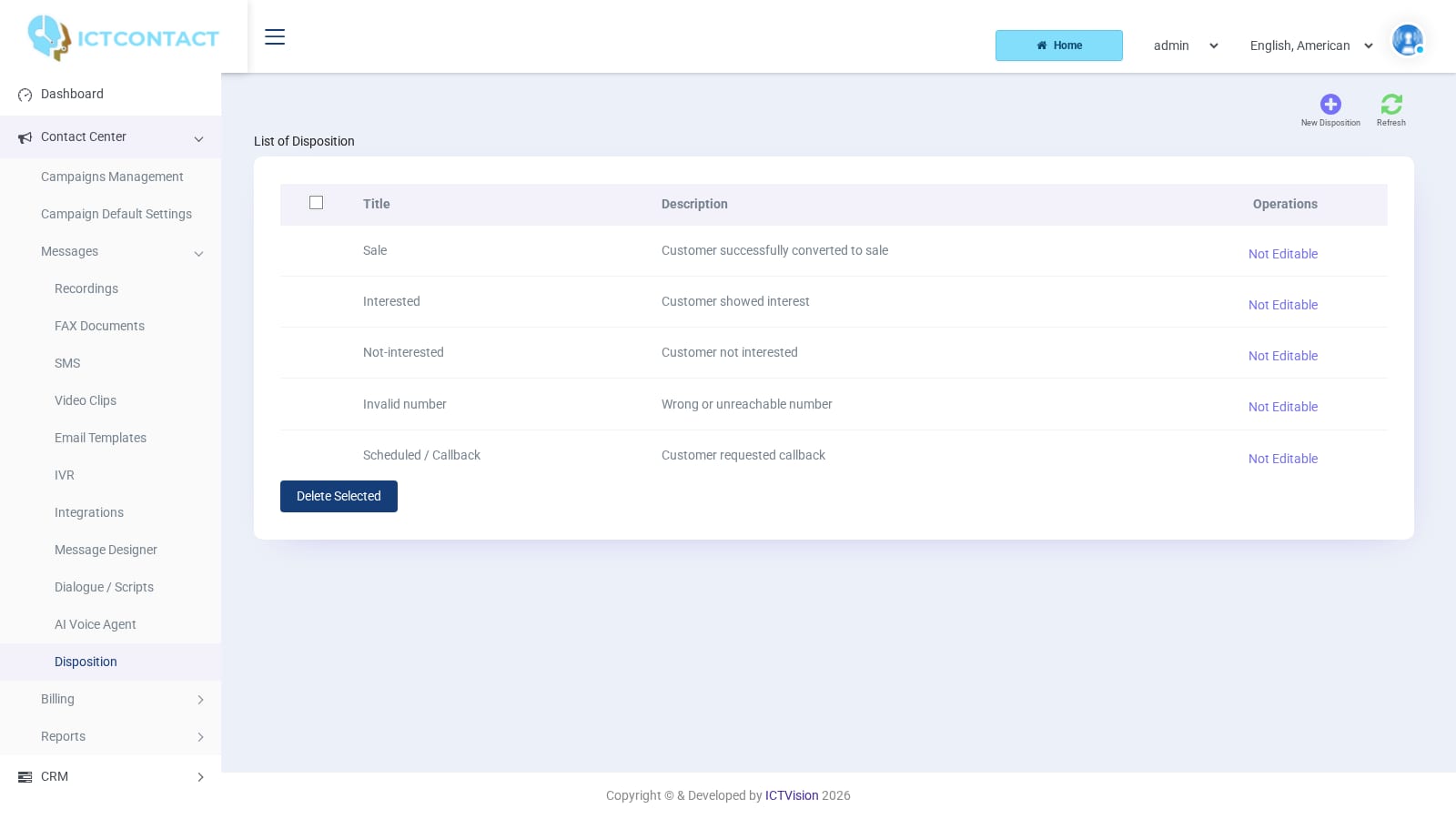 Dispositions
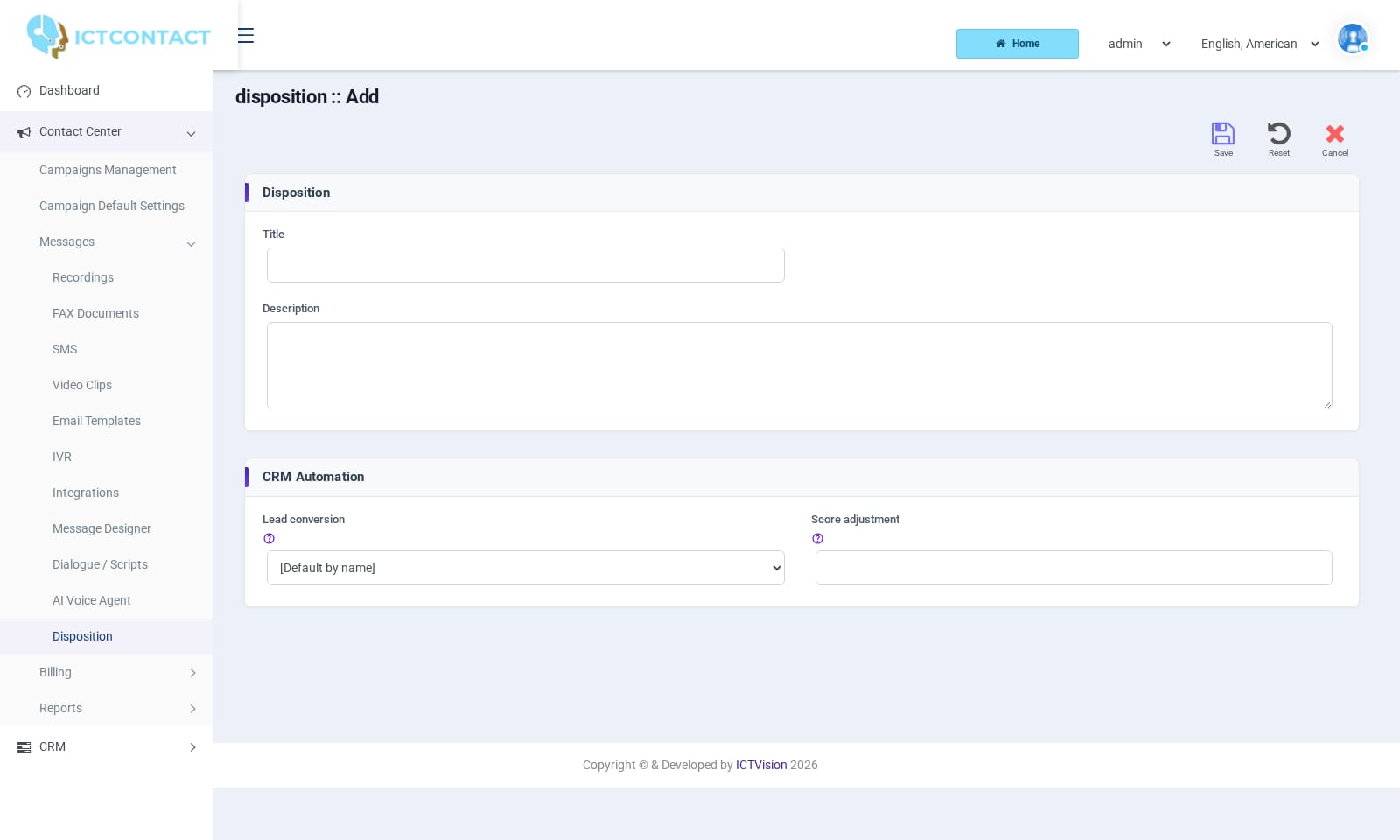 Disposition with CRM automation
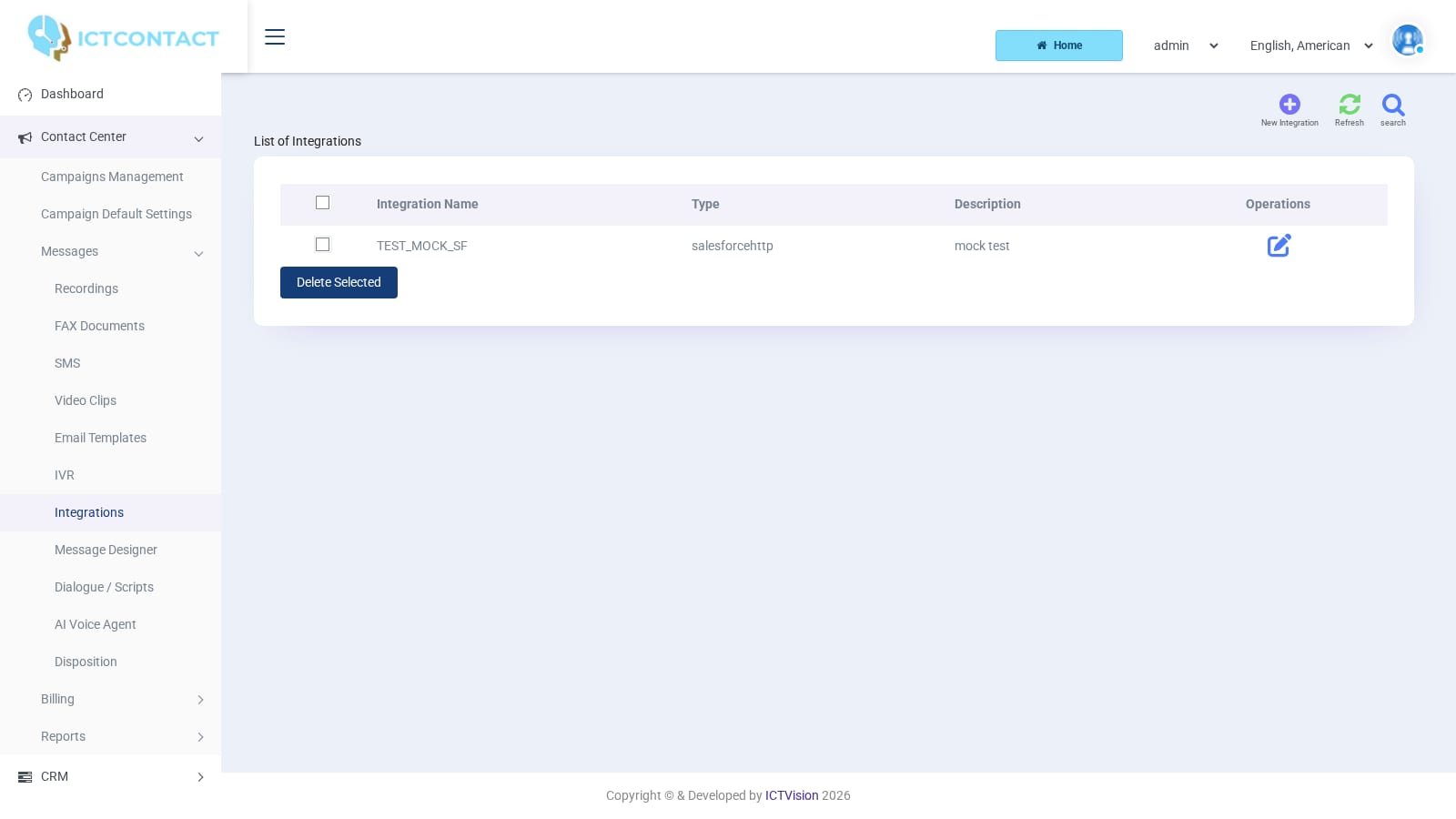 Integrations
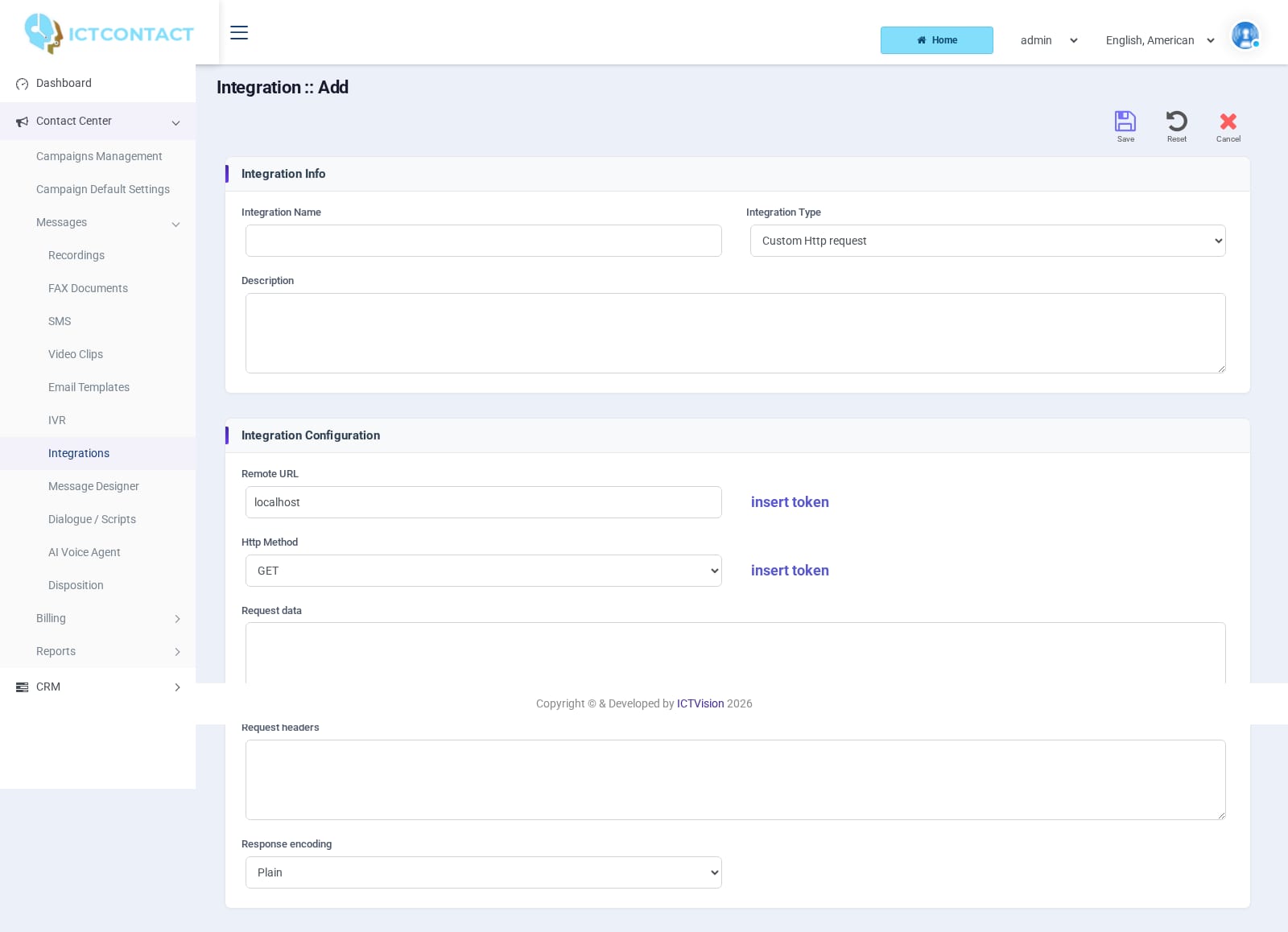 Adding an integration
Campaigns and messages
 Login page
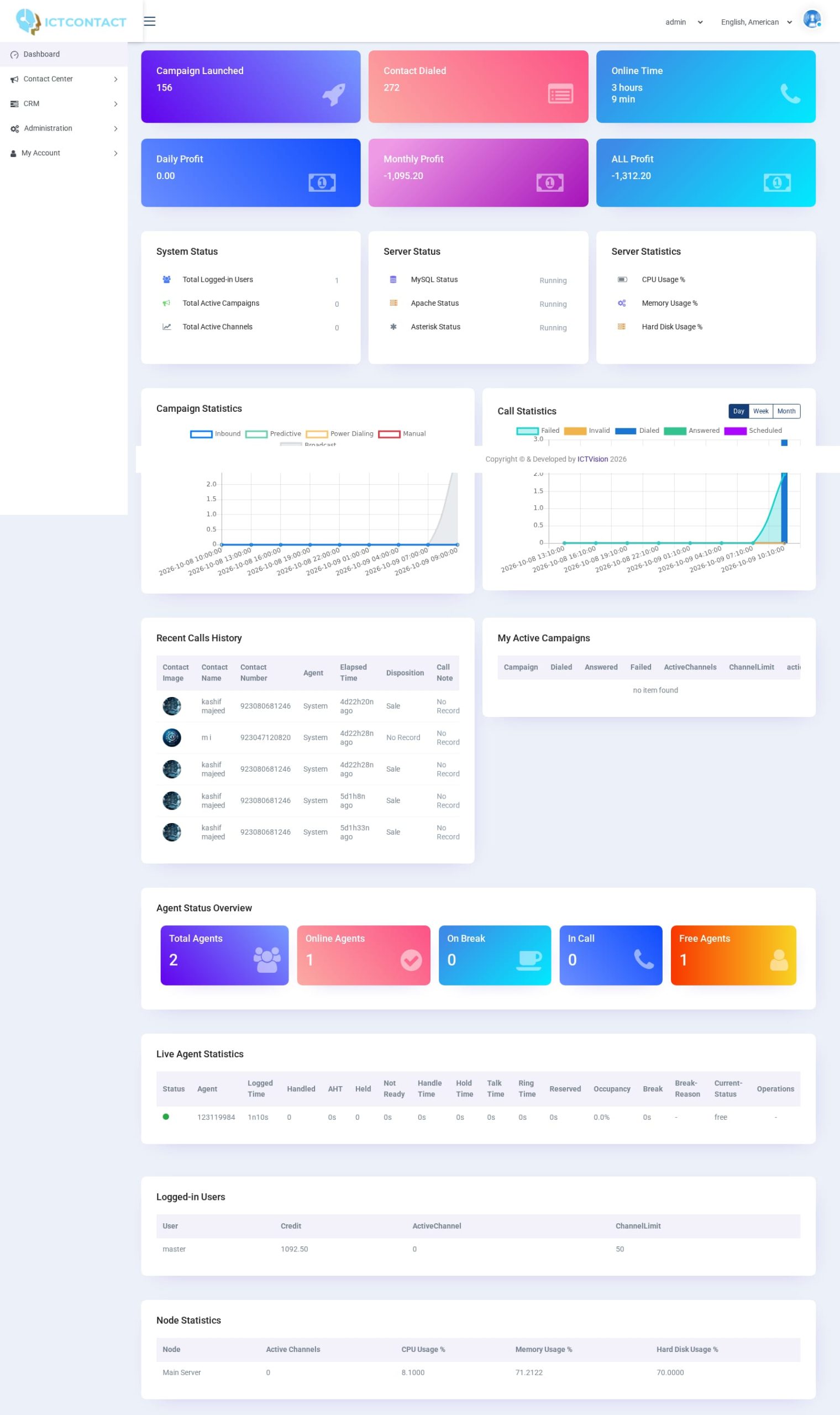 Dashboard
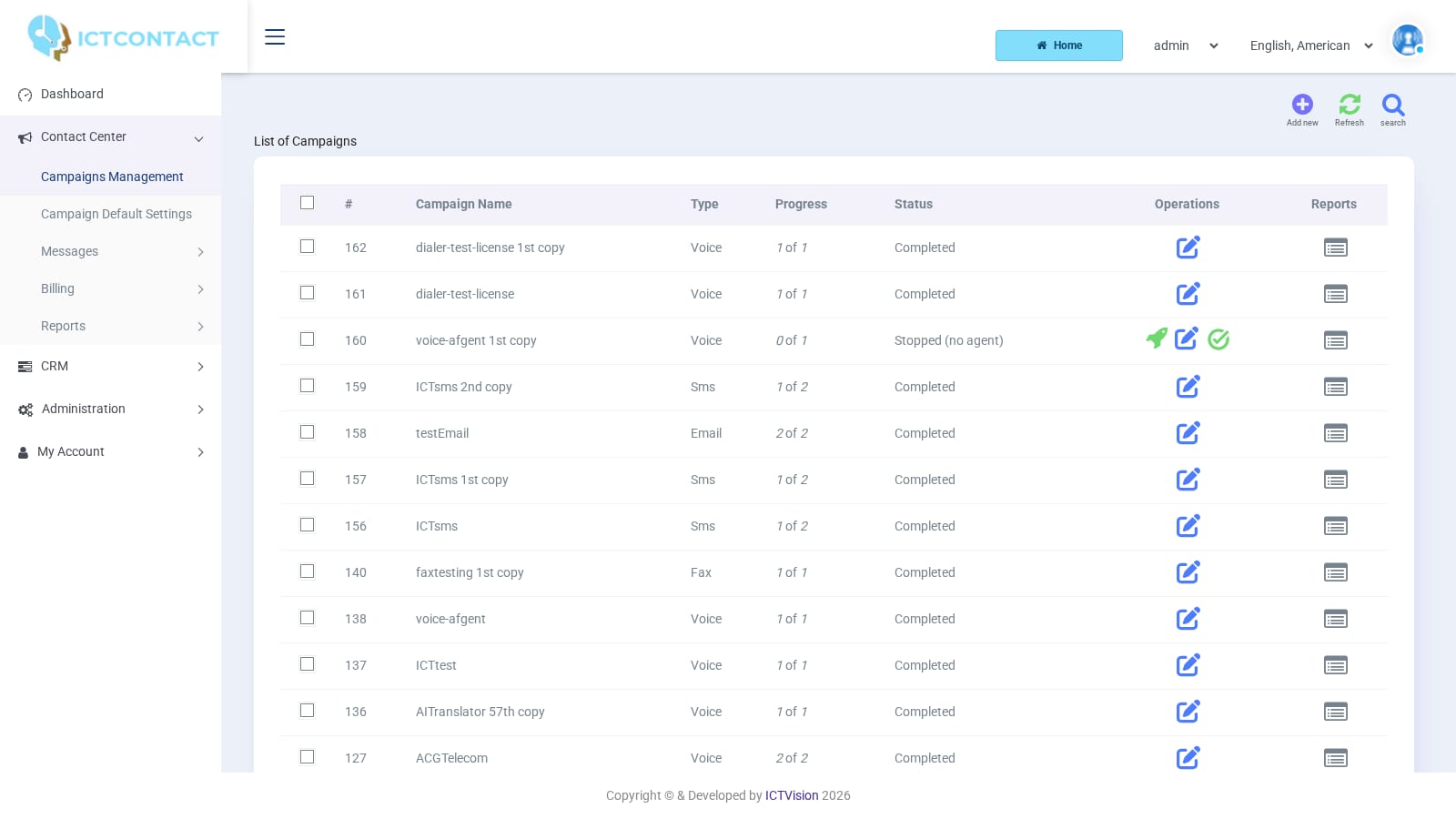 Campaigns
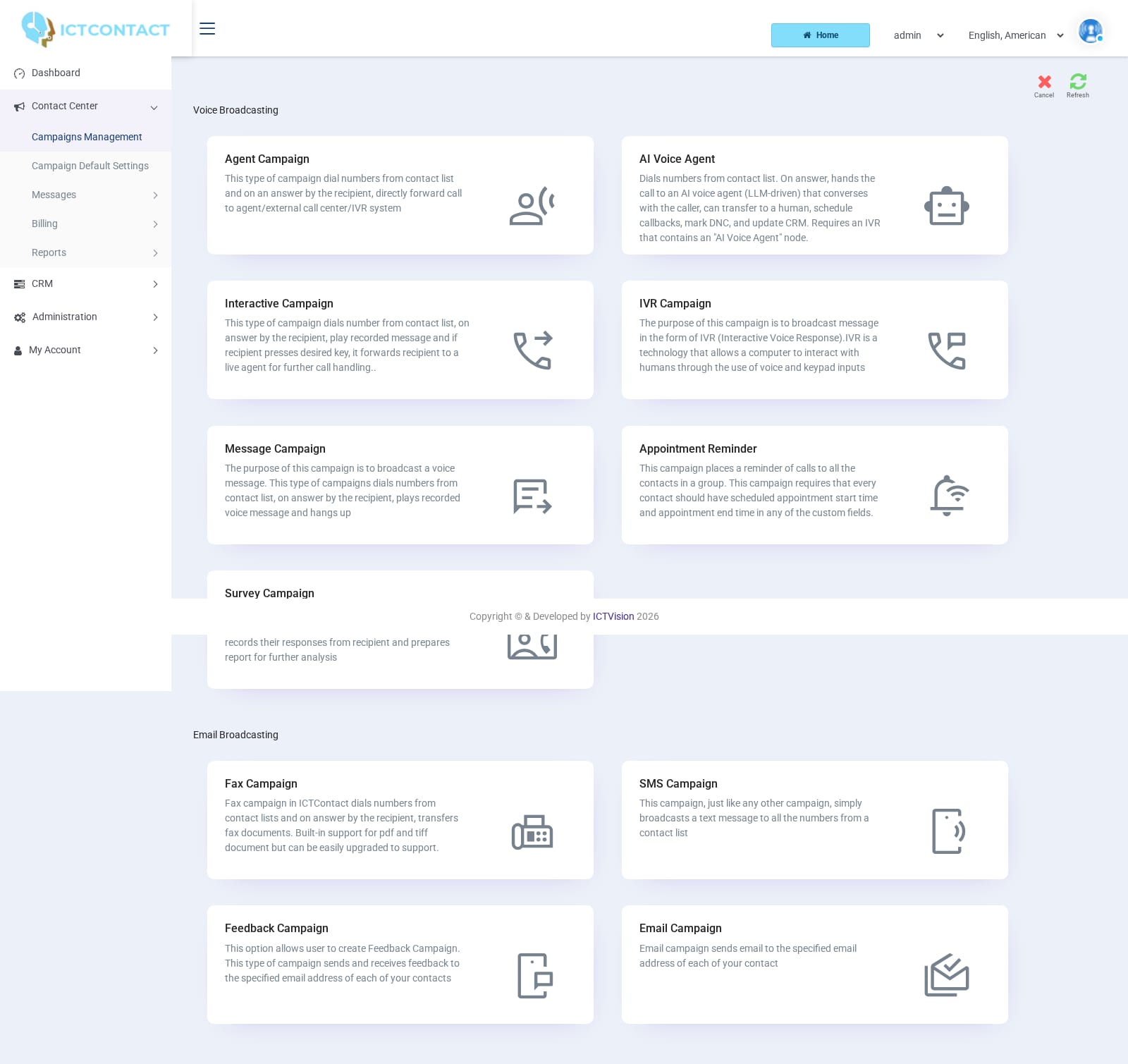 Campaign types
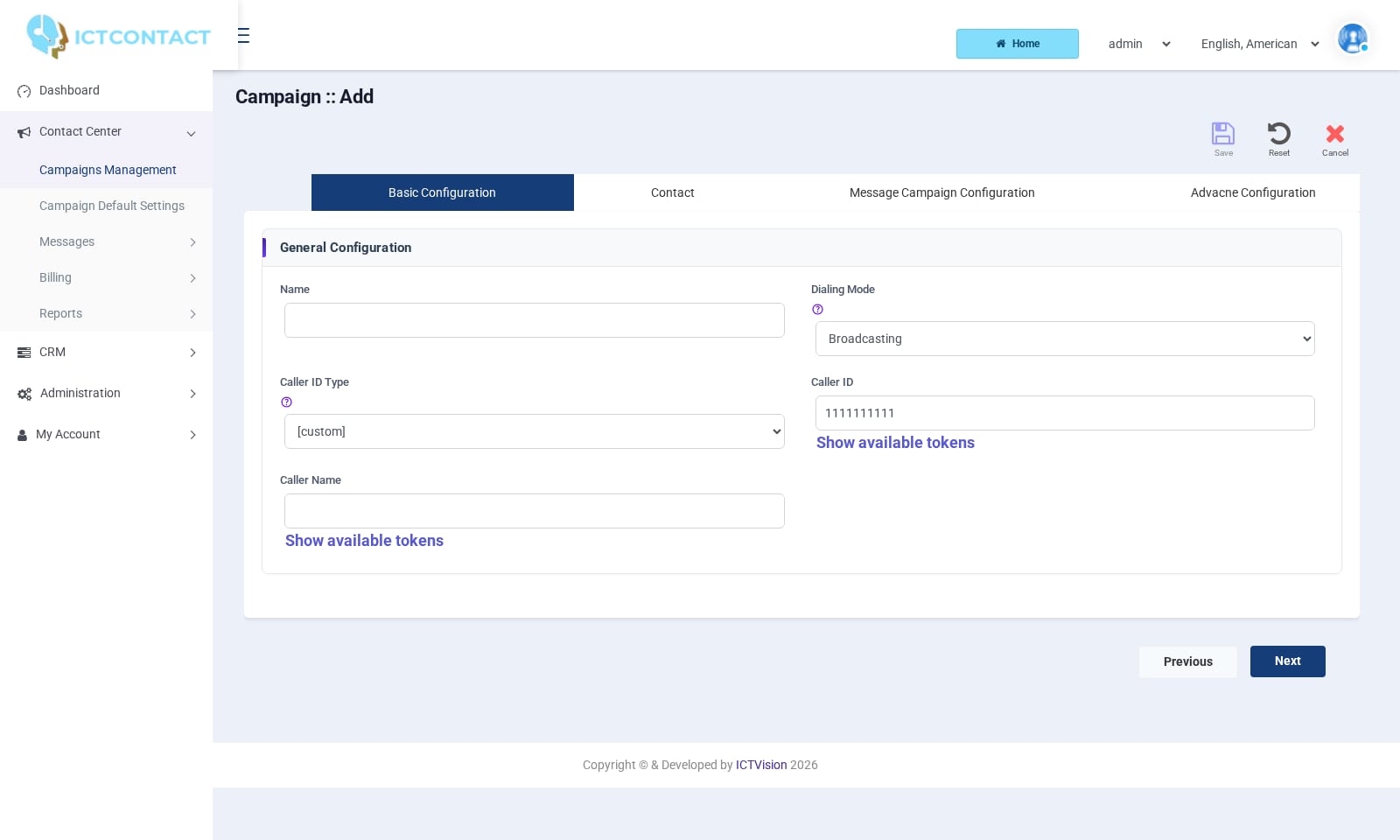 Campaign form: message
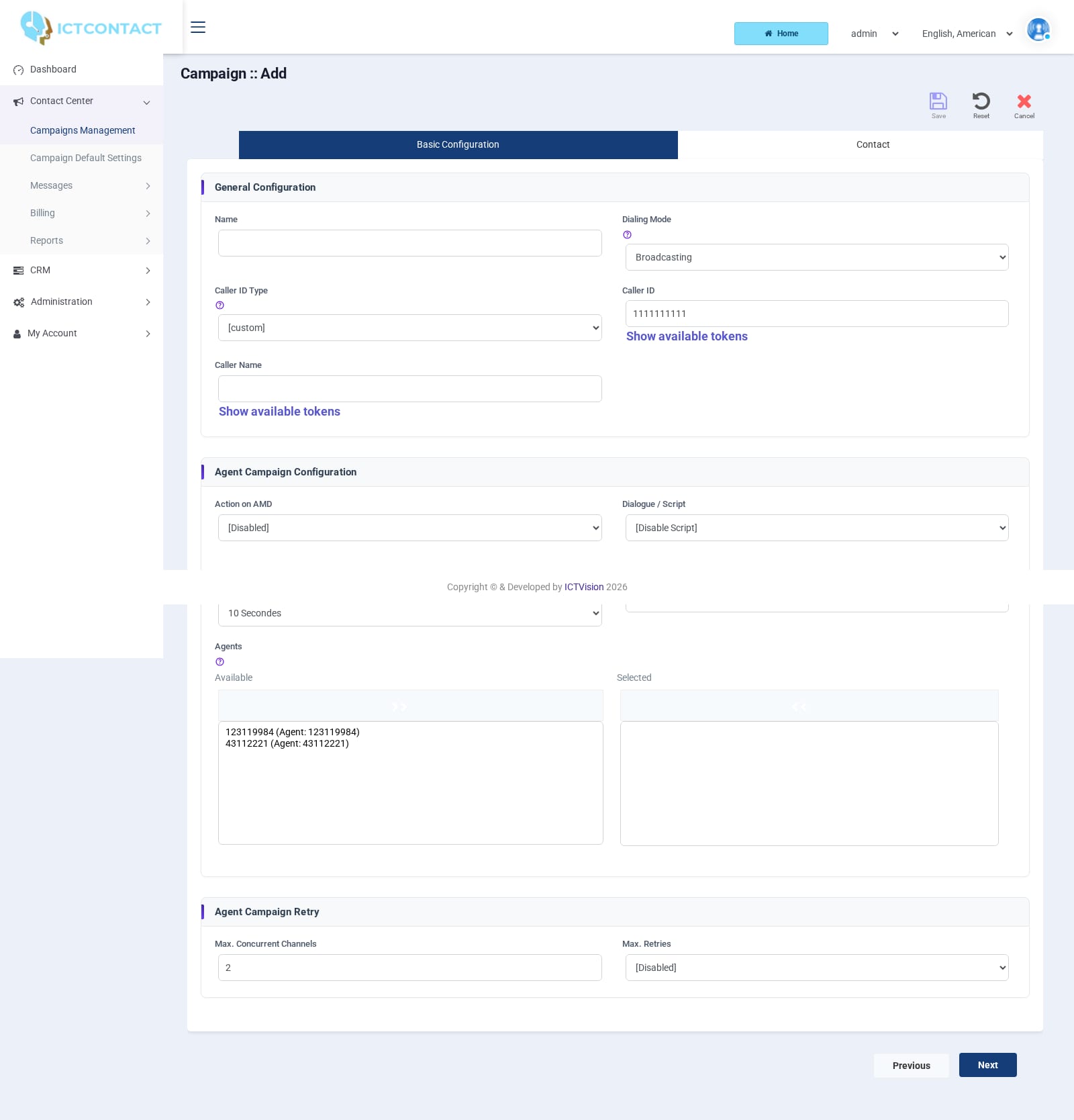 Campaign form: agents
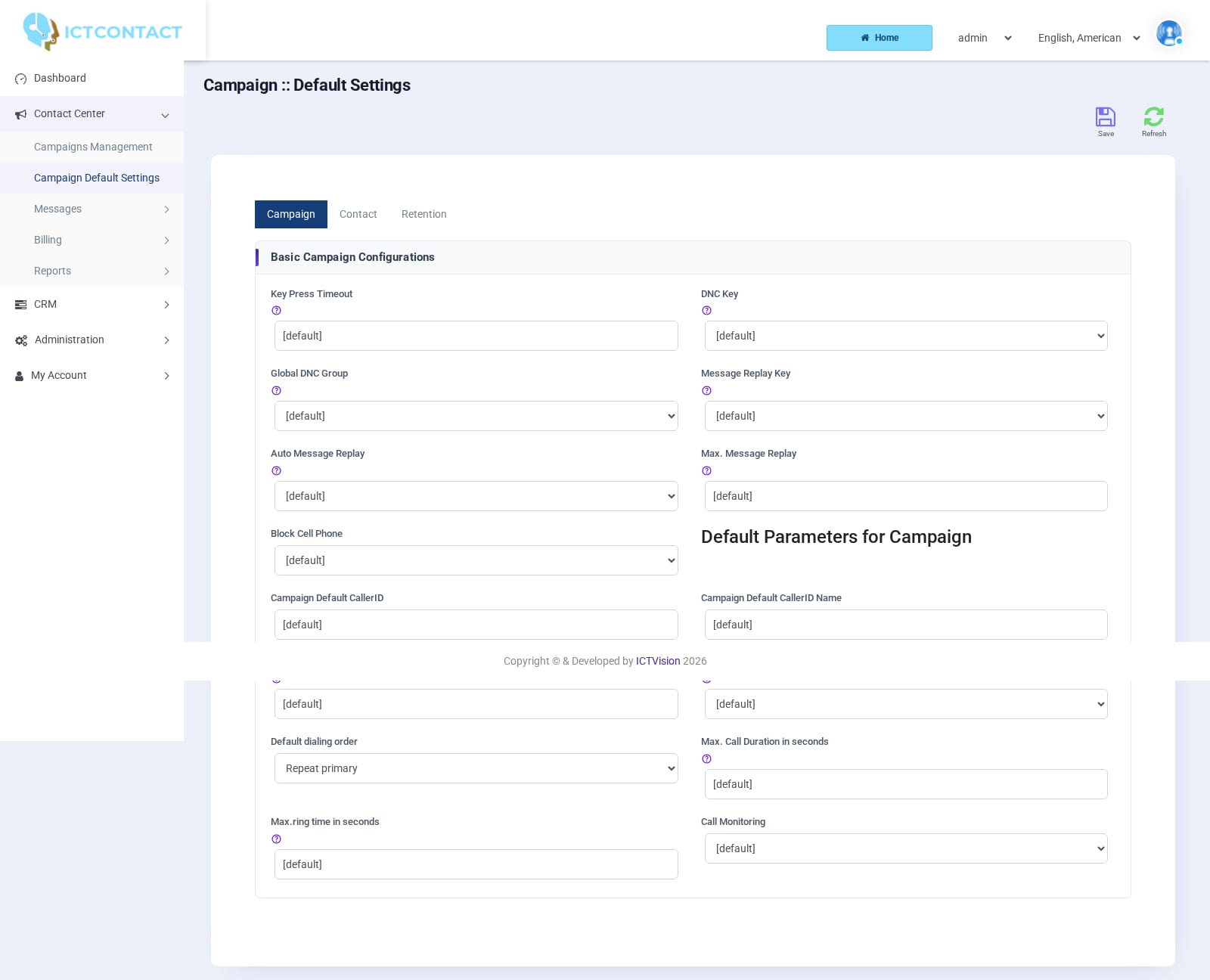 Campaign default settings
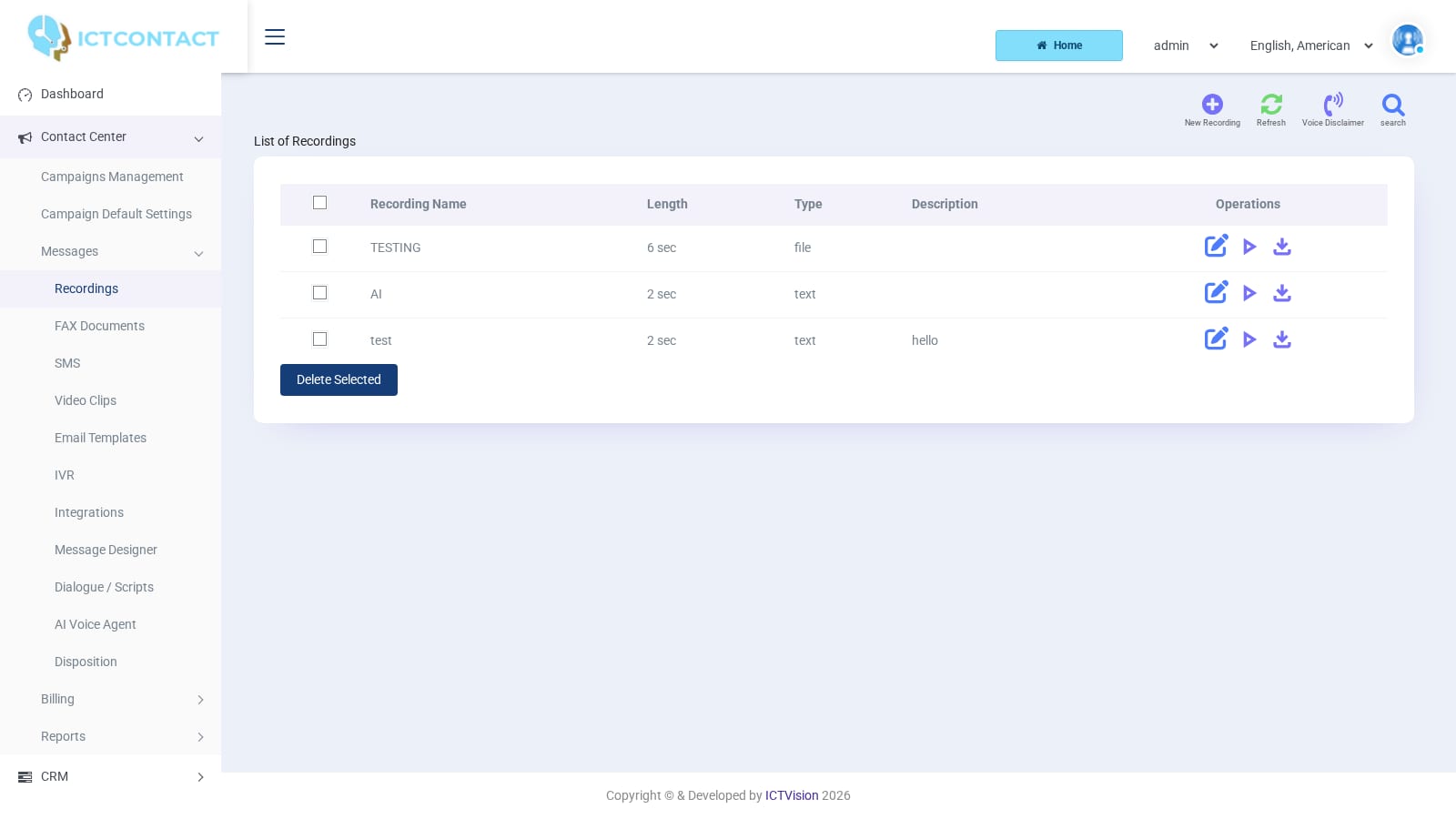 Recordings
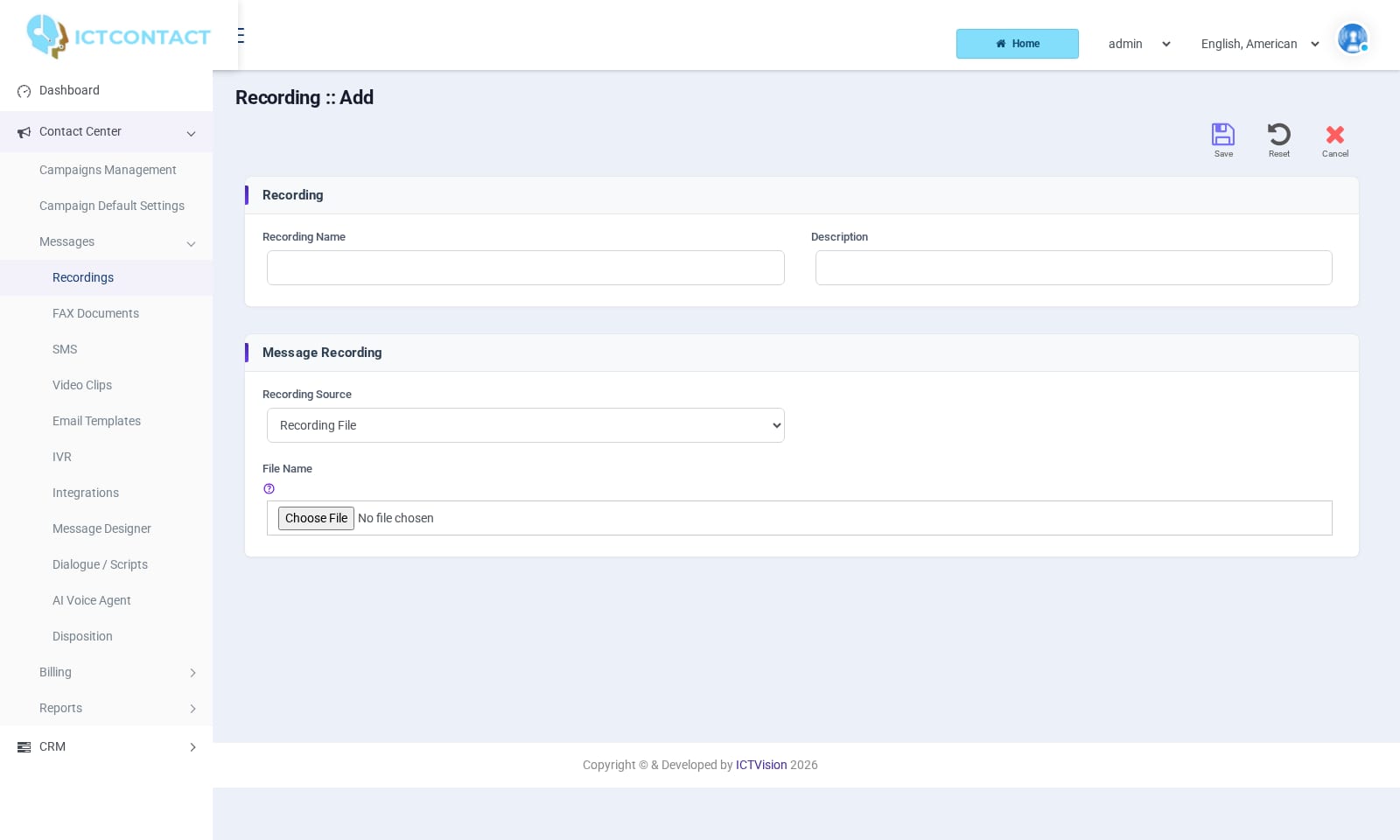 Adding a recording
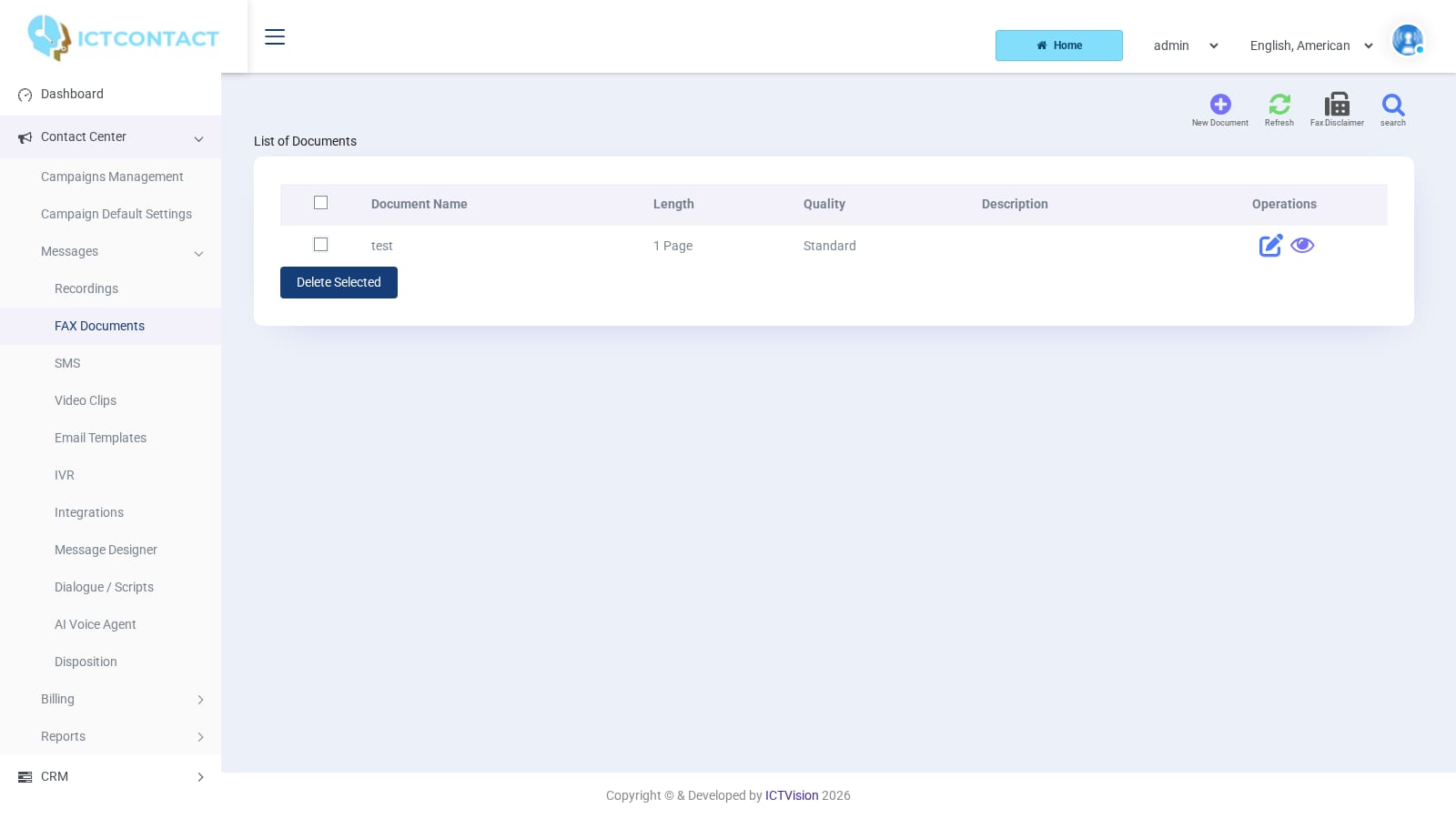 FAX Documents
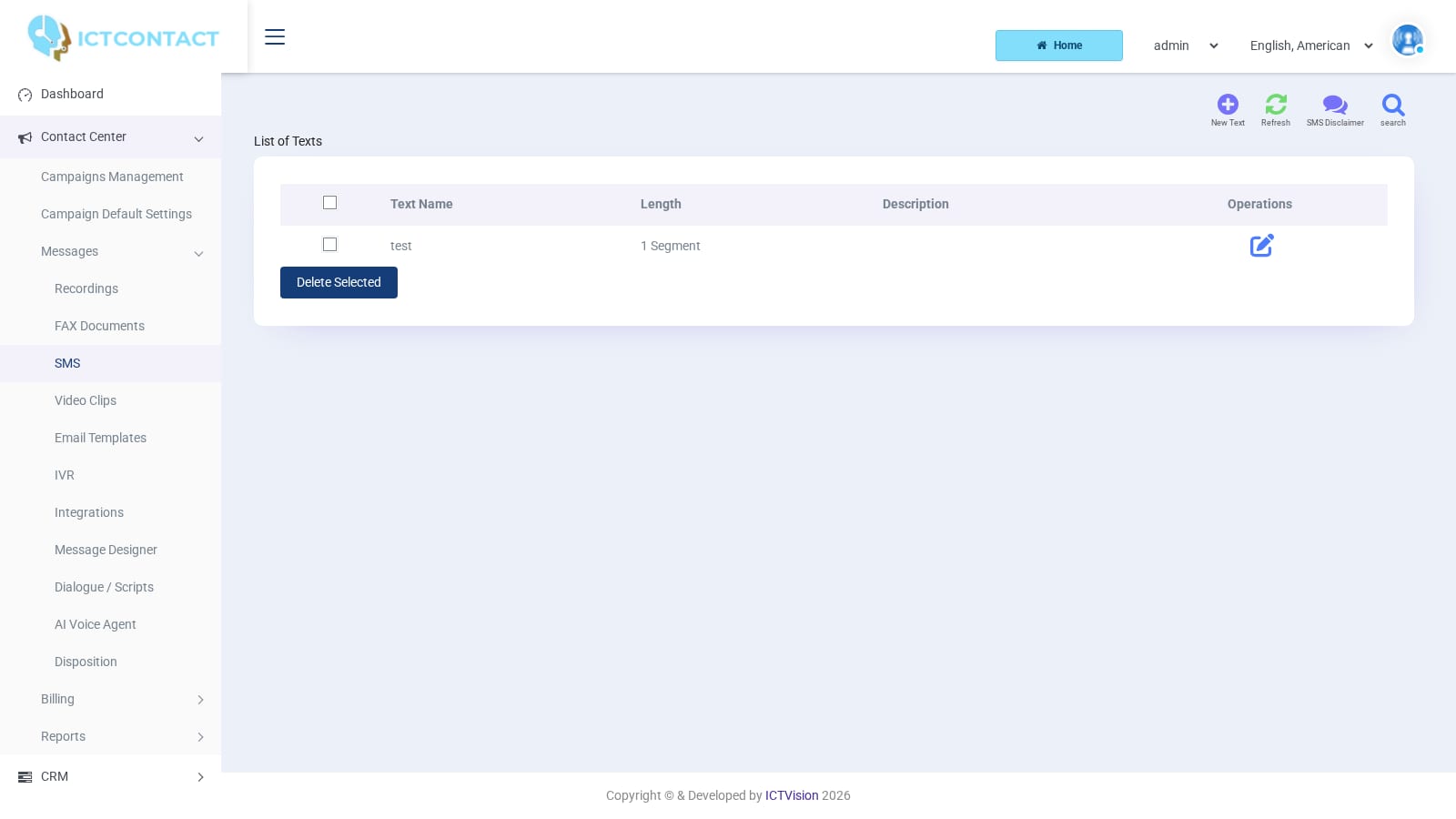 SMS texts
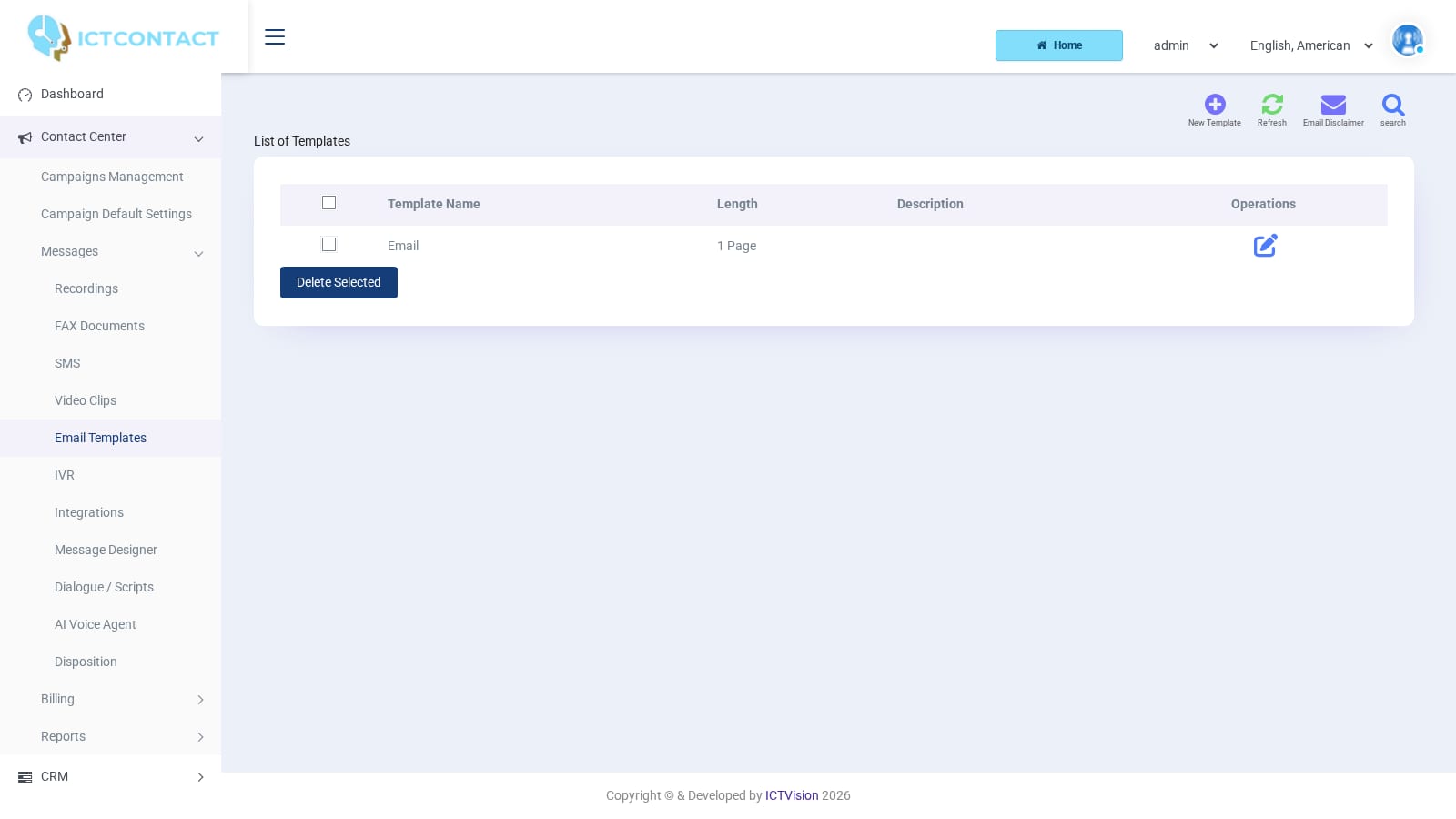 Email templates
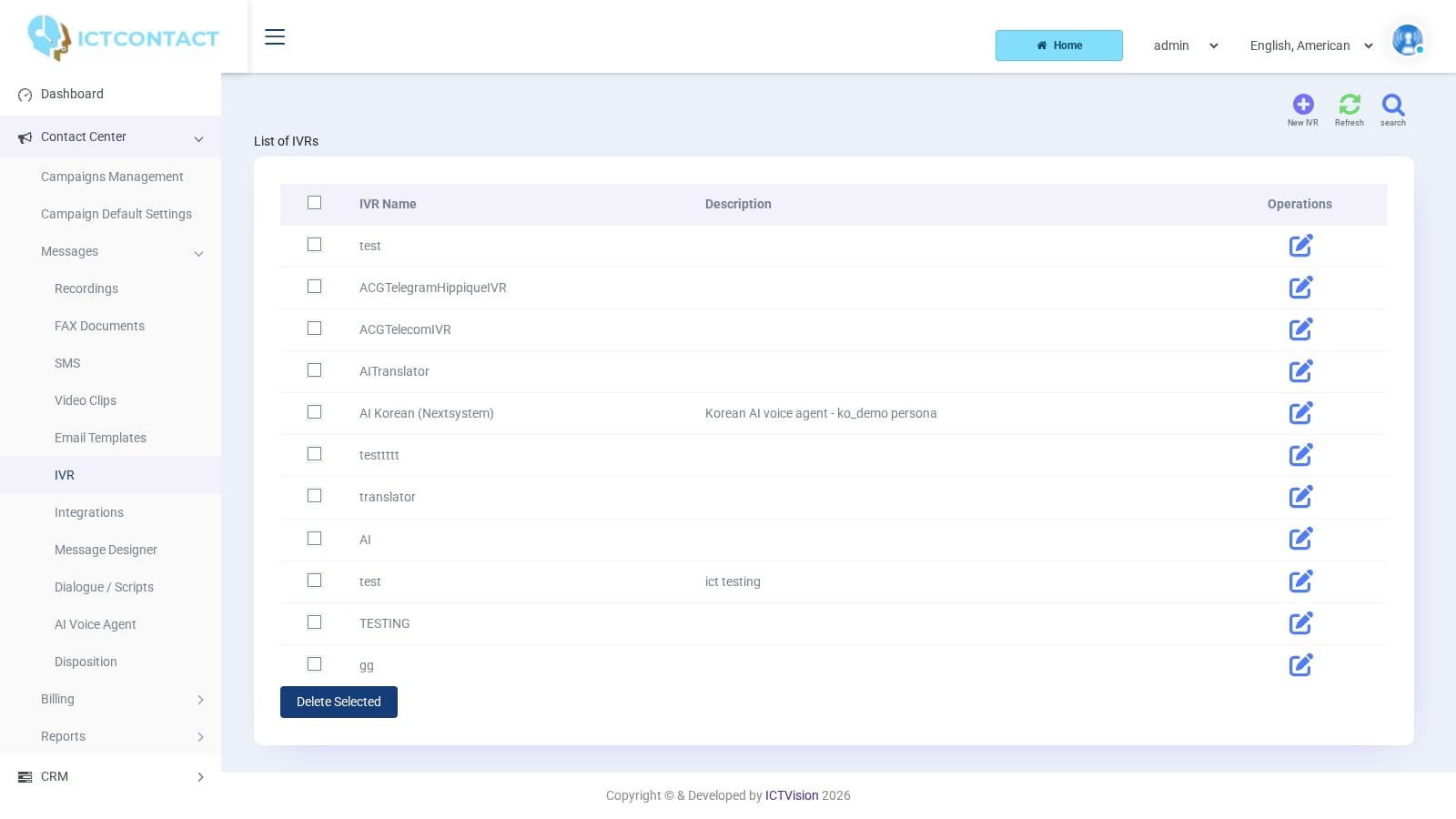 IVR list
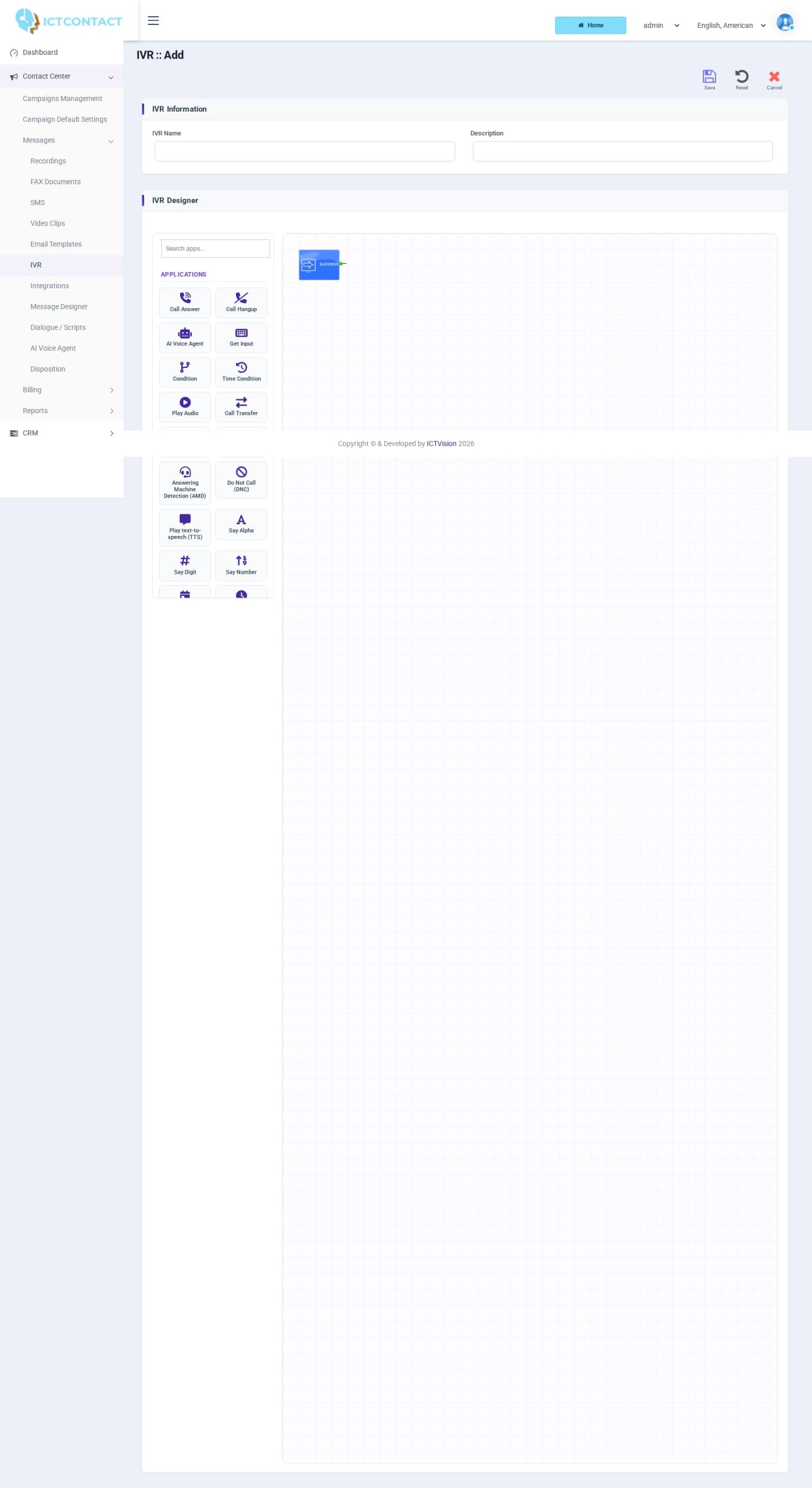 IVR Designer
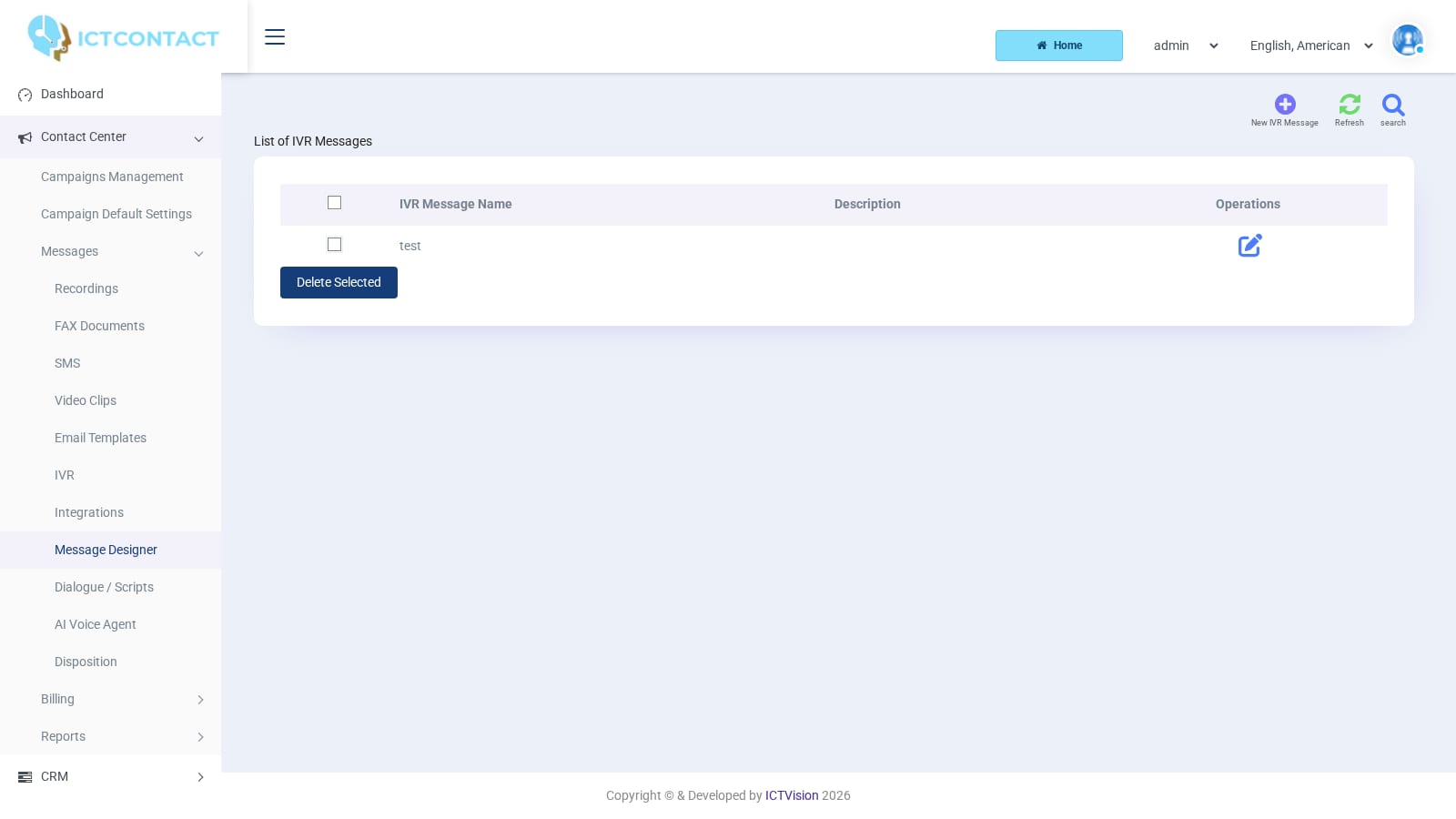 Message Designer
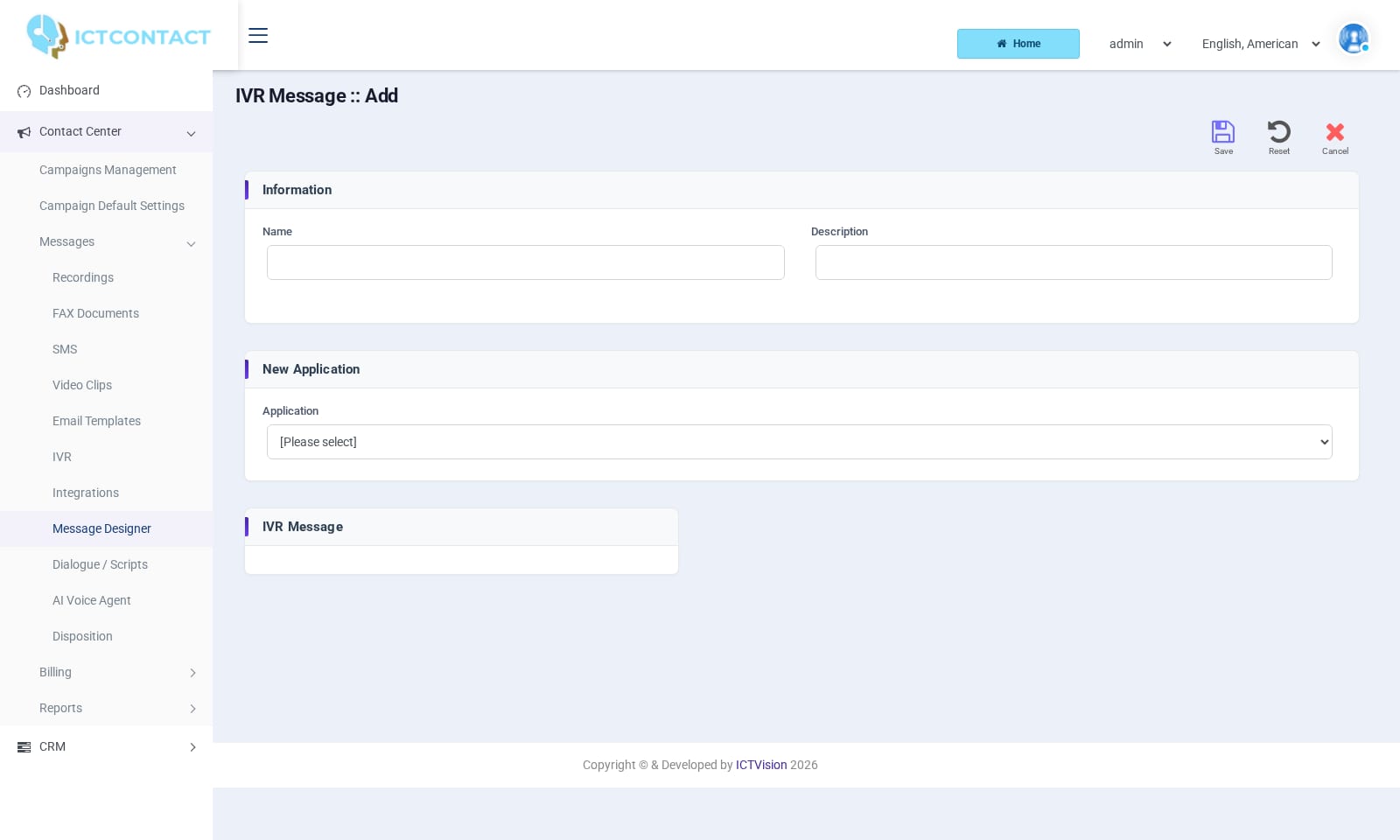 Building a voice message
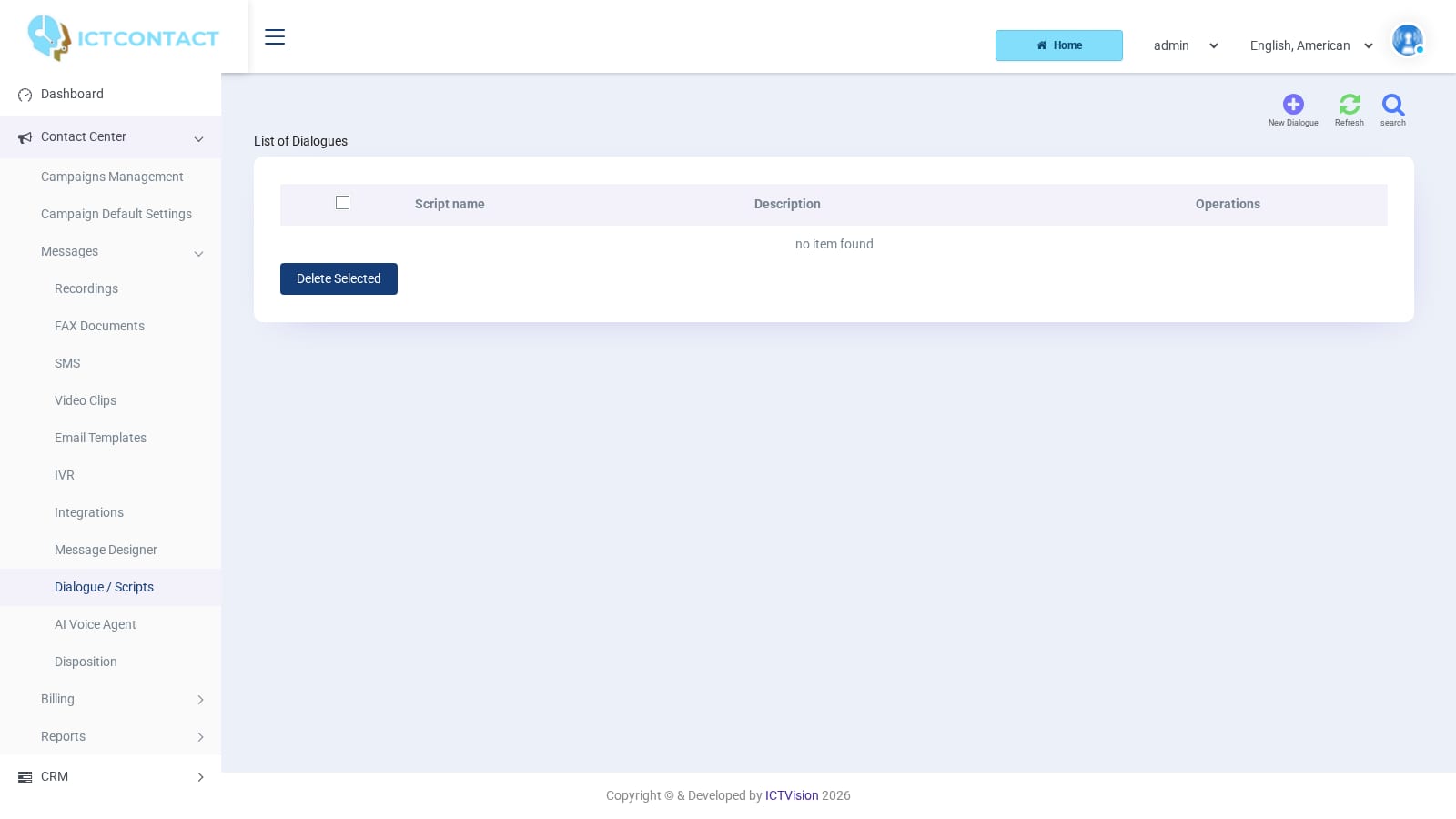 Dialogue scripts
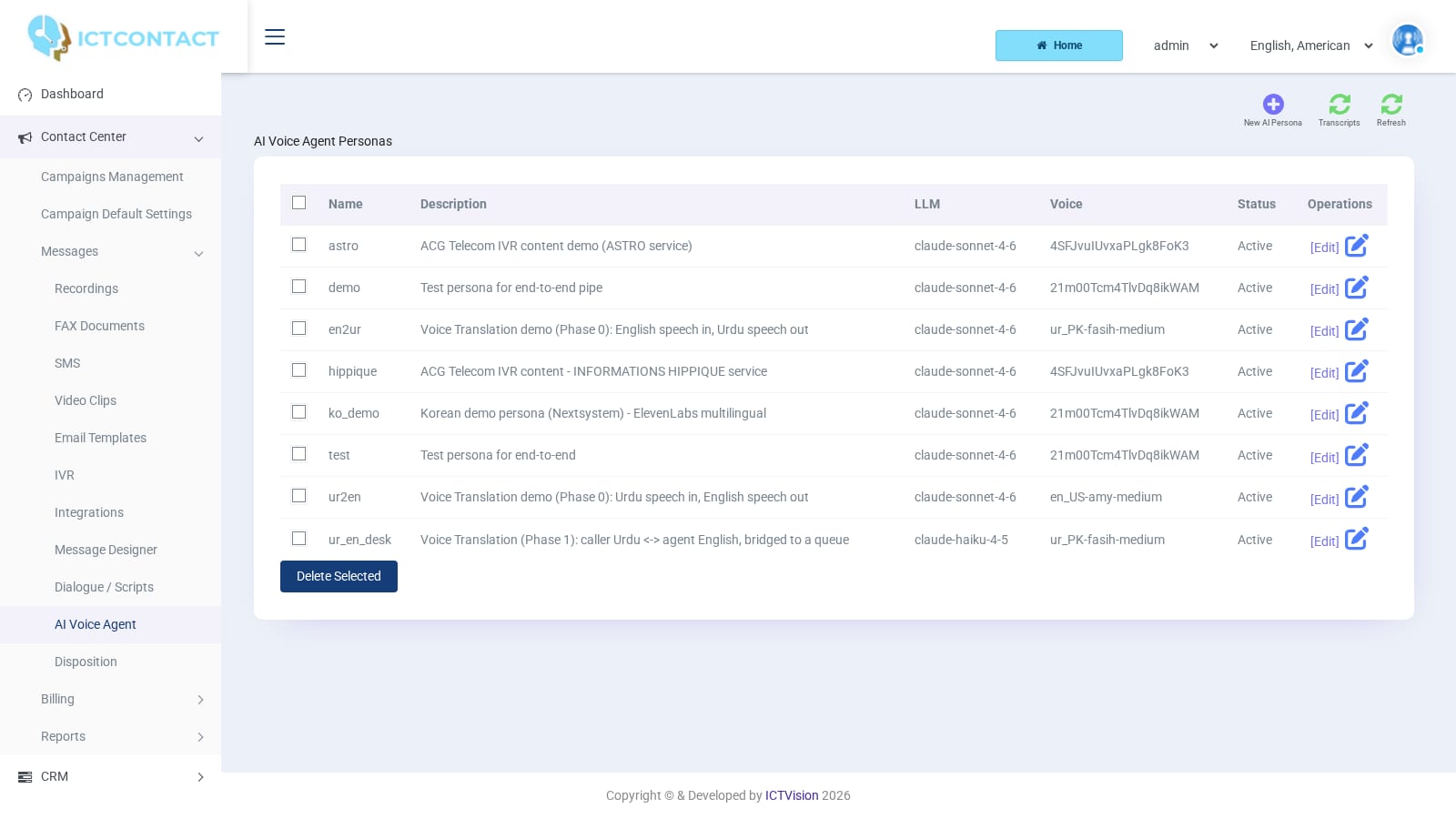 AI Voice Agent personas
Agents, supervisors and reports
 Agent login
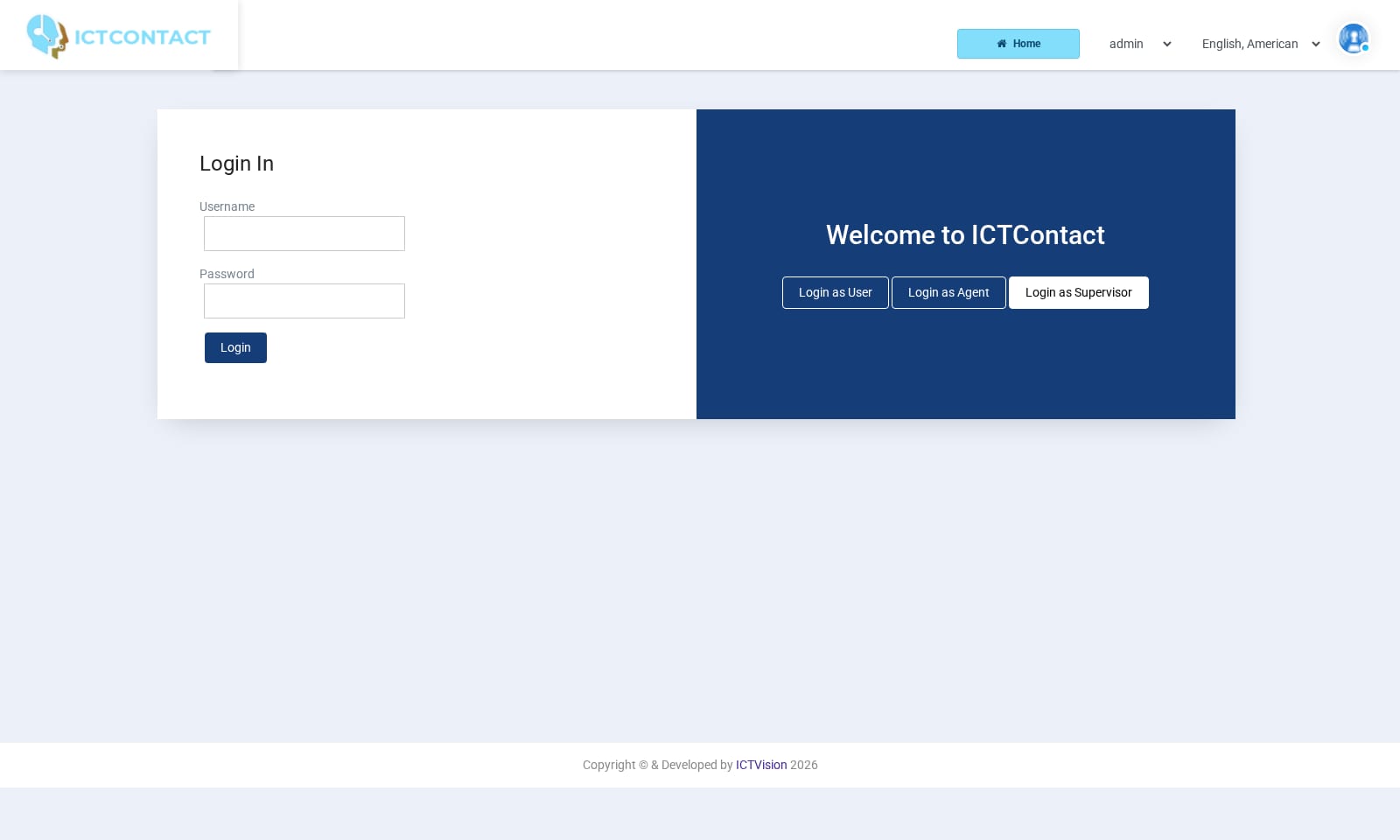 Supervisor login
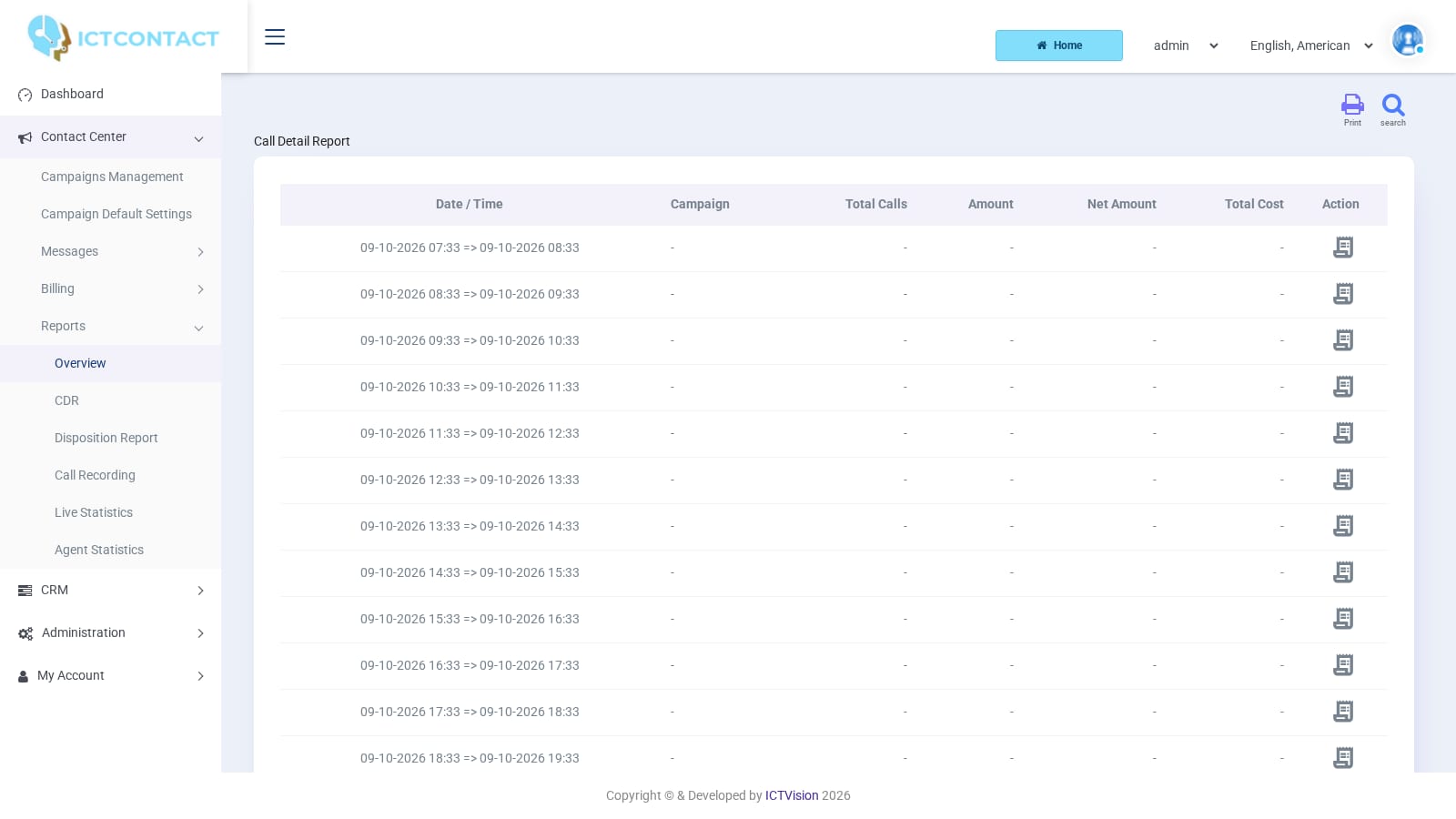 Reports overview
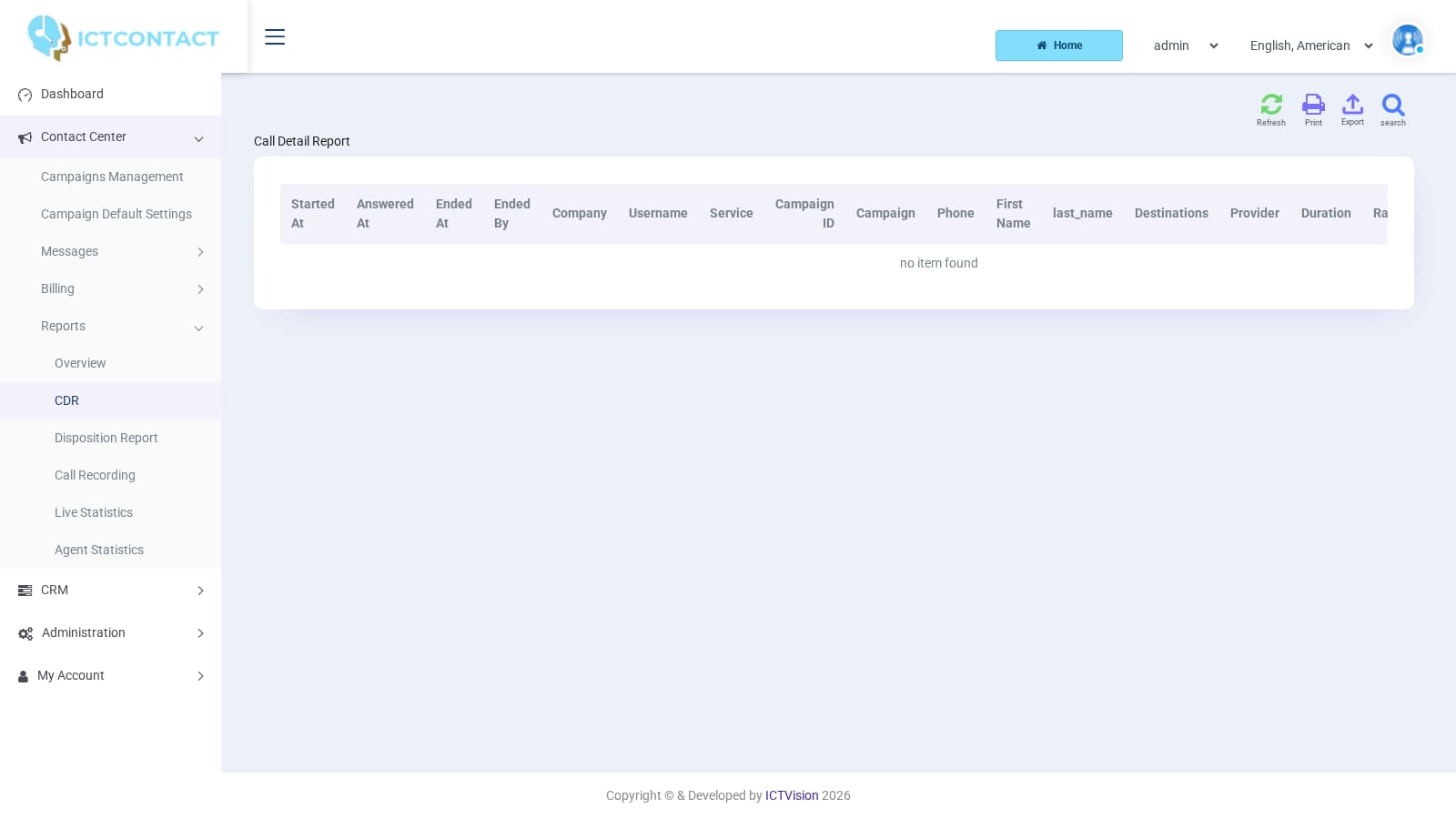 Call detail records
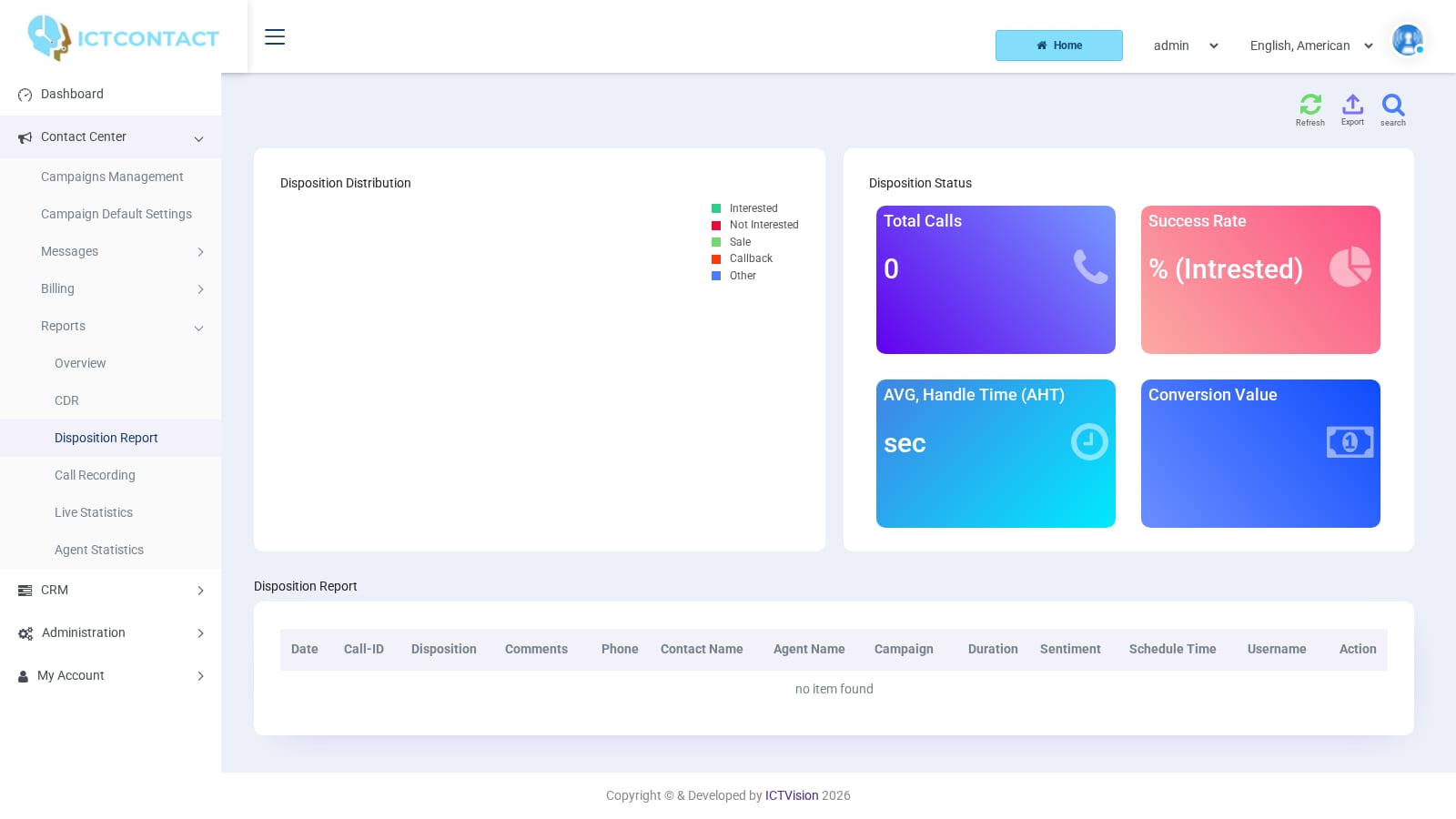 Disposition report
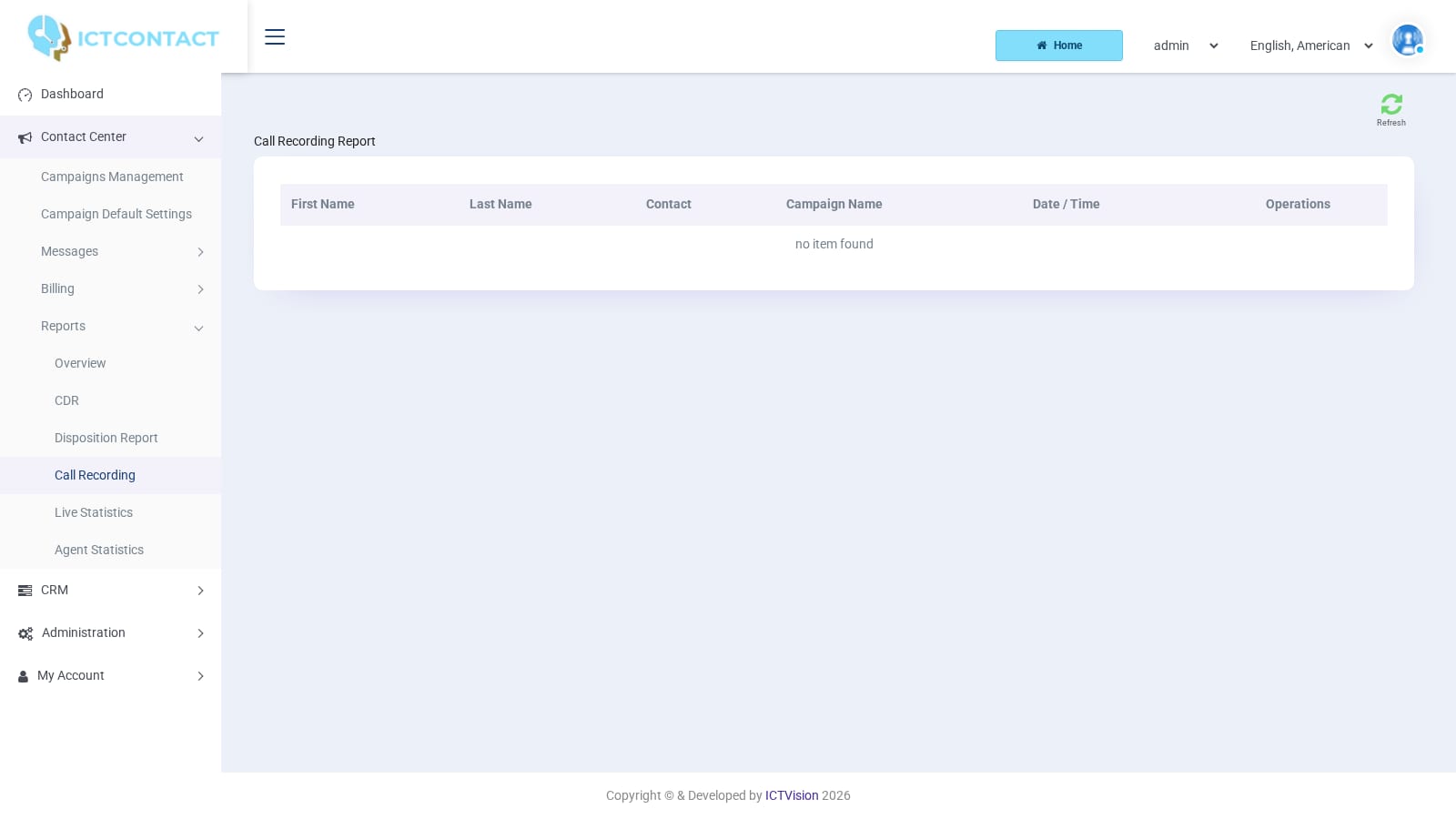 Call recordings
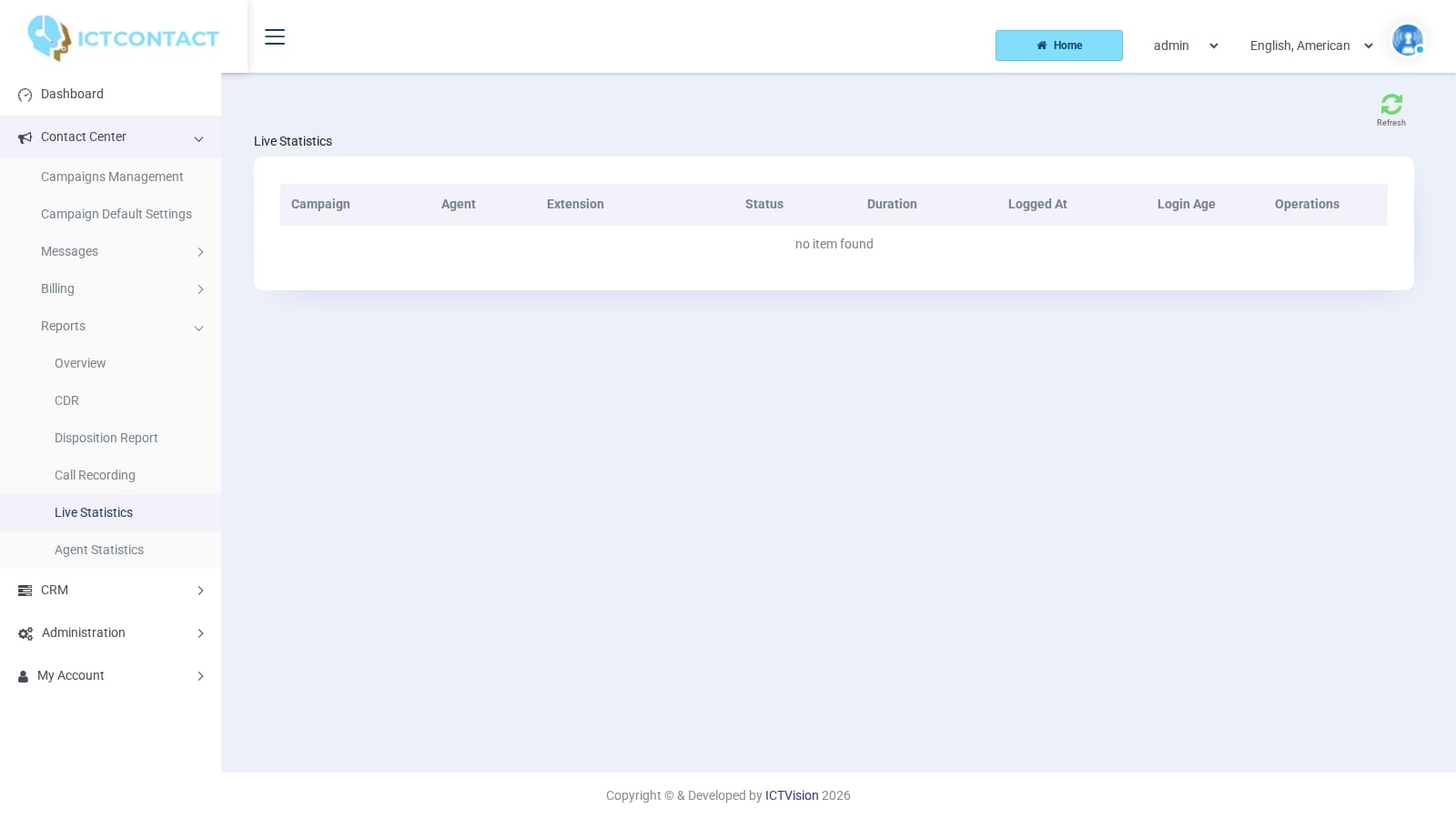 Live statistics
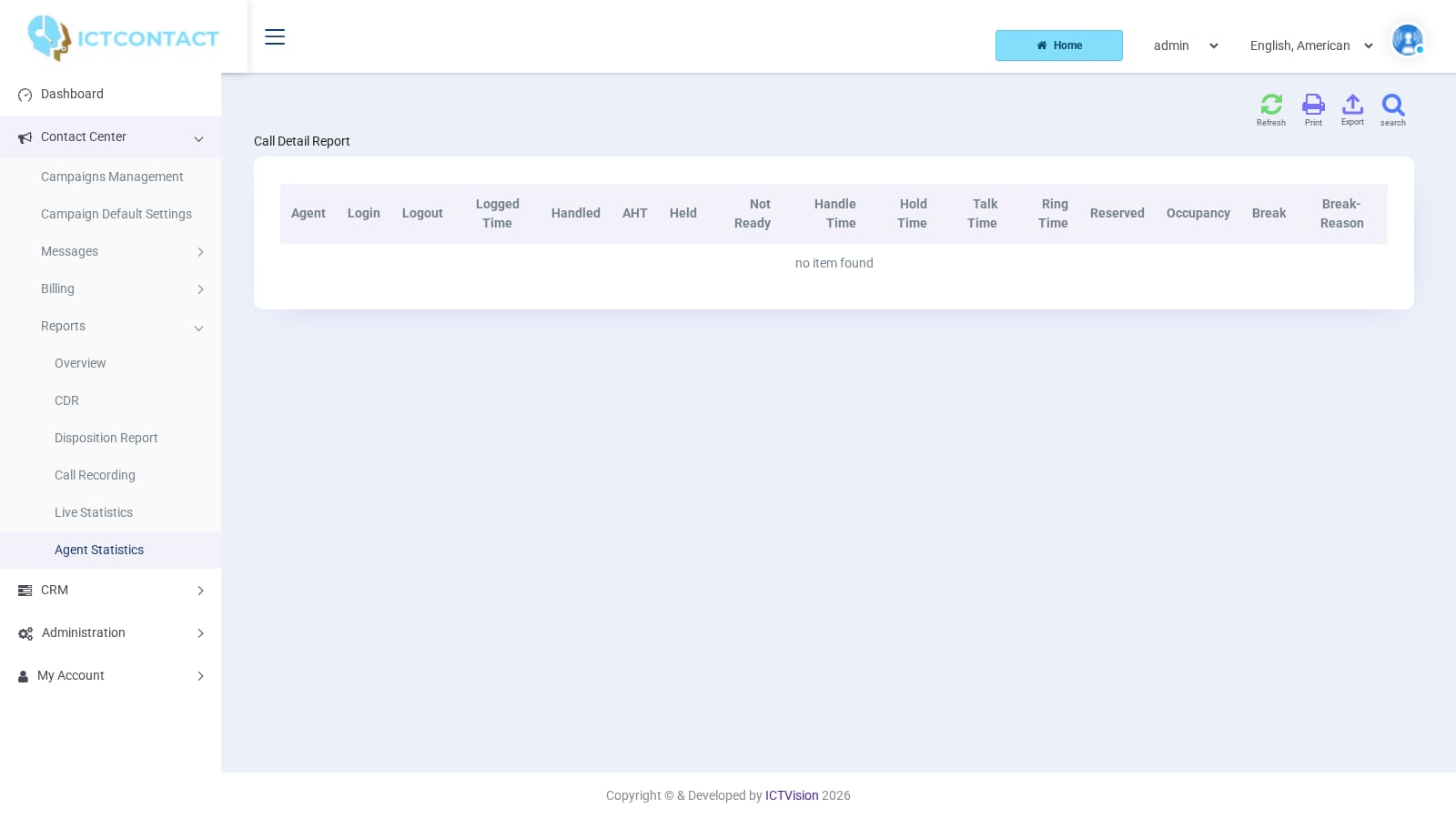 Agent statistics
Administration and billing
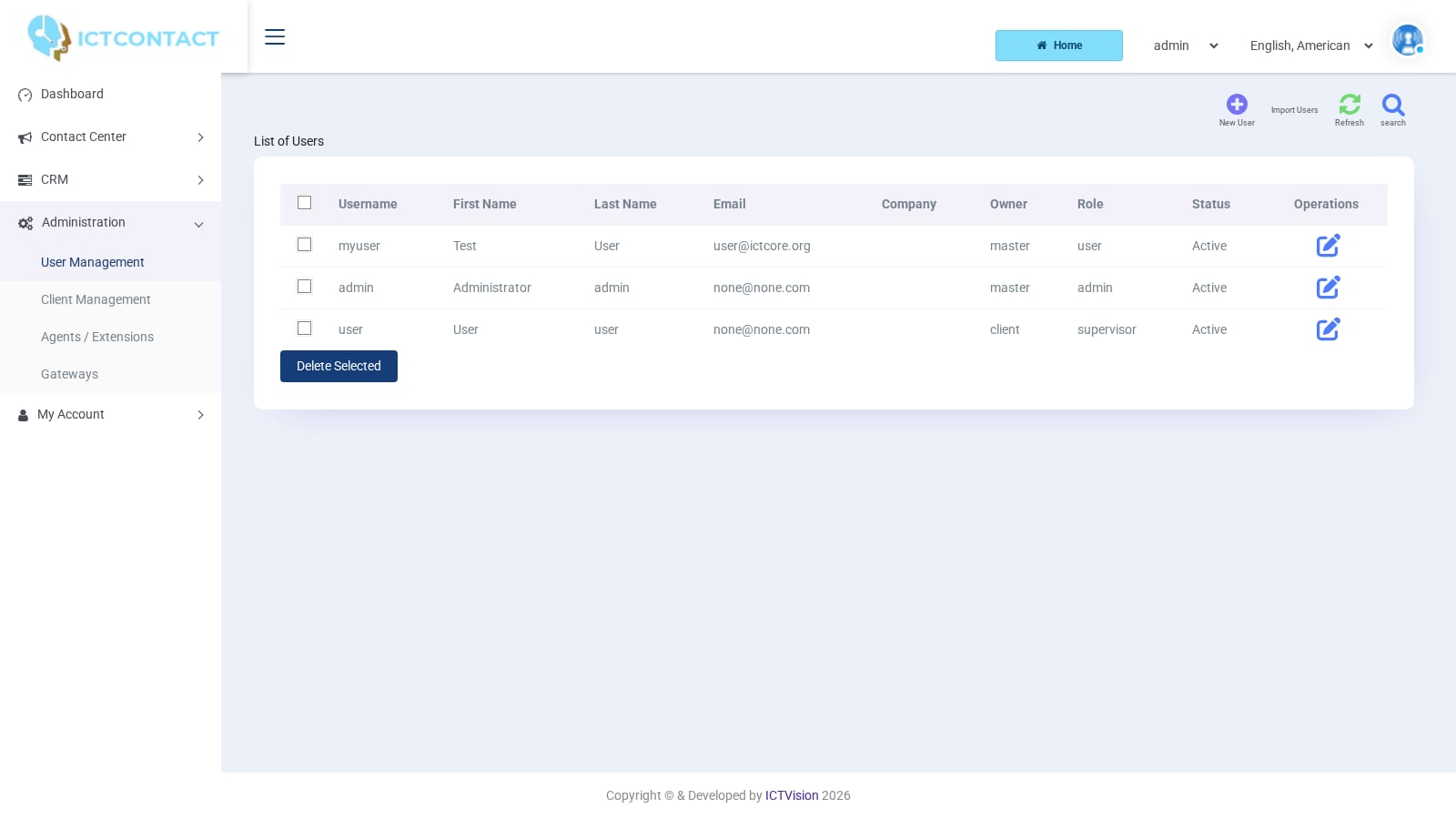 Users
Users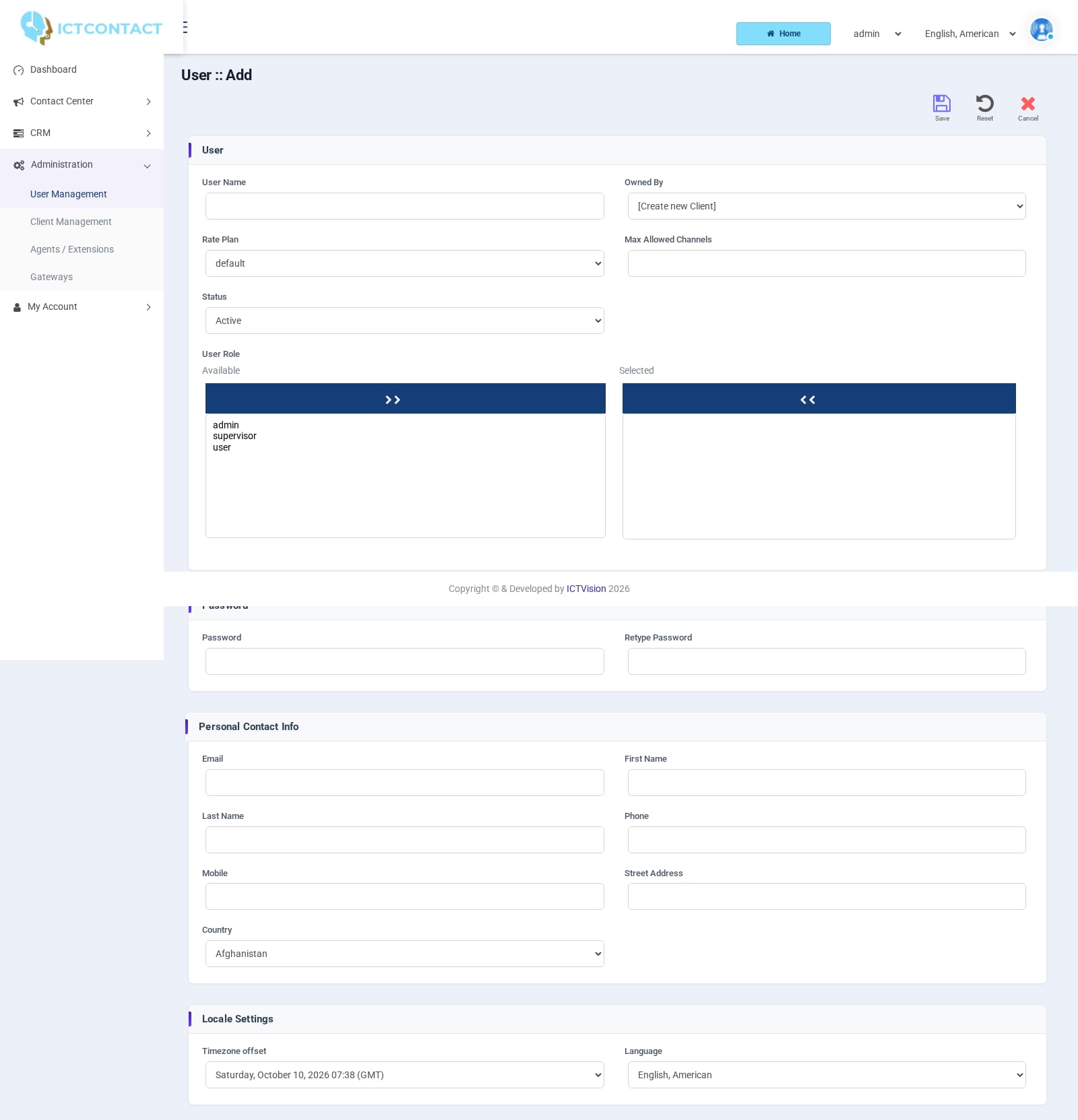 Adding a user
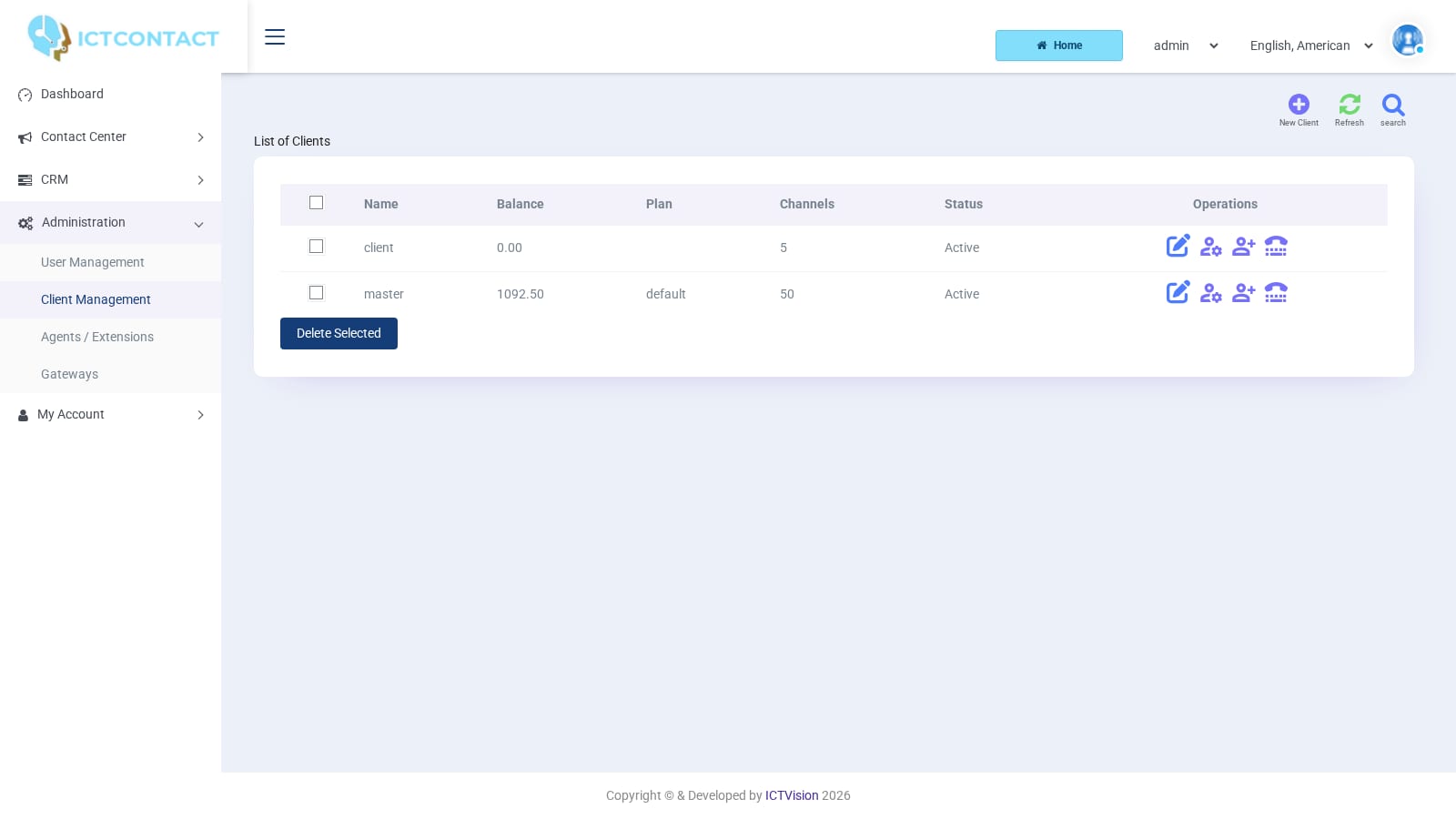 Clients
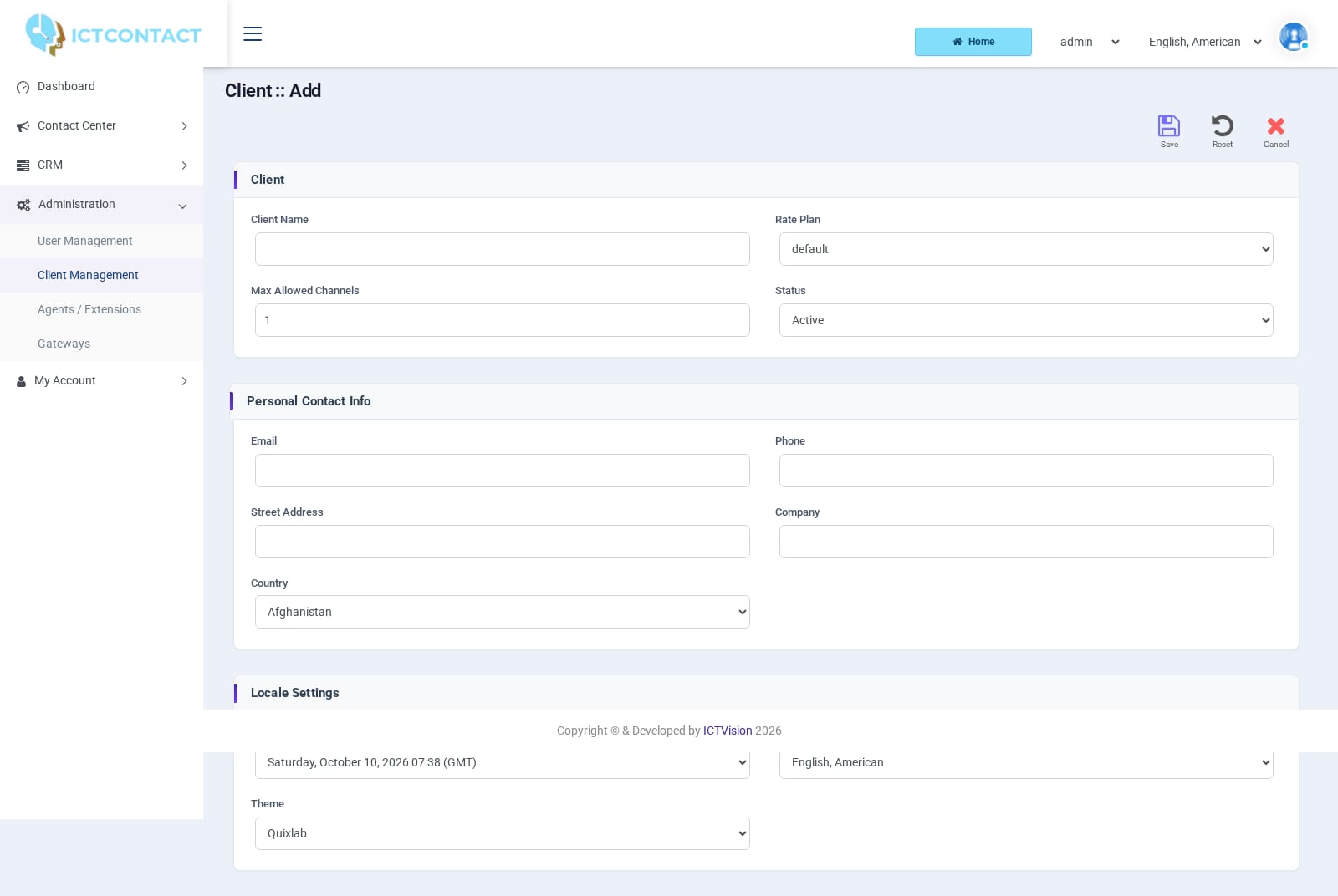 Adding a client
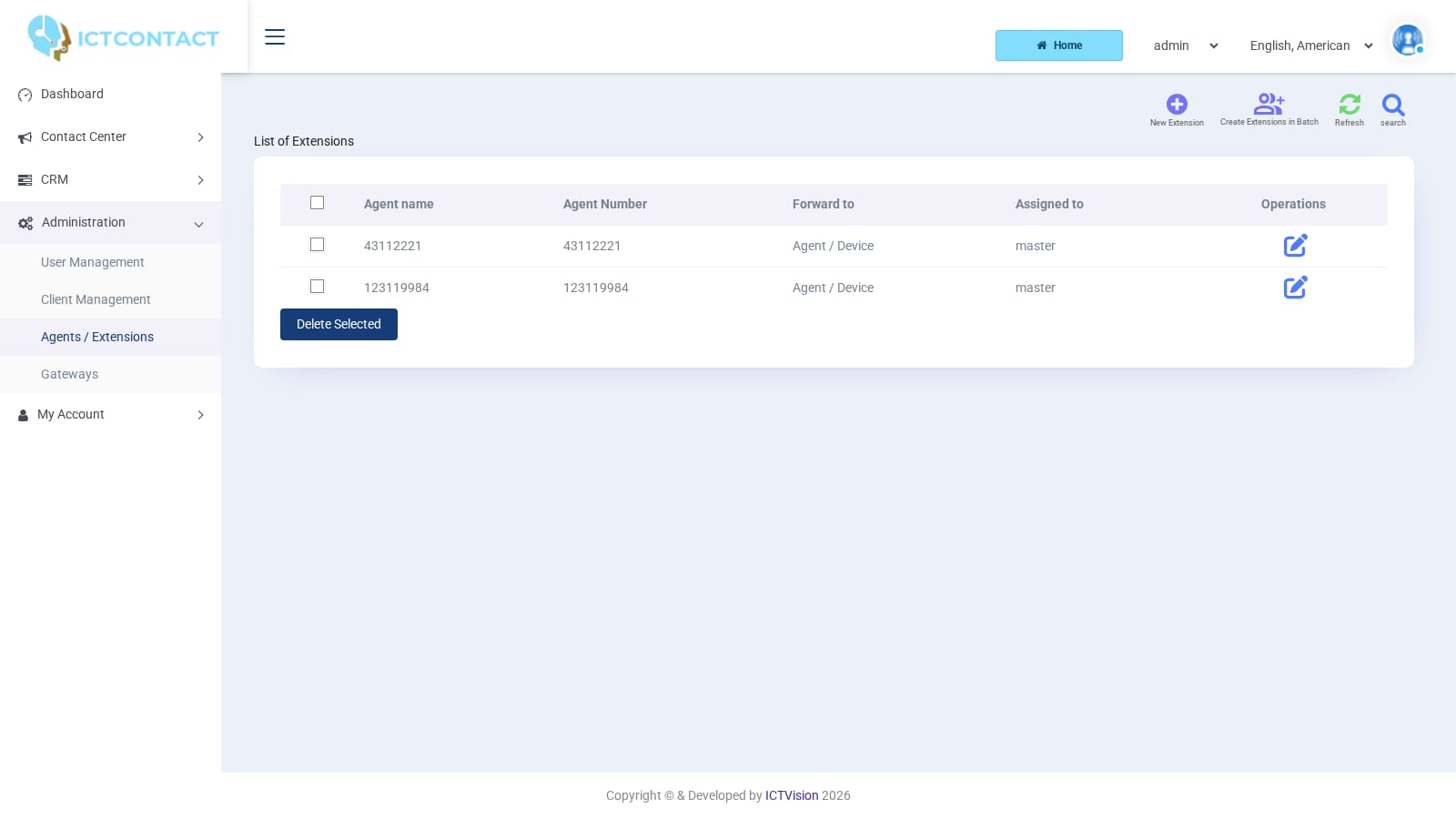 Extensions
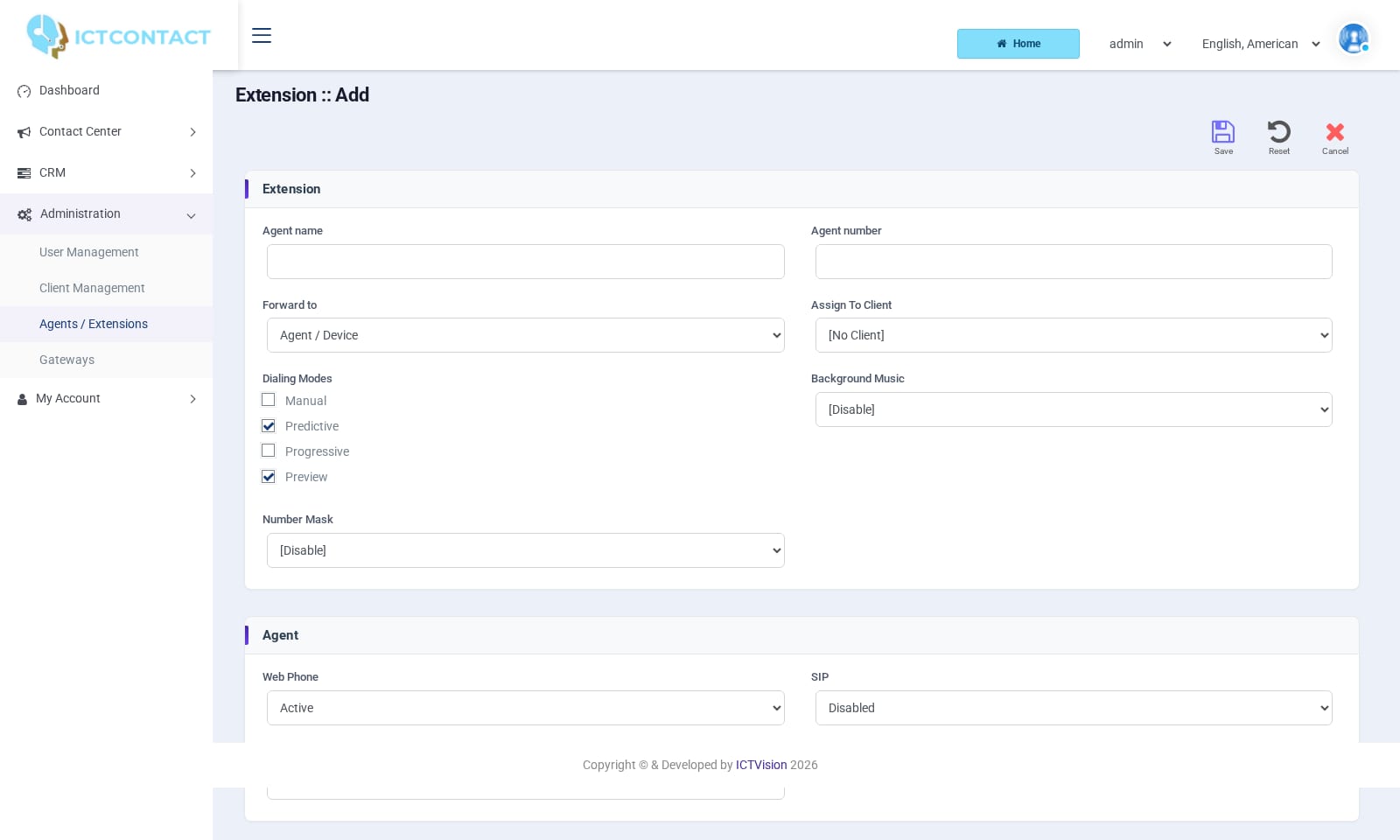 Adding an extension
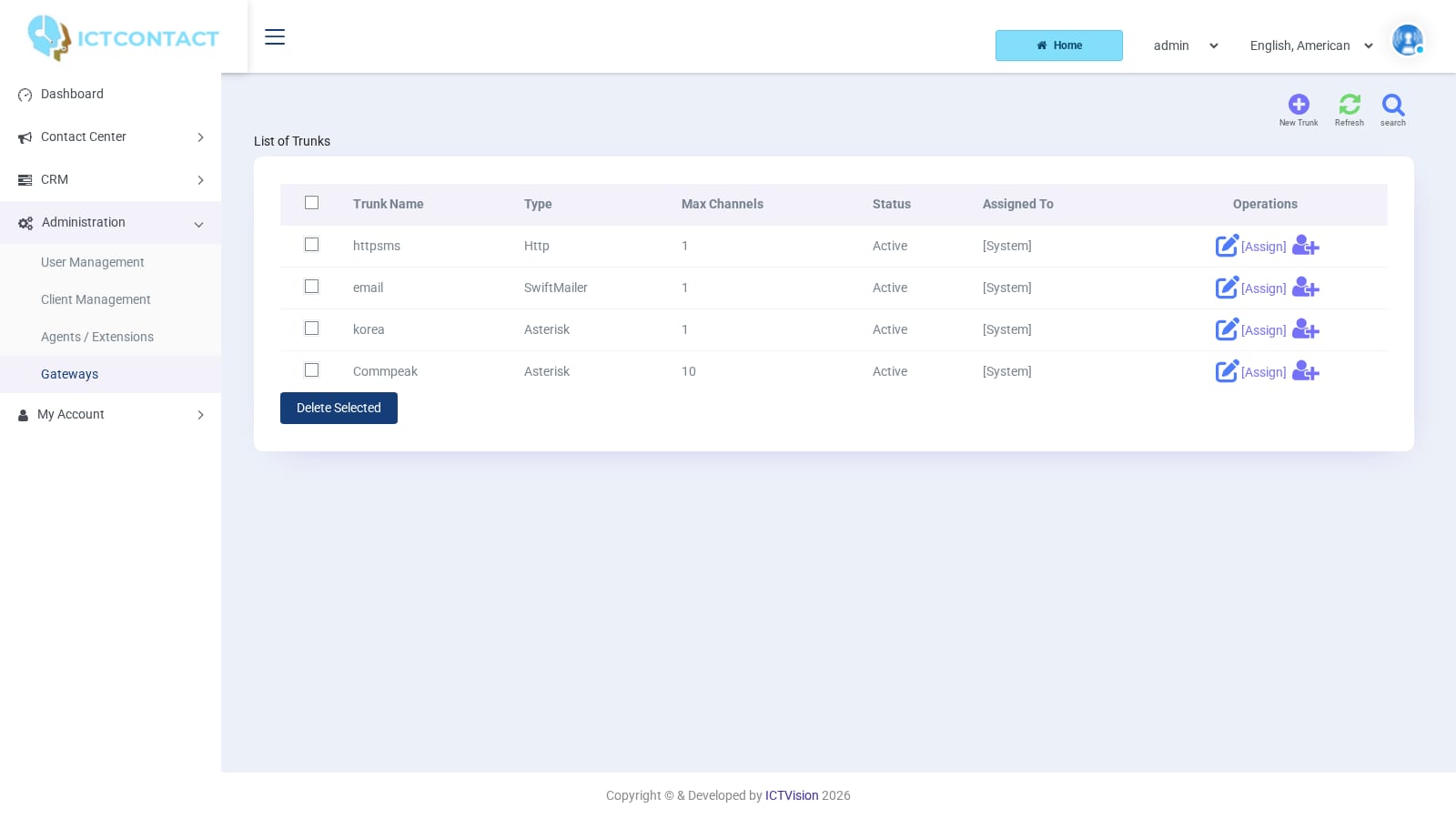 Gateways
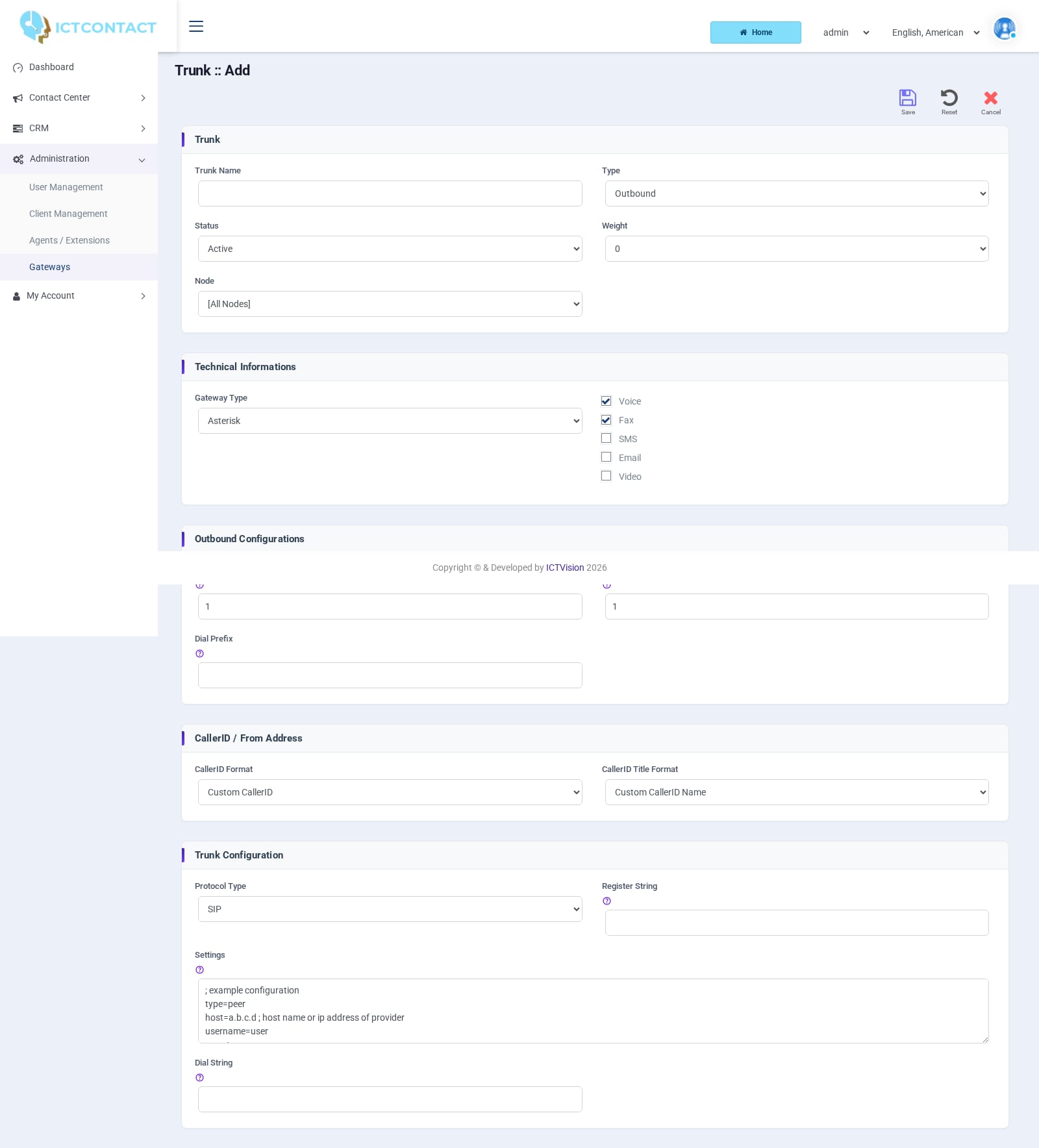 Adding a gateway
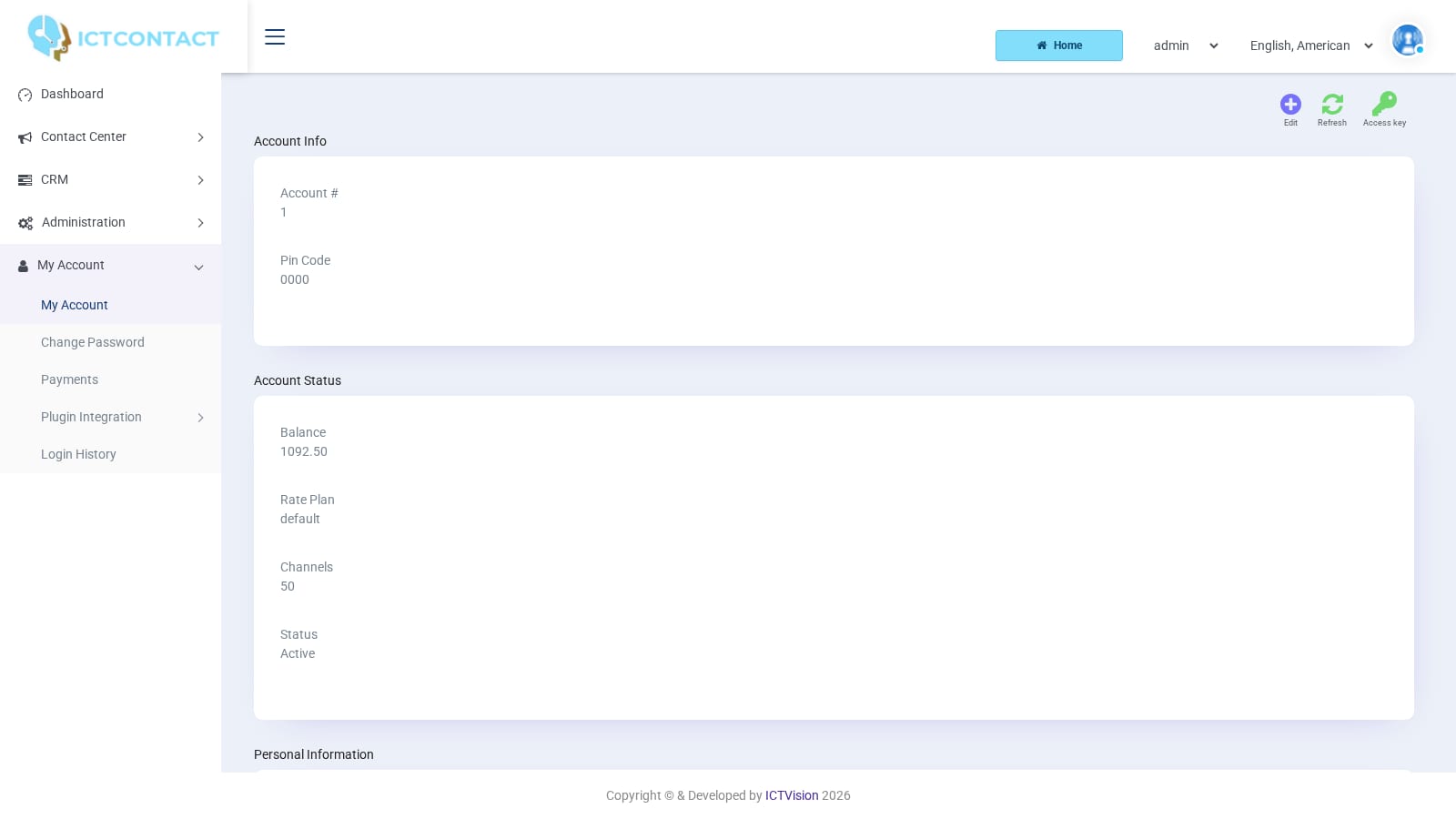 My Account
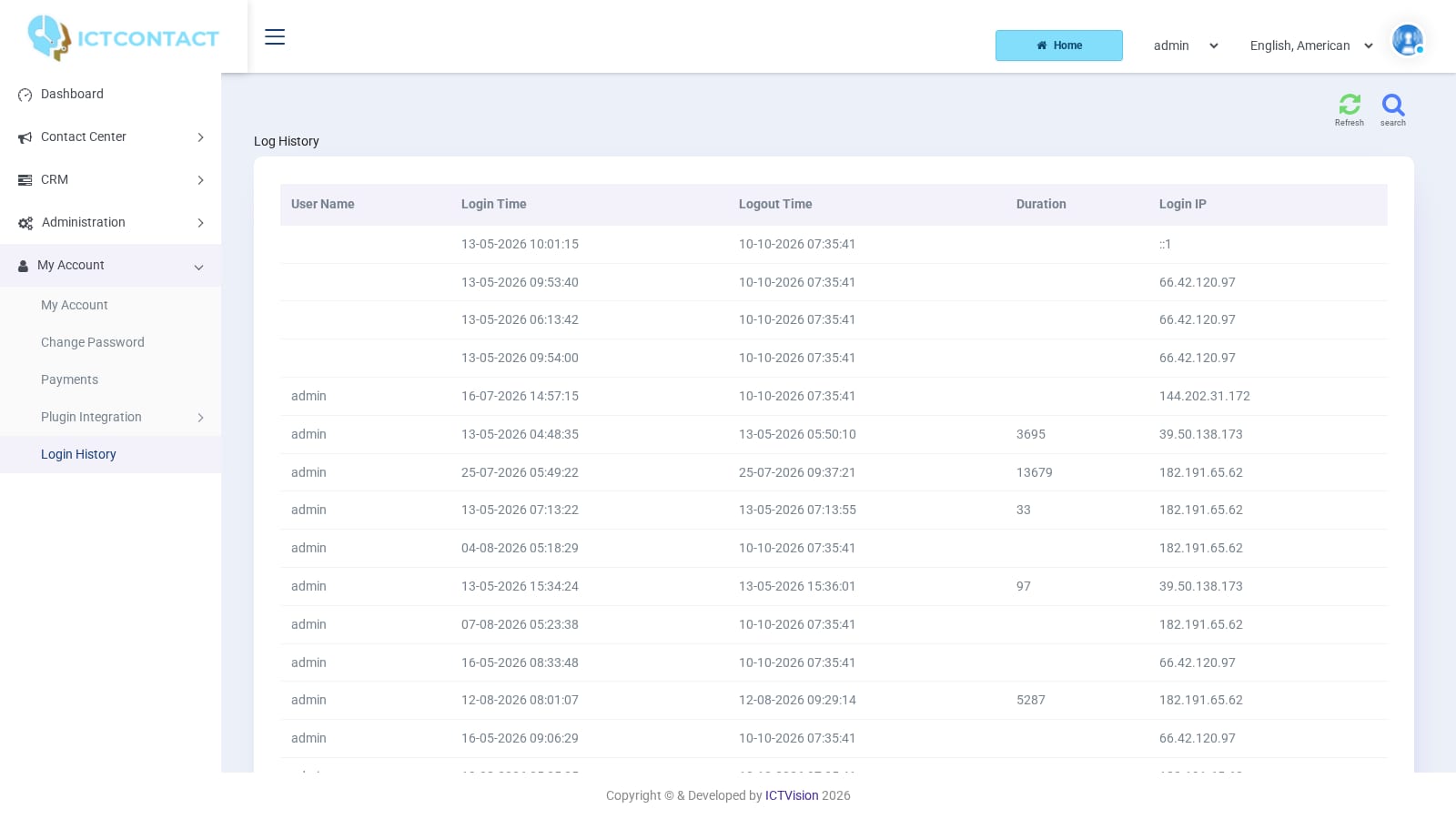 Login history
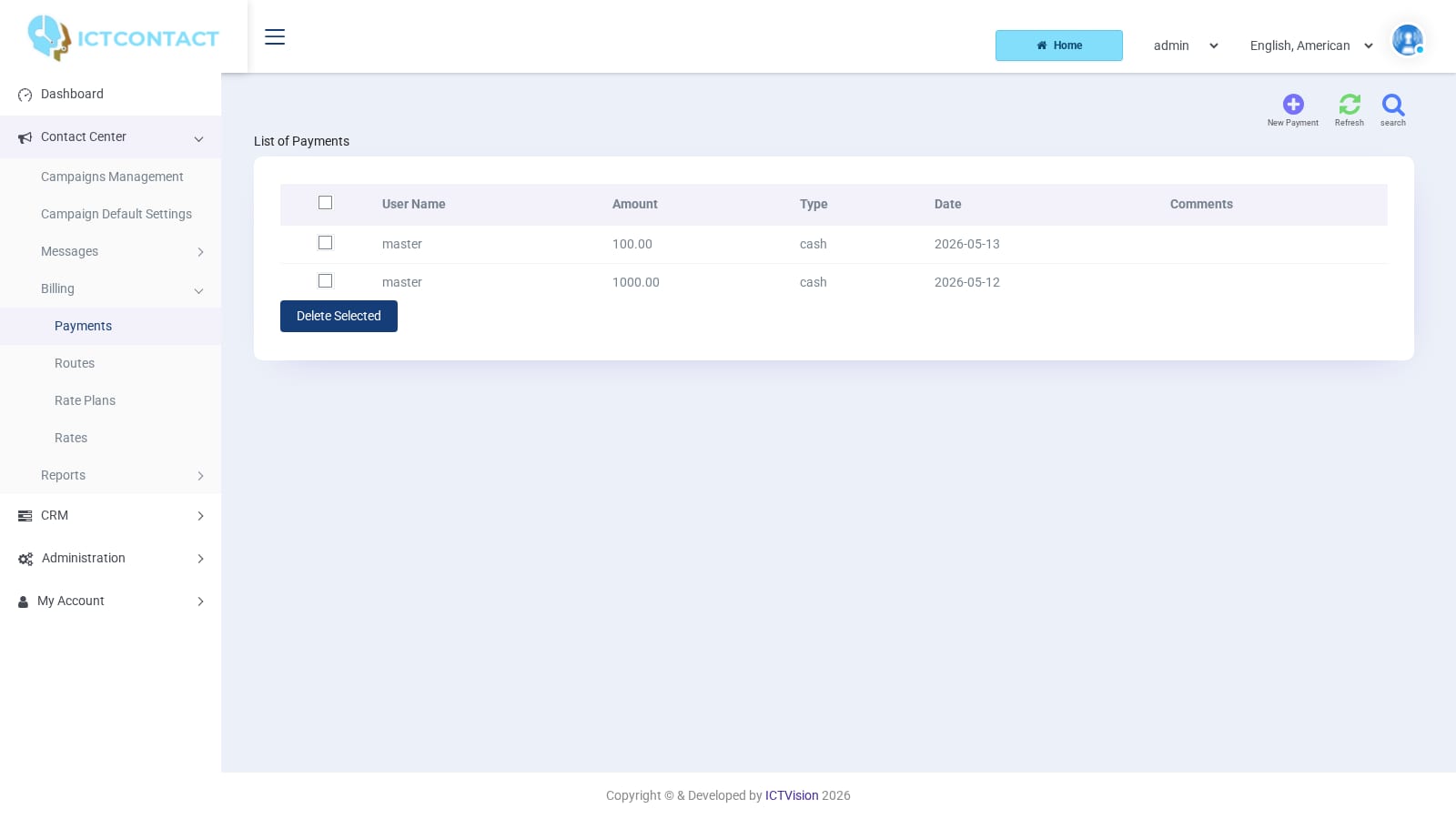 Payments
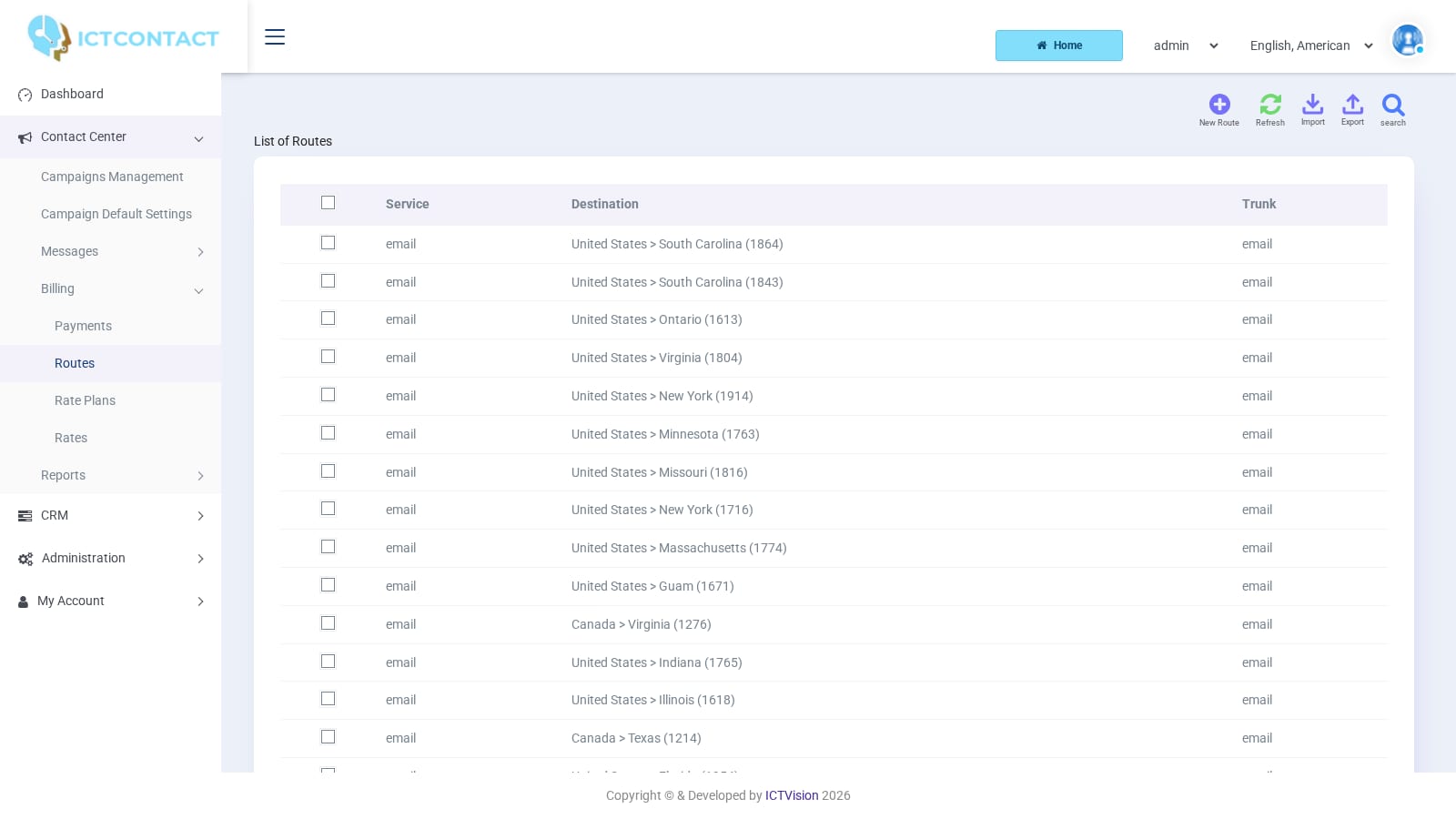 Routes
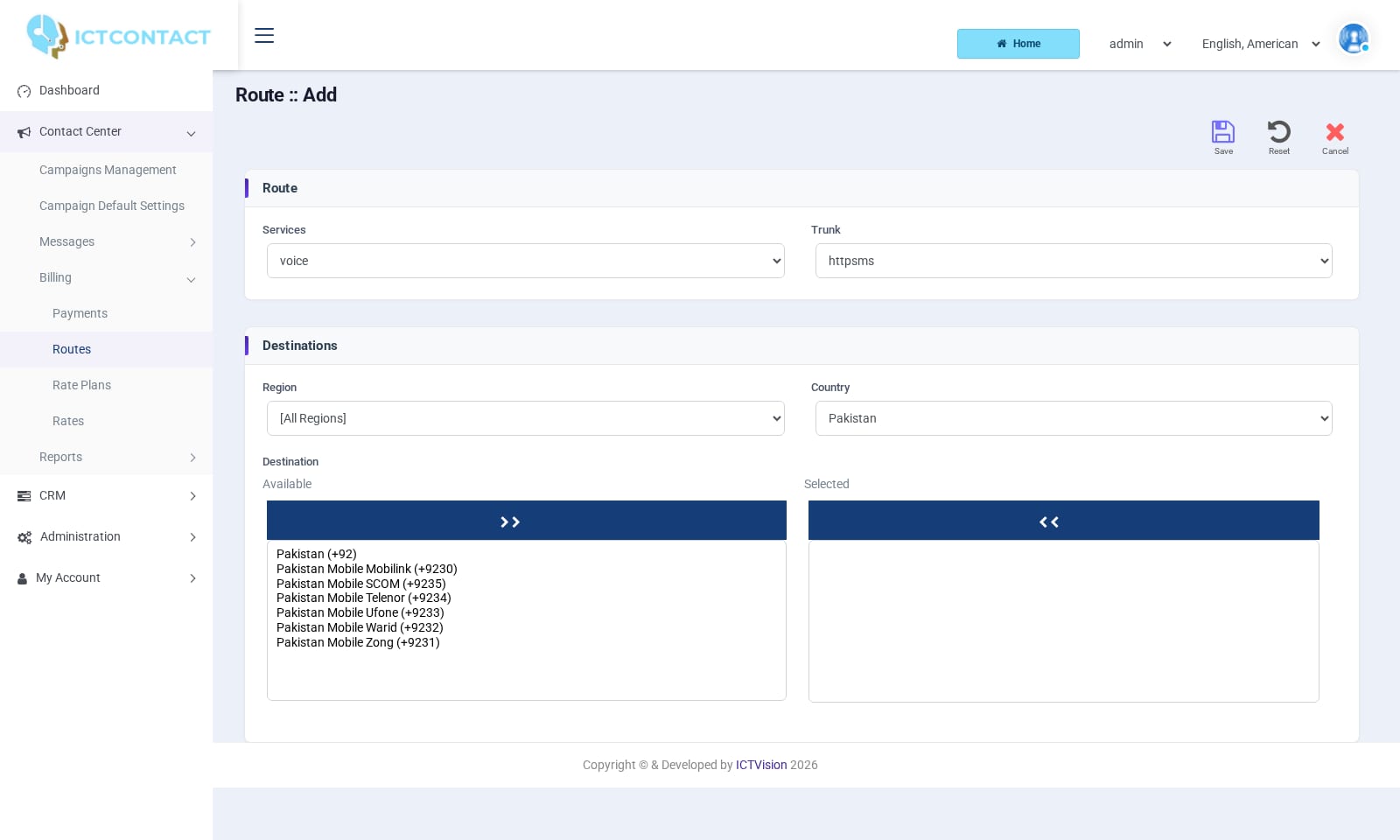 Adding a route
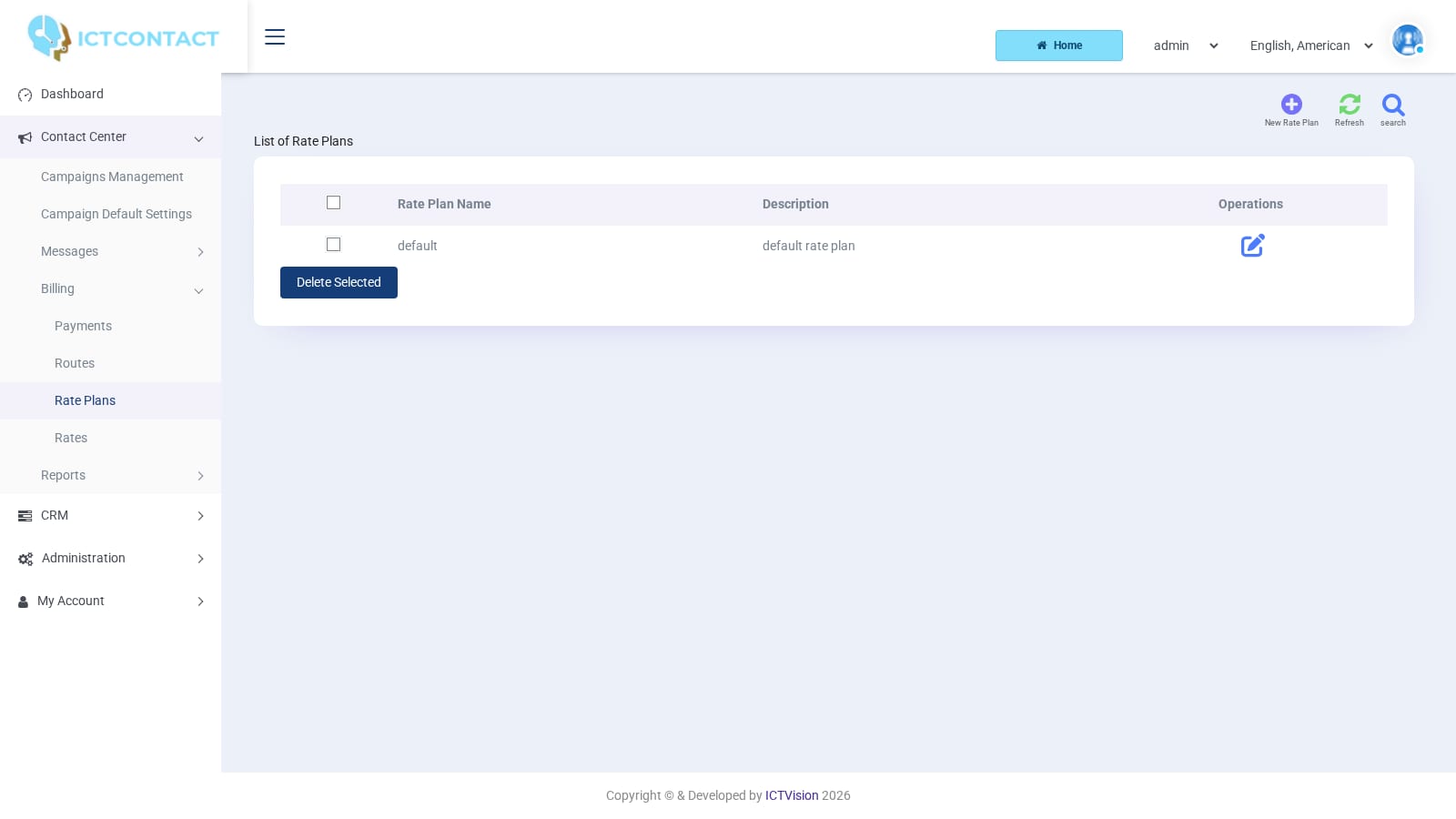 Rate plans
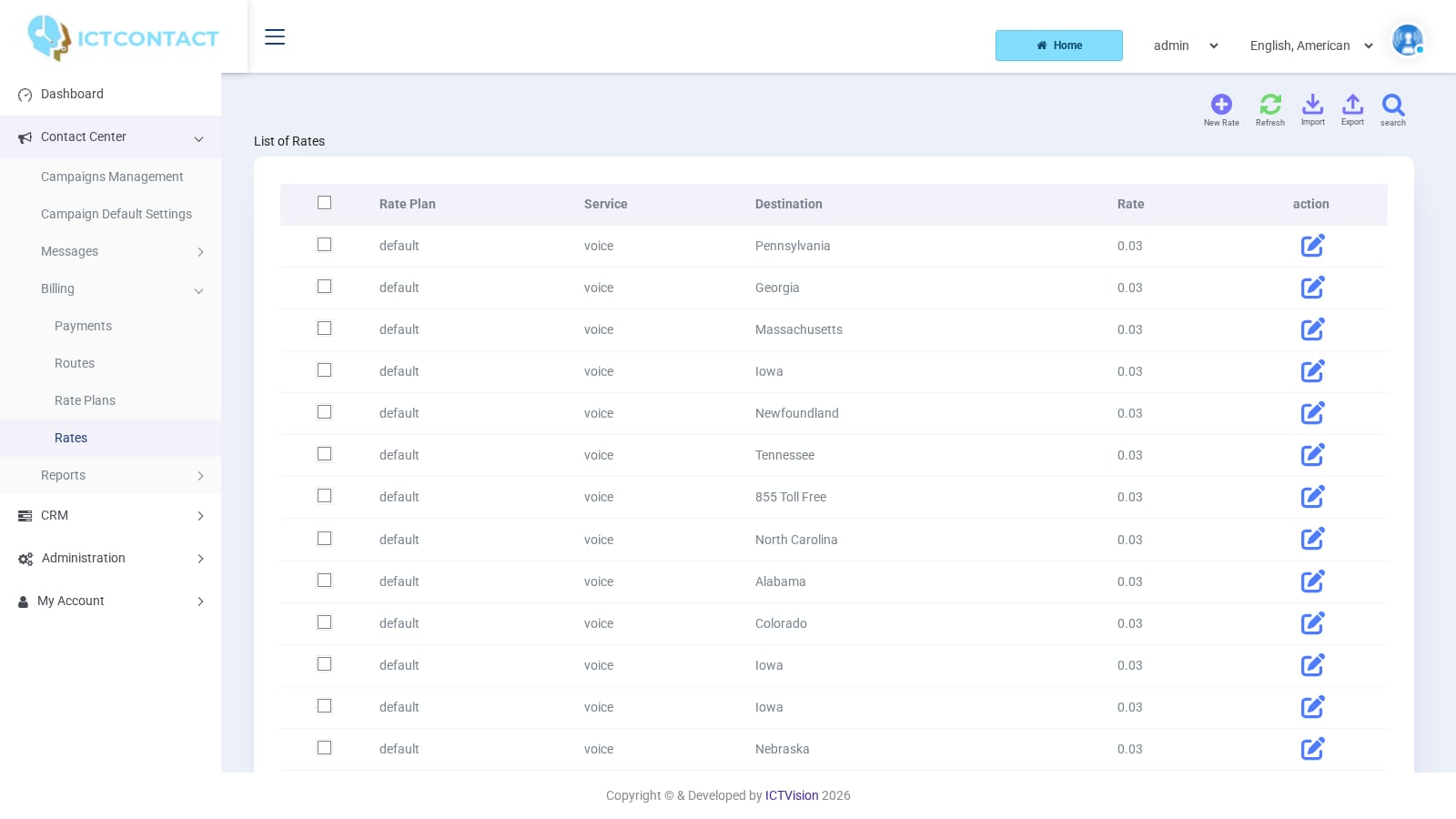 Rates
RatesWant to know what a screen does? The user guides walk through each one, and the Videos page shows them in use.